
email syncing
email incoming and outgoing are syncing fine between my ipad and iphone but deletions have stopped syncing ?
iPad Air, iOS 12
email incoming and outgoing are syncing fine between my ipad and iphone but deletions have stopped syncing ?
iPad Air, iOS 12
Hi pac1967,
For help with deleting emails, check your settings to ensure the Archived Mailbox isn't selected. The steps below found in the article here can assist. Delete emails on your iPhone or iPad
"Set Trash or Archive as your default option
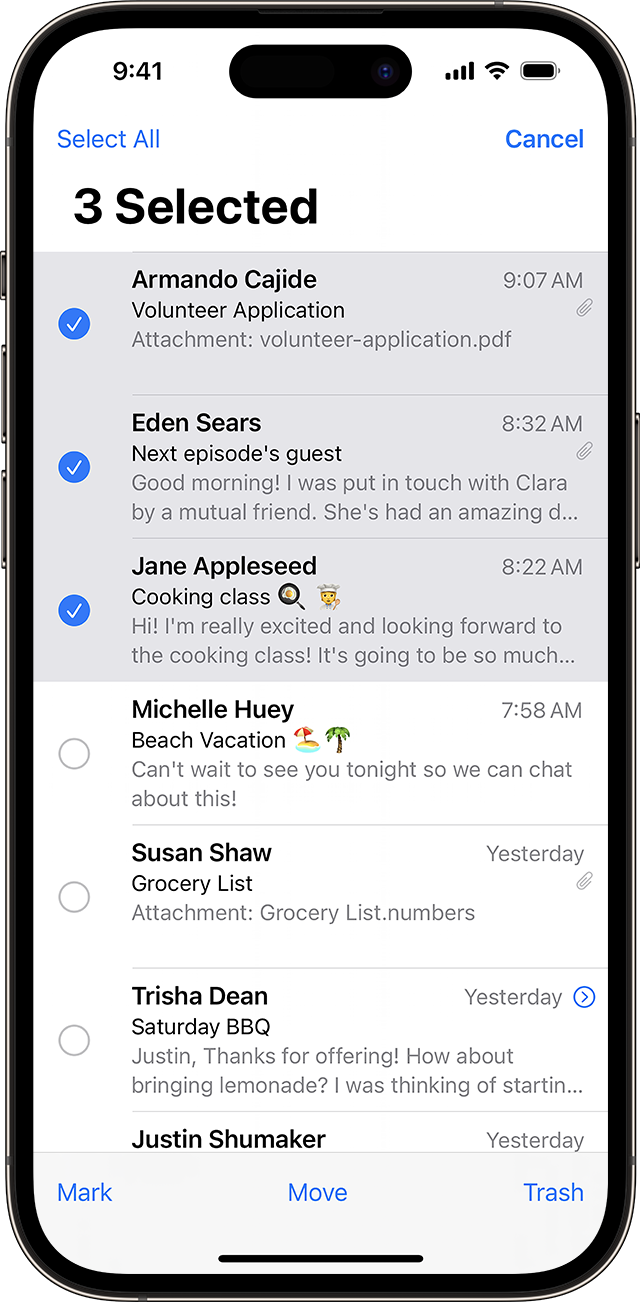
Depending on the type of email account you have, you might see Archive instead of Trash when you try to delete emails. You can edit where your deleted messages go in your Mail settings:
If the issue continues, test a normal restart of both devices and ensure there's a strong connection to Wi-Fi or cellular data.
Restart your iPhone - Apple Support
Restart your iPad - Apple Support
You can also find helpful information and steps to test here: If you can't receive email on your iPhone, iPad, or iPod touch
Cheers.
Hi pac1967,
For help with deleting emails, check your settings to ensure the Archived Mailbox isn't selected. The steps below found in the article here can assist. Delete emails on your iPhone or iPad
"Set Trash or Archive as your default option
Depending on the type of email account you have, you might see Archive instead of Trash when you try to delete emails. You can edit where your deleted messages go in your Mail settings:
If the issue continues, test a normal restart of both devices and ensure there's a strong connection to Wi-Fi or cellular data.
Restart your iPhone - Apple Support
Restart your iPad - Apple Support
You can also find helpful information and steps to test here: If you can't receive email on your iPhone, iPad, or iPod touch
Cheers.
email syncing

