Hi nohbo,
The guidance below can help resolve issues with downloading apps:
1.Add a payment method
You might need to have a valid payment method on file, even if the app that you want to download is free.
Add a payment method
2.Resolve a problem with your payment method
If your payment method is expired, declined, or failed, or a message says 'billing problem with previous purchase'
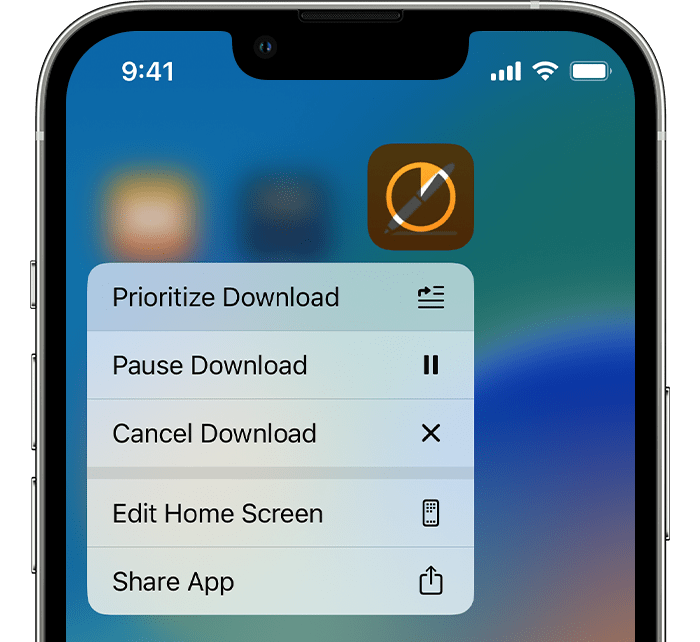
3.Prioritize the download
From the Home Screen, touch and hold the app. From the menu that appears, choose Prioritize Download.
4.Restart your device
Restart your iPhone or iPad, then check to see if you can download or update apps.
Restart your iPhone
Restart your iPad
If you still can't download or update apps
Contact Apple Support
If you can’t download or update apps on your iPhone or iPad - Apple Support
Cheers.


