Apple pencil 2
Stranger line appear while I'm writing with Apple Pencil 2 on good note or other app . What's the problem how to fix it
iPad Air, iPadOS 16
Stranger line appear while I'm writing with Apple Pencil 2 on good note or other app . What's the problem how to fix it
iPad Air, iPadOS 16
Hello A-Karim,
Please ensure your the iPad you’re using your Apple Pencil with is running the latest software version, so we can rule out an issue there. This link explains how to check for updates: Update your iPhone or iPad
Update your iPhone or iPad wirelessly
1. Back up your device using iCloud or your computer.
2. Plug your device into power and connect to the internet with Wi-Fi.
3. Go to Settings > General, then tap Software Update.
4. If you see more than one software update option available, choose the one that you want to install.
5. Tap Install Now. If you see Download and Install instead, tap it to download the update, enter your passcode, then tap Install Now. If you don't know your passcode, learn what to do.
Please ensure the Apple Pencil is fully charged, so we can rule out a possible issue there as well. This link outlines how to check the battery, and may help: Charge your Apple Pencil and check the battery
If you have Apple Pencil (2nd generation)
Attach your Apple Pencil to the magnetic connector on the long side of your iPad.
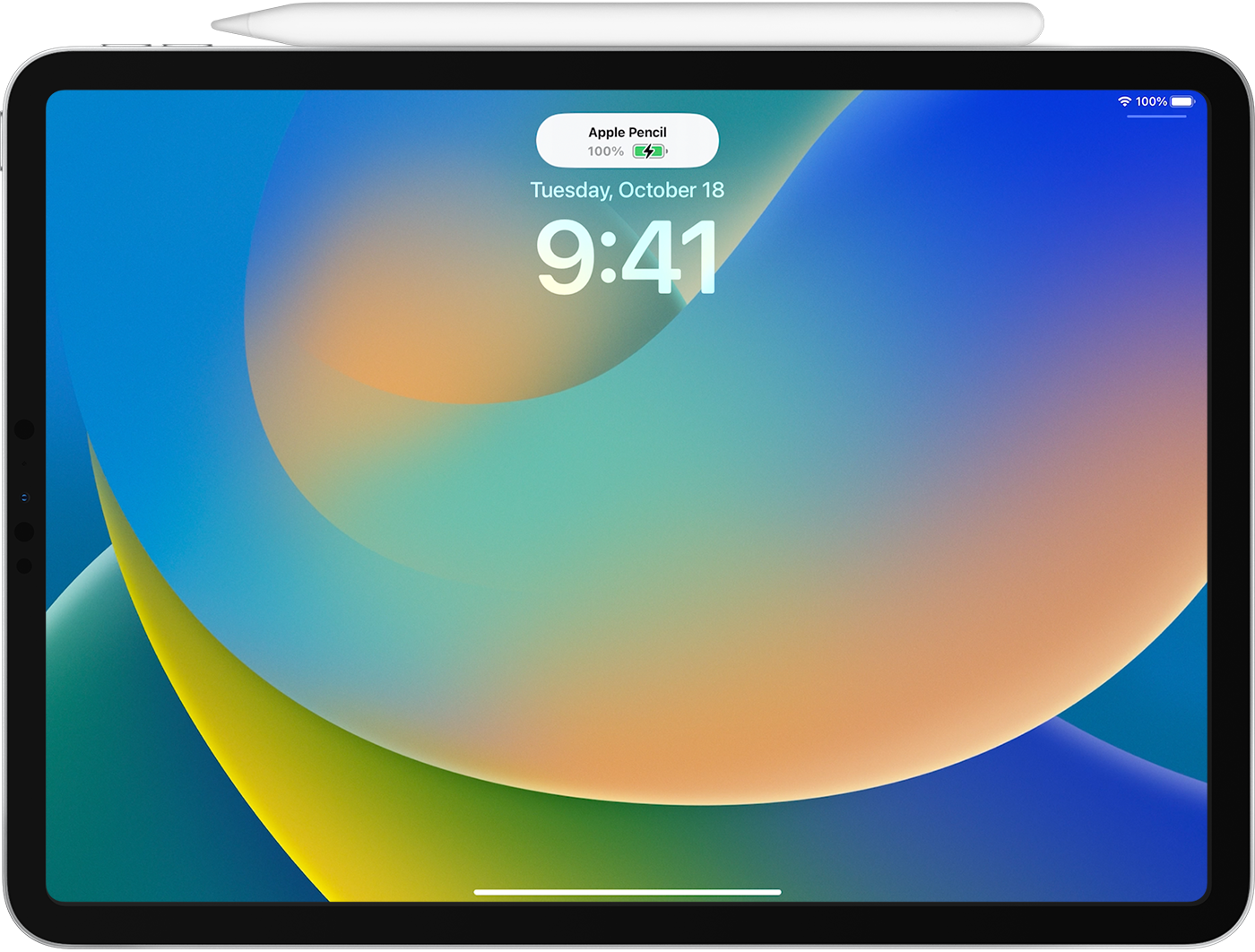
When you attach Apple Pencil (2nd generation) to your iPad, the battery level appears near the top of the screen for a moment. If it doesn't appear, make sure that Bluetooth is turned on.
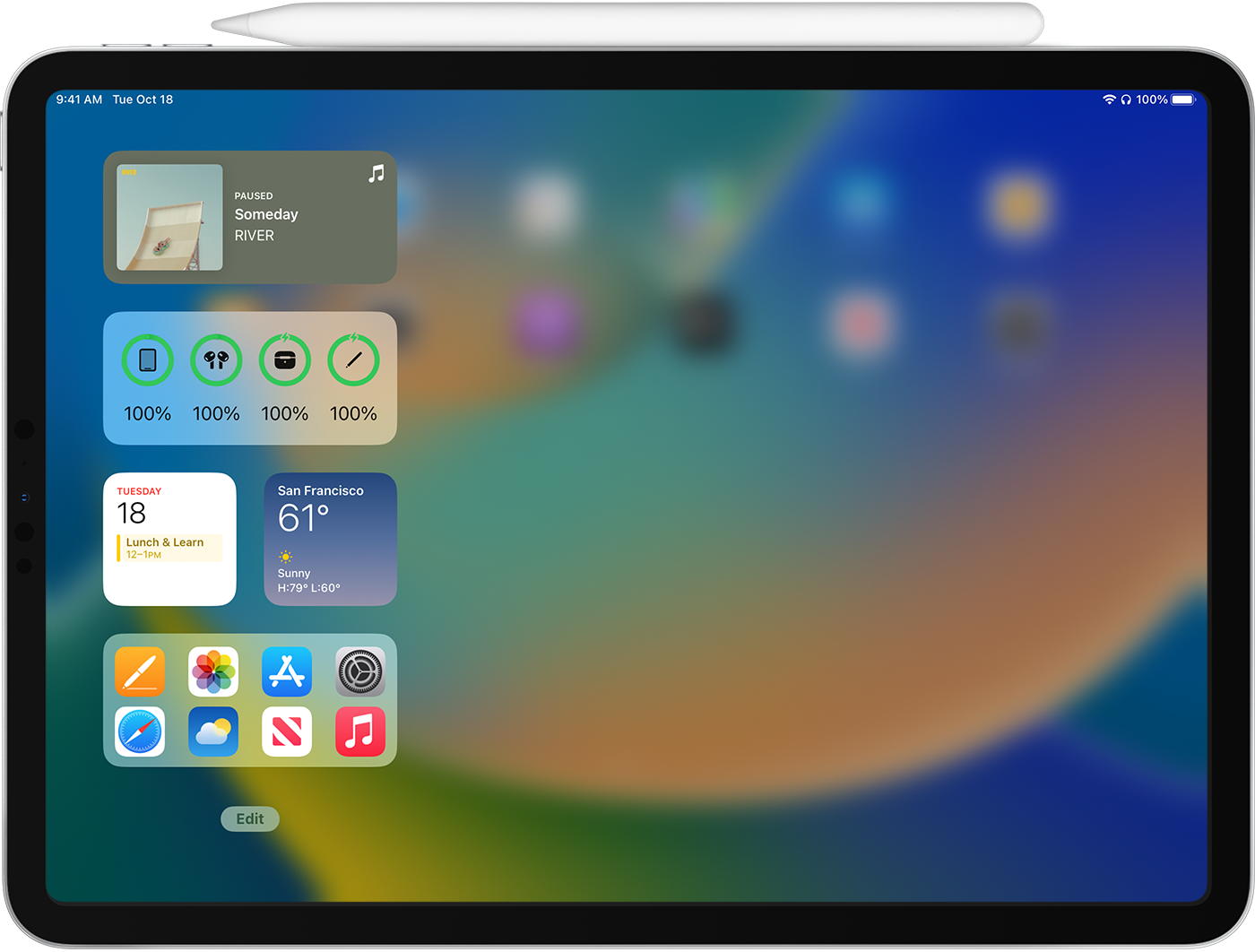
To check how much battery your Apple Pencil has left while you're using it, add the battery level then check Today View on your iPad. Just swipe from left to right on the Home Screen or Lock Screen.
If you're charging your Apple Pencil (2nd generation) with your iPad Pro and your car's keyless entry device (key fob) is nearby, signal interference might prevent you from unlocking your car with your key fob. If this happens, you can simply move your iPad Pro away from the key fob or remove your Apple Pencil from your iPad Pro and store it separately. When Apple Pencil is finished charging, any resulting signal interference will cease.

If you continue to experience an issue, please contact Apple Support for help. You may be able to reach them here: Contact Apple Support
Thanks!
Apple pencil 2