
I changed my payment method but Apple Music is still coming out of the old account. Help?
I changed my payment method but Apple Music is still coming out of the old account. Help?
Windows, Windows 10
I changed my payment method but Apple Music is still coming out of the old account. Help?
Windows, Windows 10
Hi AppleuserPatC,
The following information may be helpful in resolving this situation:
Update your payment method on your Windows PC or Microsoft Surface
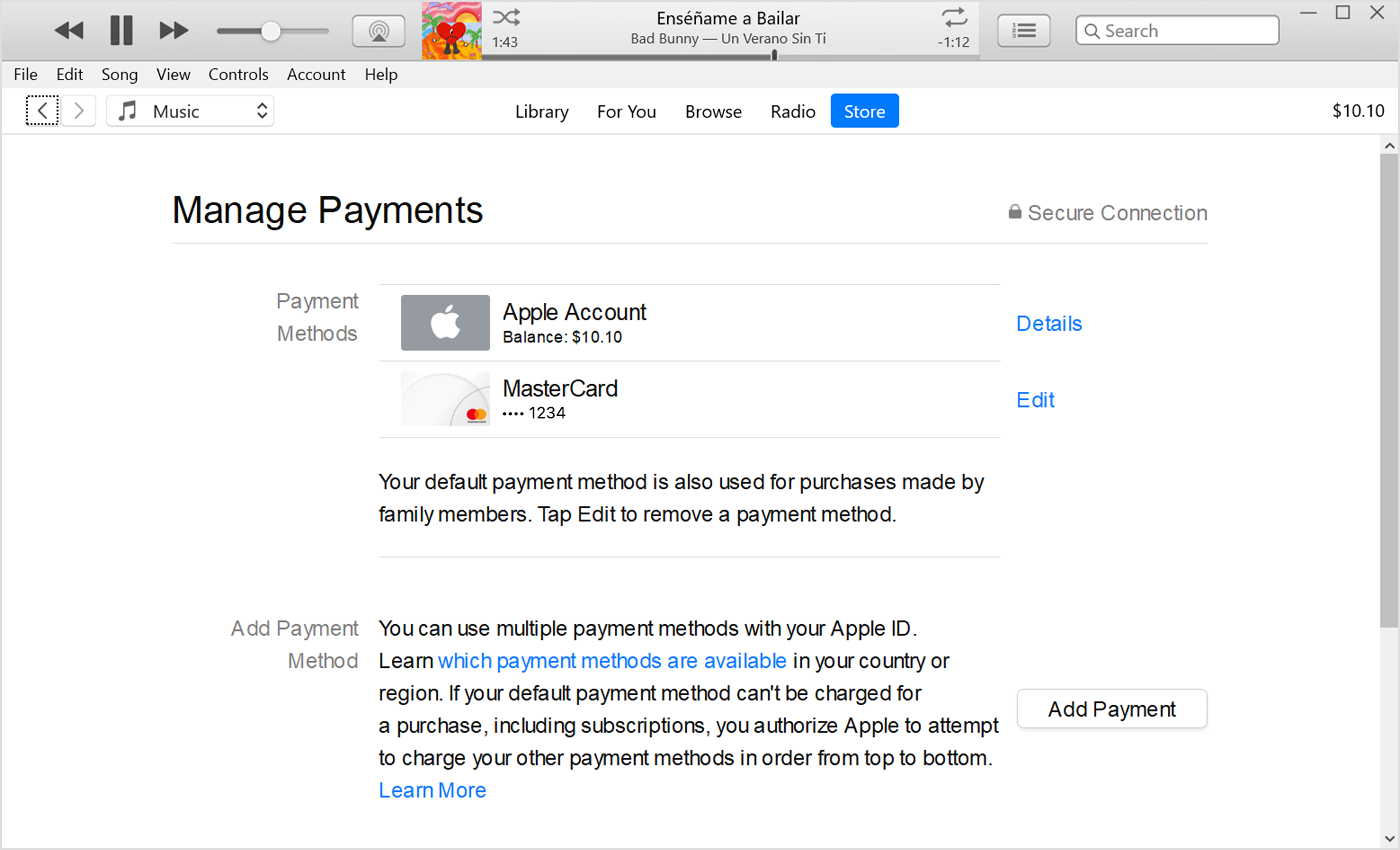
This information, and more regarding changing or updating your Apple ID payment method can be found in the following article: If you need to change or update your Apple ID payment method - Apple Support
Hope this helps,
Gabe
Hey, that's strange. It's possible you changed the payment method after the charge. I believe you can check when it renews in the Subscription settings.
It's also possible that the invoice came a bit late — it can sometimes take a few days.
Gabe
Hi Gabe - thanks for the quick response. I did that exact thing when I added my new account and it even shows up correctly when I check the payment type. However, I just received a statement showing Apple Music still being charged to the old card. Maybe the change came after the charge??? Otherwise I don't know what's going on.
I changed my payment method but Apple Music is still coming out of the old account. Help?