
Rowing workout on iwatch is not accurate. Does not detect duration nor calories accurately. Anyone else seen this?
Rowing workout on iwatch is not accurate. Does not detect duration nor calories accurately. Anyone else seen this?
Rowing workout on iwatch is not accurate. Does not detect duration nor calories accurately. Anyone else seen this?
Hello Taino54,
Thanks for choosing the Apple Support Communities. We understand your workouts aren't accurately recording workouts. We also see you saw the instructions on calibrating your Apple Watch: Calibrate your Apple Watch for improved Workout and Activity accuracy - Apple Support
We suggest calibrating and trying again. Here is how:
"Check your settings
To make sure that your Apple Watch can get the information it needs, check these settings on your iPhone:
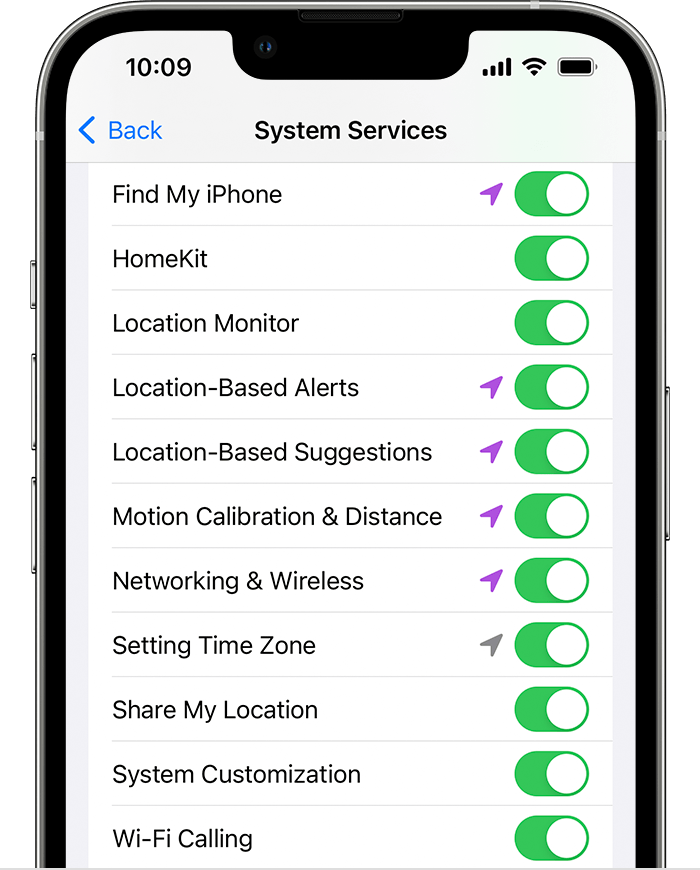
6. Continue with the steps below.

Calibrate your Apple Watch
 .
.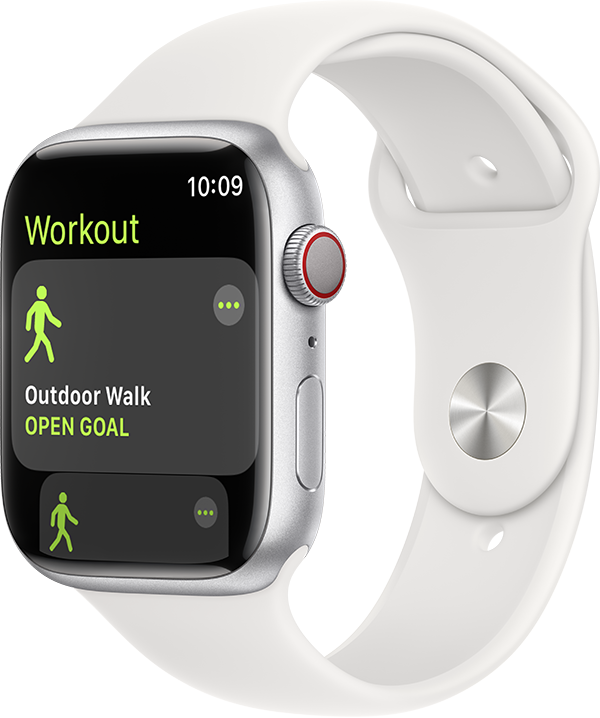
4. Walk or run at your normal pace for about 20 minutes.
If you don't have time to finish the workout, you can complete 20 minutes over multiple outdoor Workout sessions. If you work out at different speeds, you should also calibrate for 20 minutes at each of the speeds that you walk or run.
Whenever you walk or run outside using the above steps, your Apple Watch continues to calibrate the accelerometer by learning your stride length at different speeds. Calibration can also improve the accuracy of your calorie calculations in the Workout app, and the calorie, distance, Move, and Exercise calculations in the Activity app.
Improve your Workout and Activity accuracy
Your personal information, such as your height, weight, gender, and age, is one of the things your Apple Watch uses to calculate how many calories you burn and more. Learn how to update your personal information.
Reset your calibration data
Here's how to reset your calibration data:
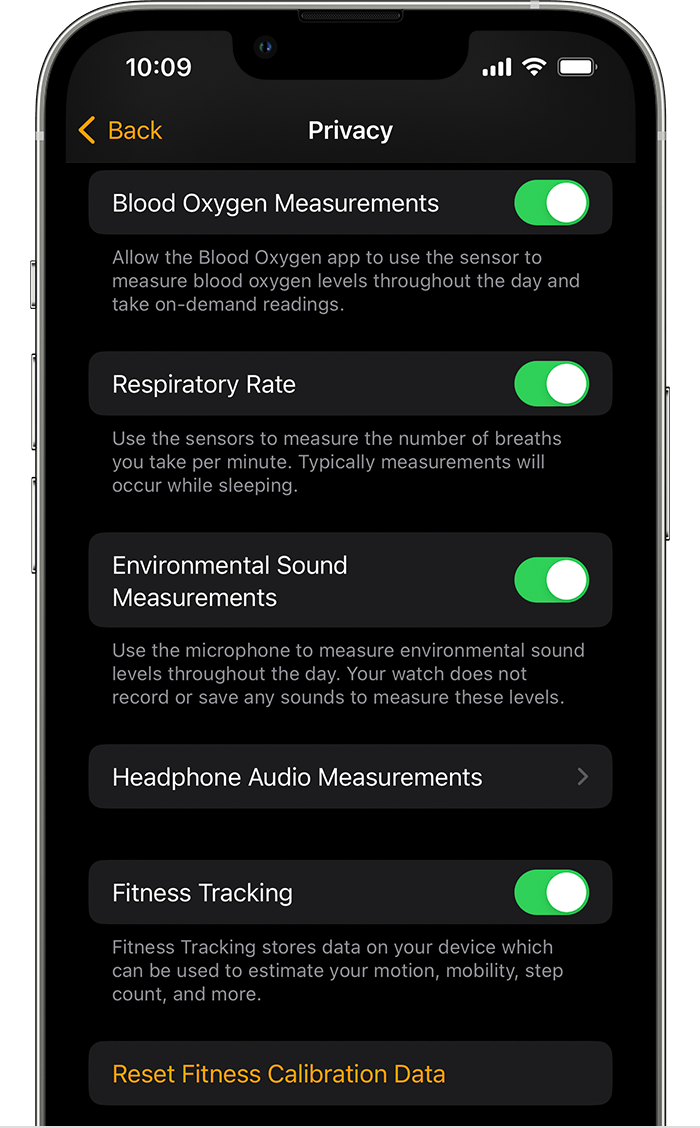 "
"
We hope this helps.
Cheers!
Hello Taino54,
Thanks for choosing the Apple Support Communities. We understand your workouts aren't accurately recording workouts. We also see you saw the instructions on calibrating your Apple Watch: Calibrate your Apple Watch for improved Workout and Activity accuracy - Apple Support
We suggest calibrating and trying again. Here is how:
"Check your settings
To make sure that your Apple Watch can get the information it needs, check these settings on your iPhone:
6. Continue with the steps below.
Calibrate your Apple Watch
.
4. Walk or run at your normal pace for about 20 minutes.
If you don't have time to finish the workout, you can complete 20 minutes over multiple outdoor Workout sessions. If you work out at different speeds, you should also calibrate for 20 minutes at each of the speeds that you walk or run.
Whenever you walk or run outside using the above steps, your Apple Watch continues to calibrate the accelerometer by learning your stride length at different speeds. Calibration can also improve the accuracy of your calorie calculations in the Workout app, and the calorie, distance, Move, and Exercise calculations in the Activity app.
Improve your Workout and Activity accuracy
Your personal information, such as your height, weight, gender, and age, is one of the things your Apple Watch uses to calculate how many calories you burn and more. Learn how to update your personal information.
Reset your calibration data
Here's how to reset your calibration data:
"
We hope this helps.
Cheers!
Rowing workout on iwatch is not accurate. Does not detect duration nor calories accurately. Anyone else seen this?

