
Message
I received a message saying my Mac had been signed into with my Apple ID and password. How do I know if that is really what happened? If it did, what can I do?
MacBook Pro 13″, macOS 10.14
I received a message saying my Mac had been signed into with my Apple ID and password. How do I know if that is really what happened? If it did, what can I do?
MacBook Pro 13″, macOS 10.14
Hey Callmetheseaker,
Welcome to Apple Support Communities.
We understand that you'd like to confirm that your Mac was signed into your Apple ID. We can absolutely assist!
Check your Apple ID device list to find where you're signed in - Apple Support has the steps you'll need to see which devices are signed in. You can even remove a device using the steps found in the article.
Since we know you're using a Mac, we'll provide those device-specific steps here:
"Use your Mac to find where you're signed in
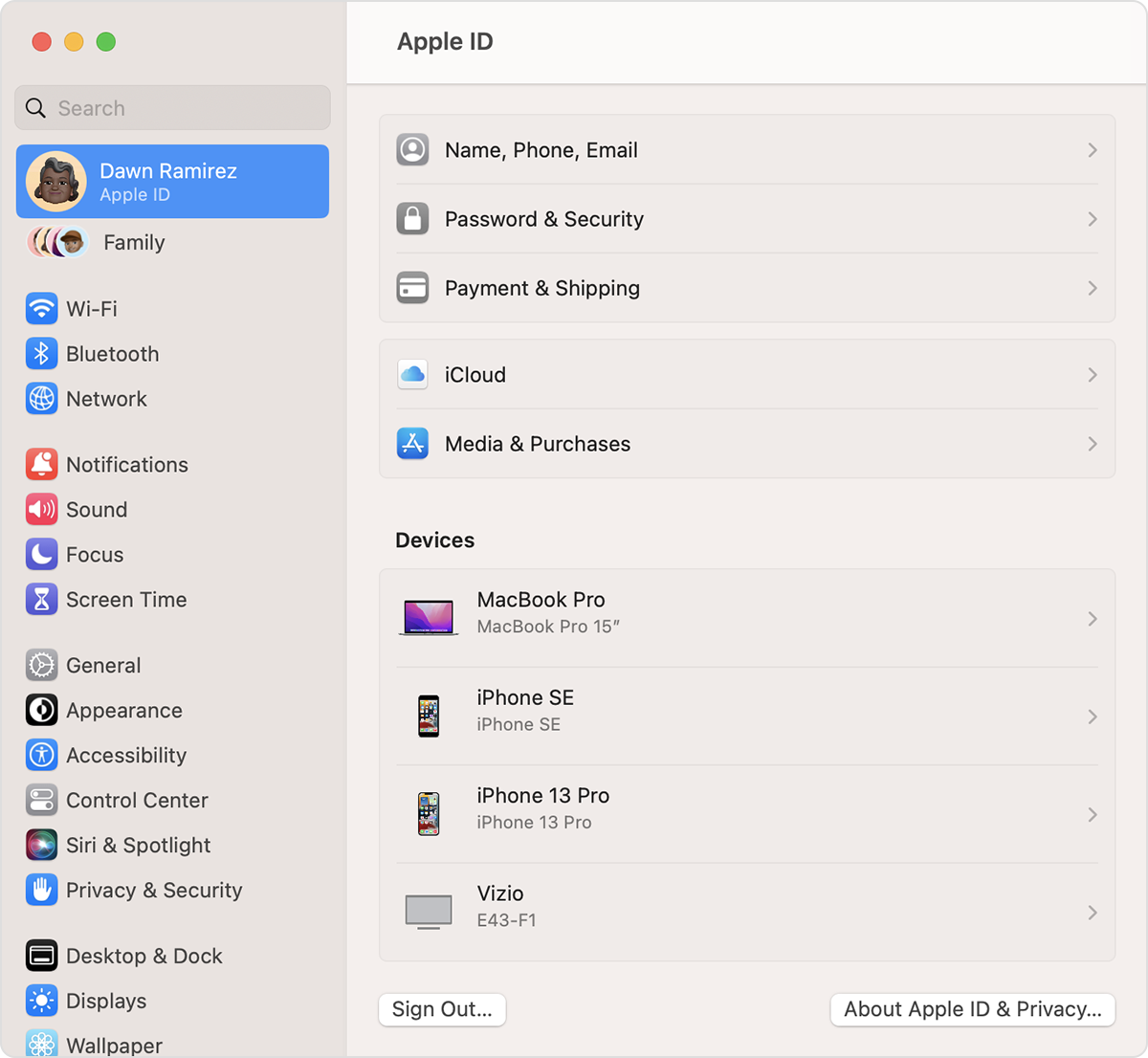
If you don't see the device there, let us know how you received the message. For example, iMessage, email, banner notification, etc.
Take care.
Message

