problem in brand new Apple watch not booting up
my new apple water SE2 doesnt boot up, there is just a red snake when i press the on switch.
Apple Watch SE
my new apple water SE2 doesnt boot up, there is just a red snake when i press the on switch.
Apple Watch SE
Hi jayg146,
Welcome to Apple Support Communities. With the Apple Watch not turning on and displaying a red lightning bolt on the screen, you'll want to keep the Apple Watch charging for up to 30 minutes. You may also need to press the side button to make the watch face appear. Here's additional details:
Find out if your Apple Watch is charging
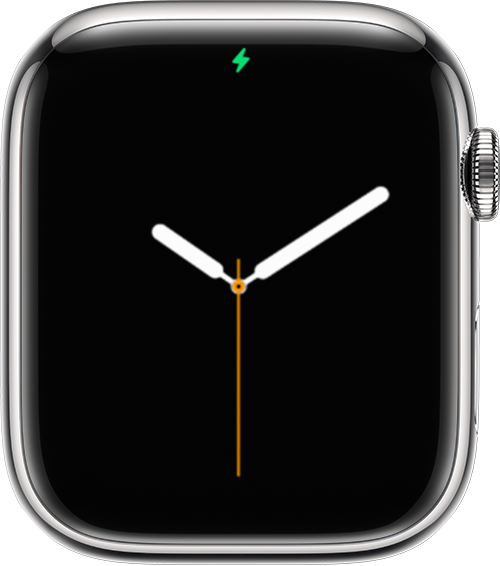
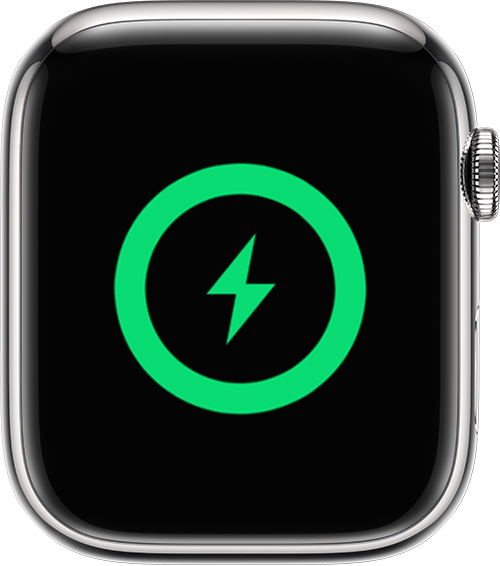
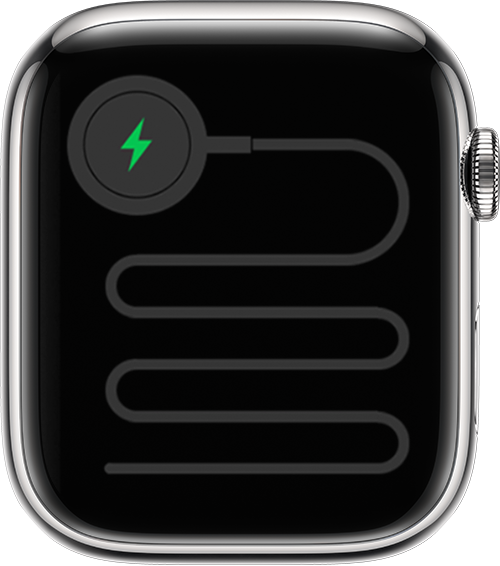
When you connect your Apple Watch to its charging cable and power, a lightning boltshould appear on the screen.
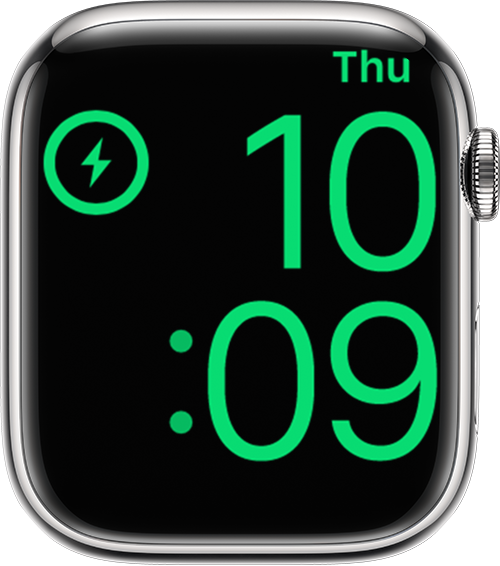
If your Apple Watch with watchOS 9 is in Low Power Mode, the icons, time, and day shown below all appear in yellow.
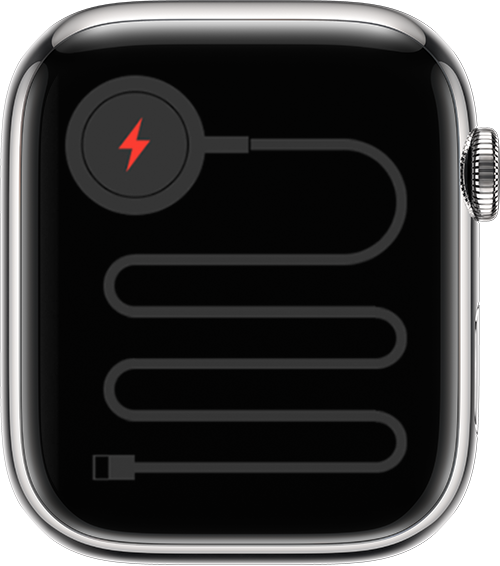
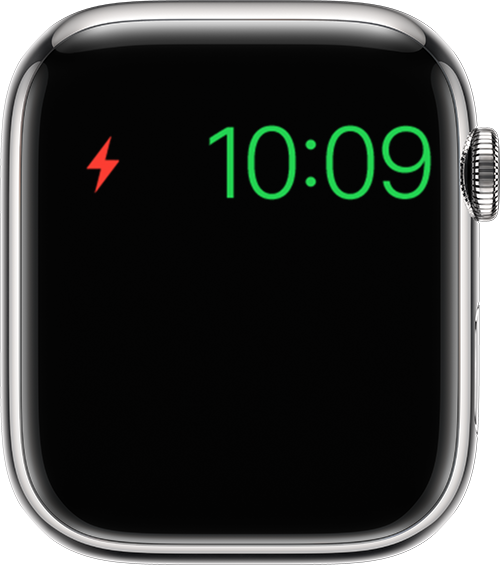
If your watch requires charging, a red lightning boltappears on the screen. (You might need to press the side button to make the watch face appear.) When your watch is charging, the red lightning bolt
This information is outlined in this helpful article: If your Apple Watch won't charge or it won't turn on - Apple Support
Now if these steps do not help, you'll want to follow the next section within the article that states "Get help if your Apple Watch won't charge." This will help troubleshoot if your Apple Watch cannot be charged.
We look forward to hearing back from you with an update.
Kind regards.
Hi jayg146,
Welcome to Apple Support Communities. With the Apple Watch not turning on and displaying a red lightning bolt on the screen, you'll want to keep the Apple Watch charging for up to 30 minutes. You may also need to press the side button to make the watch face appear. Here's additional details:
Find out if your Apple Watch is charging
When you connect your Apple Watch to its charging cable and power, a lightning bolt
If your Apple Watch with watchOS 9 is in Low Power Mode, the icons, time, and day shown below all appear in yellow.
If your watch requires charging, a red lightning bolt
This information is outlined in this helpful article: If your Apple Watch won't charge or it won't turn on - Apple Support
Now if these steps do not help, you'll want to follow the next section within the article that states "Get help if your Apple Watch won't charge." This will help troubleshoot if your Apple Watch cannot be charged.
We look forward to hearing back from you with an update.
Kind regards.
problem in brand new Apple watch not booting up