J Bertram wrote:
Logically, if I select the menubar on the bottom of a particular screen, then what I select to open should open in that screen and not the opposite screen. There would need to be a setting to do that but Apple has not provided one. When I select an app on the menu bar on the Samsung display, the app opens on my MacBook Pro. Conversely, when I bring up the menu bar on my MacBook Pro and open an app, that app opens on the Samsung display.
Also, in preferences, I have my menu bar set to stay visible ("Automatically hide and show dock" in preferences is not checked) yet my menu bar is not visible on either display and I have to take my mouse to the bottom of the display in which I want to see the menu bar. So that preference is not working either. Another preference that doesn't work as stated.
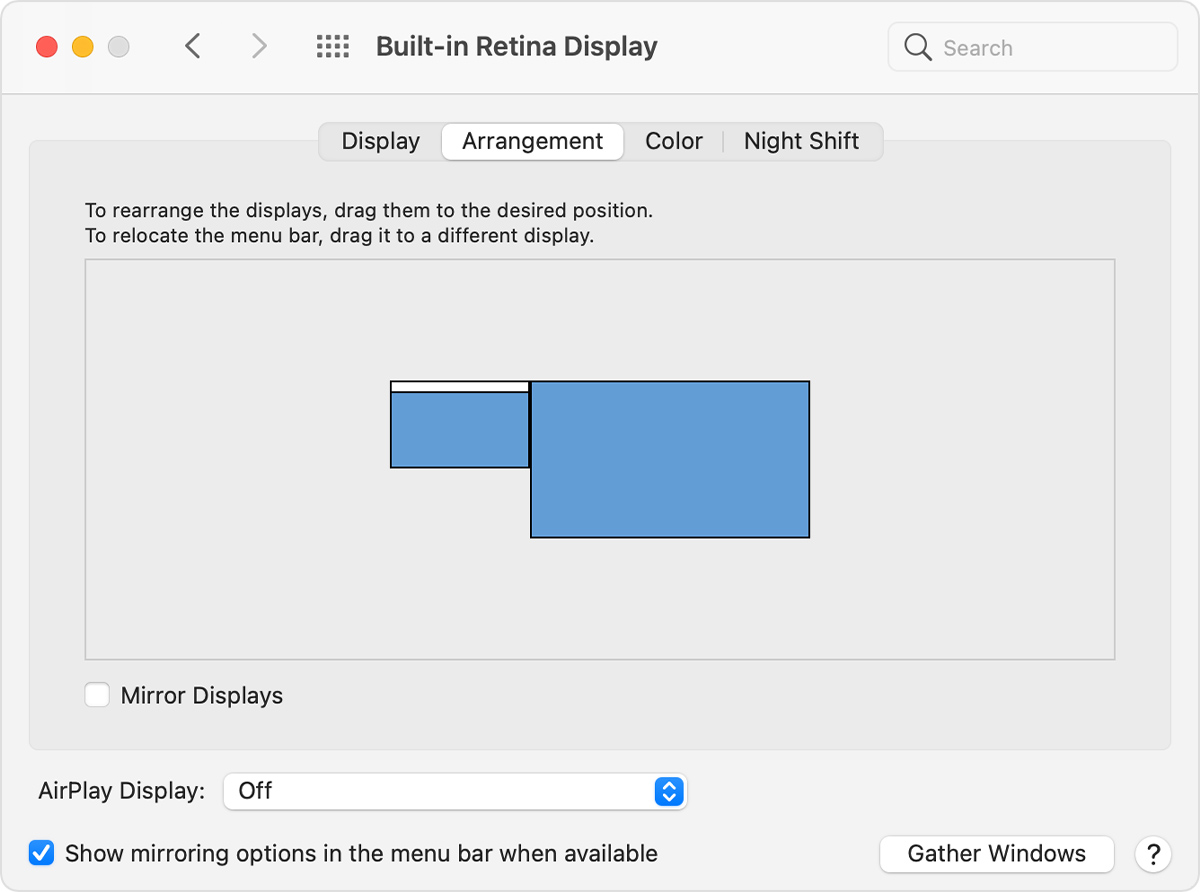
I think you are confusing the menu bar which is the bar at the top of the screen which has all the menus such as the "Apple", "File", "Edit", "View", etc. items.
The bar at the bottom (or on the sides if moved by the user) is the Dock which holds shortcuts to apps & documents. The Dock will move between displays (not sure what triggers it to move). All I know is that you need to move the pointer off the screen at the location of the Dock in order to bring the Dock to the current monitor (this can sometimes be tricky, especially depending on the arrangement of the various monitors & the position of the Dock.
The Dock is where you can launch applications. The menu bar only gives you access to various menu options for an app which currently has focus. The exceptions are the Apple menu and the icons on the right half of the screen which can show the Control Center, Battery icon, WiFi icon, and there may be icons from other apps there for selecting various options (like showing the weather conditions).
As for the moderation, it is hard to say, but most times it will involve accidentally posting personal information (a serial number is considered personal information so it may not always be obvious), or posting on a topic against the forum rules (again, this can cover things not always obvious). Unfortunately we are not always told exactly why the item was edited or removed. Even the forum will sometimes automatically sanitize a single word after clicking the "Post" button (I've seen it happen to normal everyday words). It can be quite frustrating even for regular contributors.