Thanks for posting in the Apple Support Communities manhsang,
If your AirPods have been lost, the following provides information on the feature, and explains how to use it:
Play a sound on your AirPods
If your AirPods are near any of your Apple devices and connected to Bluetooth, you can play a sound to help you find them. With AirPods Pro (2nd generation), you can also play a sound to help find your charging case.
1. Open the Find My app.
2. Select the Devices tab.
3. Choose your AirPods from the list.
4. Tap Play Sound to play a sound that gets louder gradually.
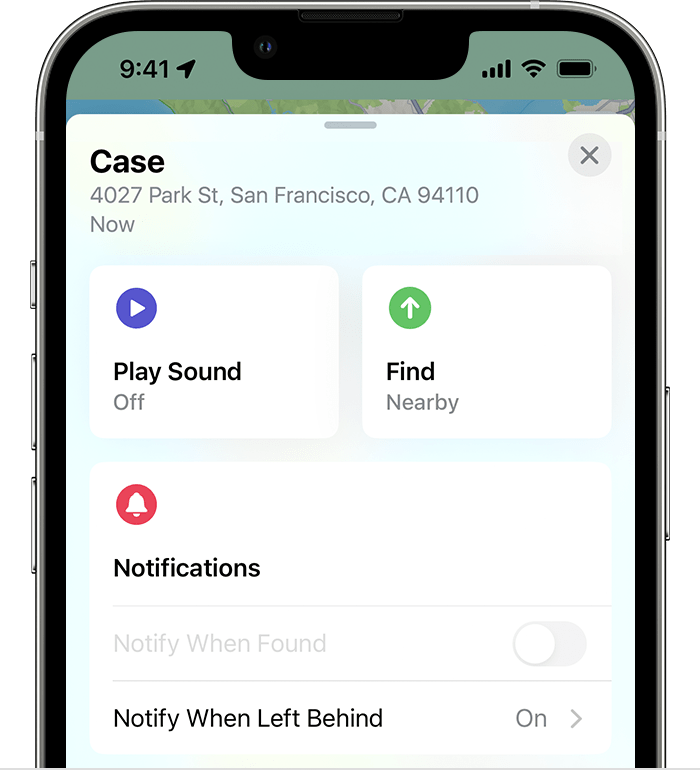
Make sure that your AirPods are not in or on your ears before you play a sound.
Find your lost AirPods
We hope this helps!


