MacBook Pro Monterey can't start up from macOS Recovery

My Intel-based Mac can't start up from its built-in Recovery system and loops to automatically start up from macOS Recovery over the internet.

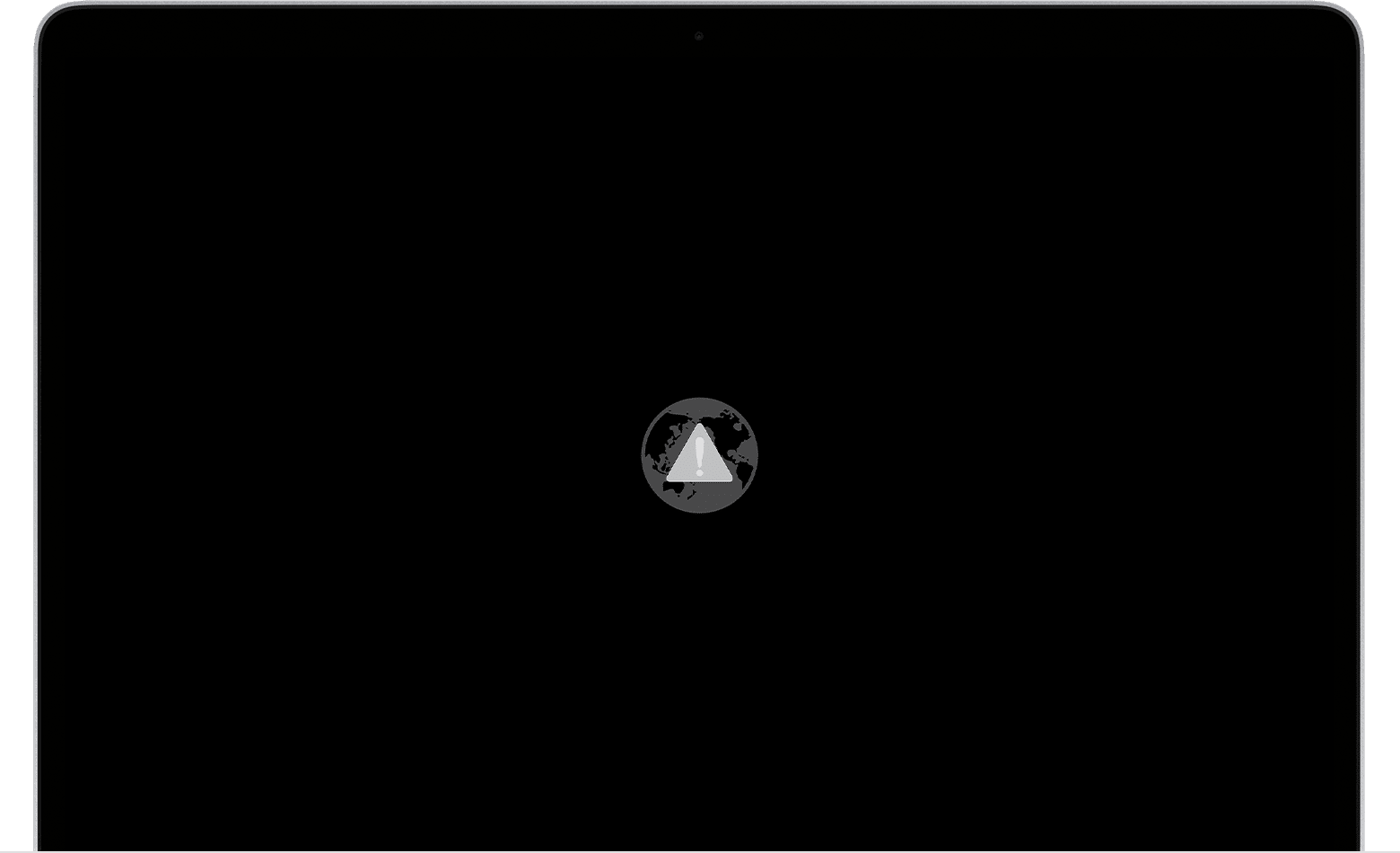
At the end of the Recovery process through Internet, it always come back to a globe with a warning symbol (exclamation point) and it is impossible to get rid from this.

I turned it on/off many times and none of the key combinations work: Command-R, Option-Command-R, Option-Shift-Command-R, long hard shut down on the power button.

As I cannot use Recovery I do not have any solution to fix the issue.


I don’t know if there is any relationship, but the storage memory of my PowerBook was almost full.

Why am I in this situation? Because none of the options worked to import data from my old MacBook Air (Catalina) into this MacBook Pro (Monterey) via Migration or to erase all content and settings inside the MacBook Pro from the Apple menu/System Preferences (to have free memory space), So I chose to use Recovery to import data in the MacBook Pro from my MacBook Air TimeMachine backup. Maybe not a good idea?...

Please, is someone could advise how to fix this issue?

MacBook Pro 16″, macOS 12.4

Posted on Jun 7, 2023 9:33 PM

Reply

Similar questions

1 reply

Jun 8, 2023 3:44 AM in response to dsvKwa

If you can't start up from macOS Recovery

Learn what to do if you can't get your Mac to start up from macOS Recovery.


How to start up from macOS Recovery

First make sure that your Mac has a connection to the internet. Then confirm that you followed the correct steps, based on whether you're using a Mac with Apple silicon:

Apple silicon

Use macOS Recovery on a Mac with Apple silicon

Summary: Turn on your Mac and continue to press and hold the power button until you see the startup options window. Click the gear icon labeled Options, then click Continue.

Intel processor

Use macOS Recovery on an Intel-based Mac

Summary: If you're not using a Mac with Apple silicon, turn on your Mac and immediately press and hold Command (⌘)-R until you see an Apple logo or other image.


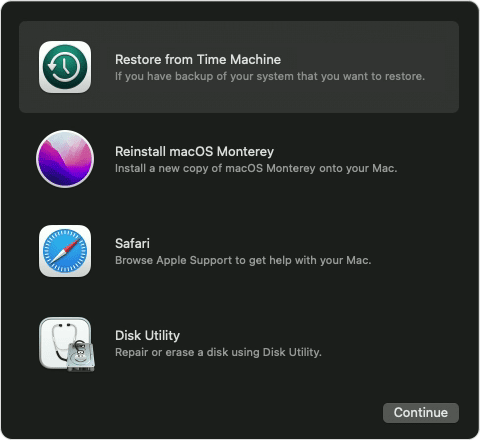
When in macOS Recovery, your Mac shows utilities to restore, reinstall macOS, and more:


If you can't start up from macOS Recovery

When an Intel-based Mac can't start up from its built-in Recovery system, it automatically tries to start up from macOS Recovery over the internet. If it doesn't, press and hold Option-Command-R or Shift-Option-Command-R during startup. If none of the key combinations work, review the guidelines for startup key combinations.

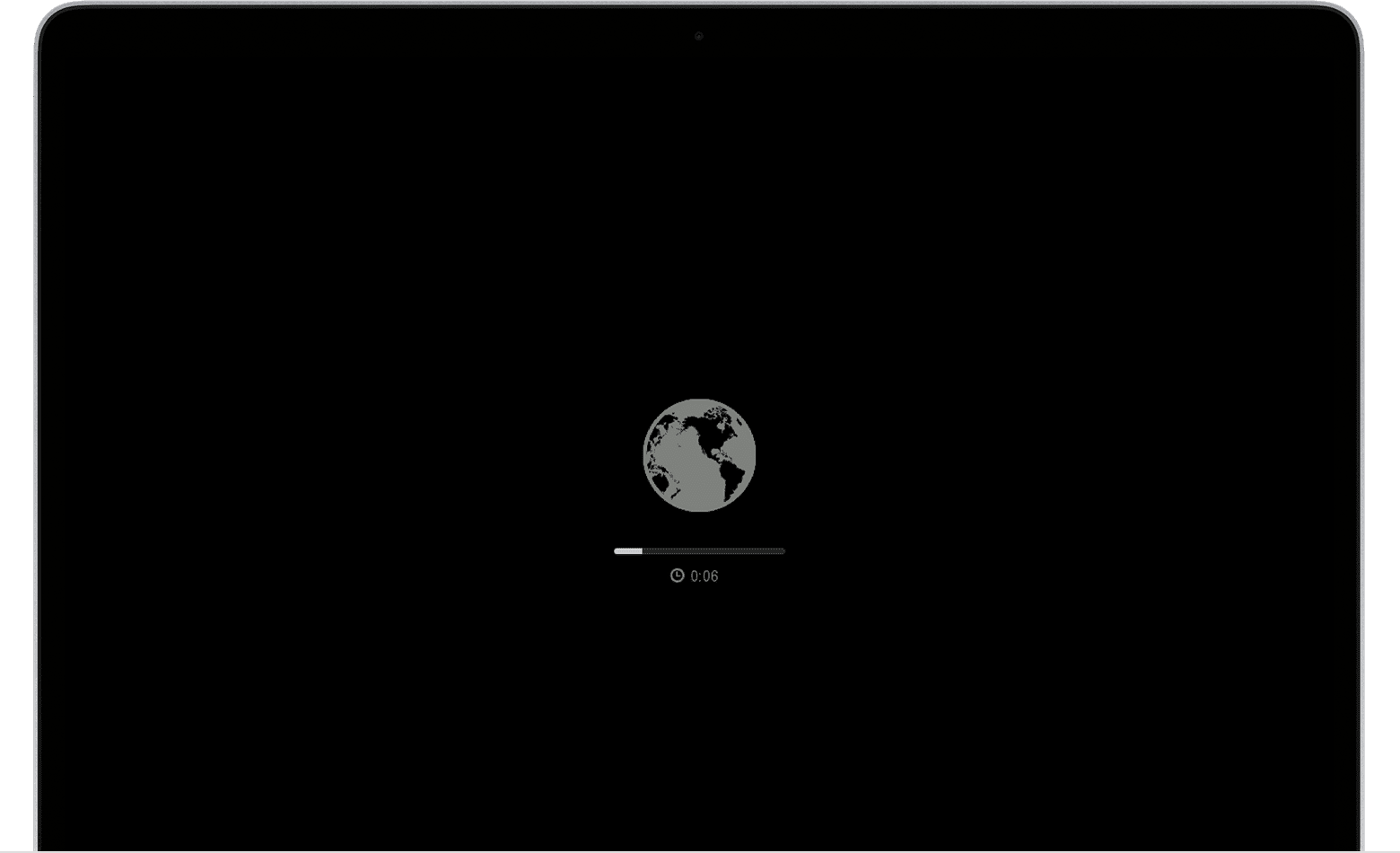
When your Mac begins to start up from macOS Recovery over the internet, it shows a spinning globe instead of an Apple logo during startup: 

If you see a globe with a warning symbol (exclamation point), the attempt to start up from macOS Recovery over the internet was unsuccessful:

In that case, one of these solutions might help:

  • Make sure that your Mac can connect to the internet. If you're not asked to choose a Wi-Fi network during startup, choose a network from the Wi-Fi menu , if available.
  • Press Command-R at startup to try using the built-in Recovery system instead of internet Recovery.
  • Connect to the internet using Ethernet instead of Wi-Fi, or vice versa.
  • Connect to the internet from a different Wi-Fi or Ethernet network. Your network configuration might not allow the internet access that macOS Recovery needs.
  • Try again later, because the issue might be temporary.
  • Start up from another disk or volume, if available, or use a bootable installer to reinstall macOS.

If you see a black screen or some other screen during startup, learn what to do if your Mac doesn't start up all the way.

If you still need help, contact Apple Support.


This thread has been closed by the system or the community team. You may vote for any posts you find helpful, or search the Community for additional answers.

MacBook Pro Monterey can't start up from macOS Recovery

Welcome to Apple Support Community
A forum where Apple customers help each other with their products. Get started with your Apple Account.