Synced Samsung Q990b soundbar with 2 Homepods to Apple TV 4k

I’m currently connect my Q990b soundbar to my TV via HDMI e-arc, and my apple TV 4k connect to my TV as well via HDMI (Not e-arc). I also set up 2 homepods as a stereo pair sound. I tried multiple way to synced both Q990b and 2 Homepods together to my apple TV 4K but the result come back is not quite smooth. I want to control 2 speaker output individually, the only thing that works so far is I use my phone to play music, and then airplay both q990b and homepods together and it worked out, but it’s still an interruption sometimes between. My question is, Is there any way Apple TV 4k can synced both Q990b and 2 Homepods together? So that way I experienced a whole surround sound system coming from both simultaneously without lagging or any interruptions occur.


Thank you.

HomePod (2nd generation)

Posted on Jun 10, 2023 8:44 AM

Reply

Similar questions

1 reply

Jun 11, 2023 2:55 PM in response to VanNguyen115

Hello VanNguyen115,


If we understand correctly, you want to use both of your HomePod (2nd gen)speakers and the soundbar as a single synced audio source for your Apple TV 4K connected to your TV, but you'd like to also retain the ability to control the speakers individually.


If you are using the HomePod (2nd gen) speakers, you can link them together to create a home theater experience with Dolby Atmos. These HomePod speakers by themselves have high-excursion woofer packs and five beam forming tweeters circling the base. They create a pretty intense listening experience by themselves.


Set up home theater audio
1. Assign your Apple TV and HomePod or HomePod mini to the same room in the Home app. If you want to use two HomePod or two HomePod mini speakers, create a stereo pair, then assign the stereo pair to the same room as your Apple TV in the Home app.
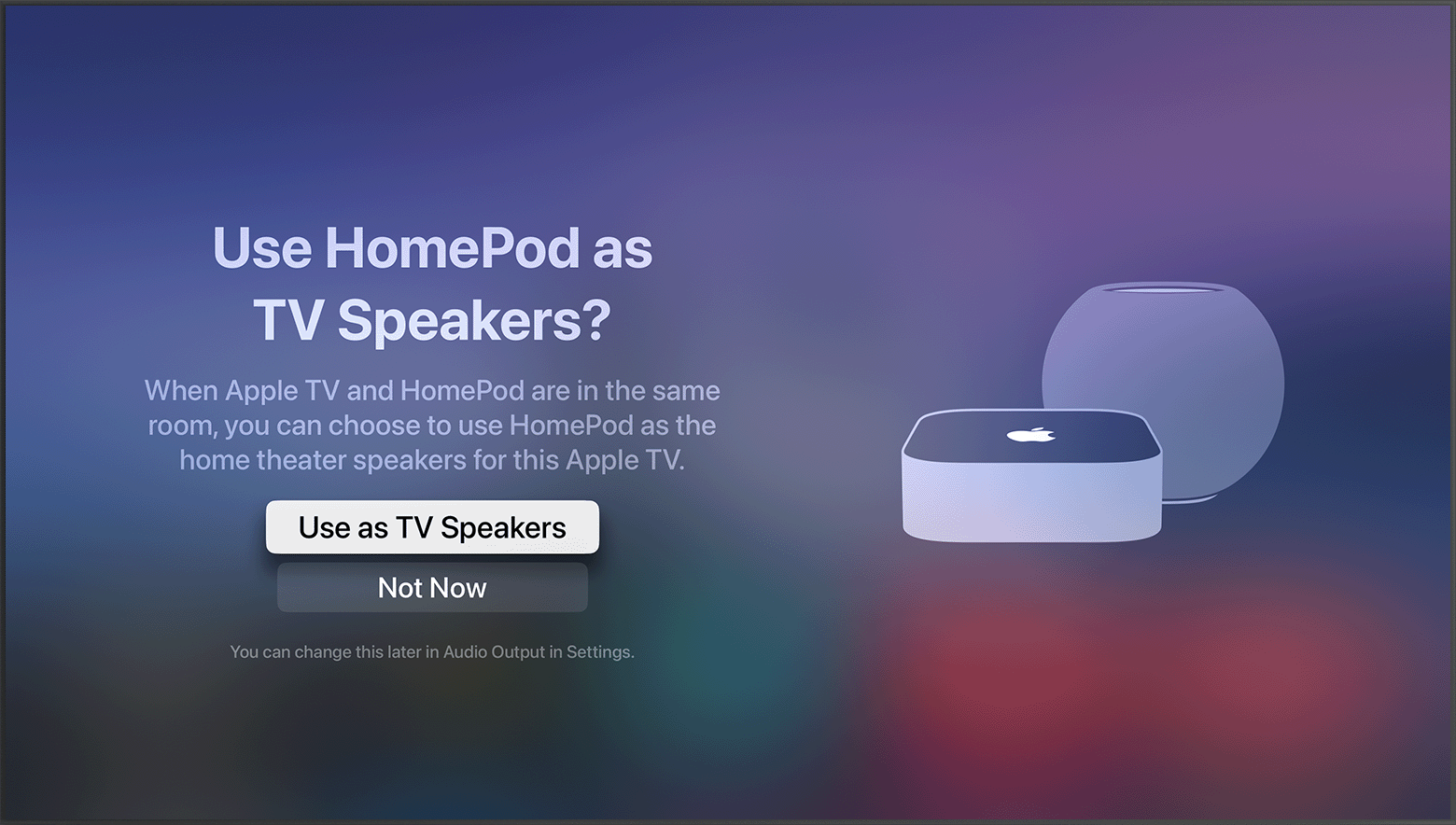
2. Turn on your Apple TV. You'll be asked if you want to Use HomePod speakers as Apple TV speakers. 
3. Select Use as TV Speakers to turn on home theater audio. 
tvOS screenshot showing the prompt to Use HomePod speakers as Apple TV speakers
Set up home theater audio with HomePod or HomePod mini and Apple TV 4K - Apple Support


If you opt to set up your home theater this way, you'll want to switch your Apple TV 4K to the HDMI eARC port on your TV. This will allow your Apple TV to function as a sort of pass through, and audio sources other than your Apple TV (e.g. Xbox or Playstation) will also play through your HomePod speakers. This article explains: Use HDMI ARC or eARC with your Apple TV 4K - Apple Support


Let us know if you have questions.


Cheers!


This thread has been closed by the system or the community team. You may vote for any posts you find helpful, or search the Community for additional answers.

Synced Samsung Q990b soundbar with 2 Homepods to Apple TV 4k

Welcome to Apple Support Community
A forum where Apple customers help each other with their products. Get started with your Apple Account.