
I have AirPod Pro, right earbud does not have any sound
Is there a way to diagnose the problem?
Is there a way to diagnose the problem?
Hey Lucky-725,
If your right AirPod is not connecting, try these steps:
"If there's no sound in one AirPod
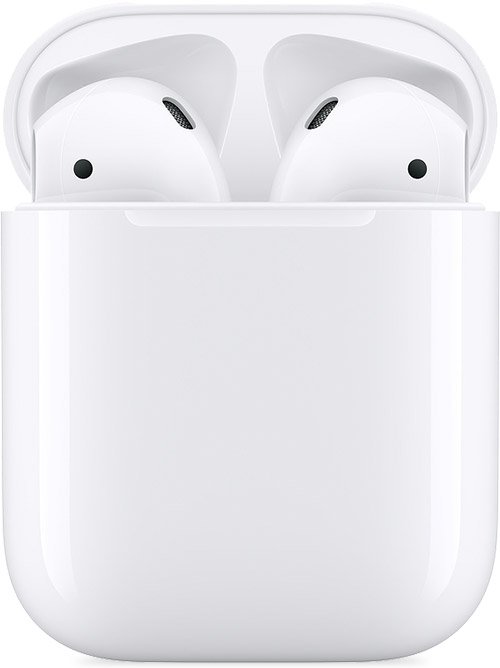
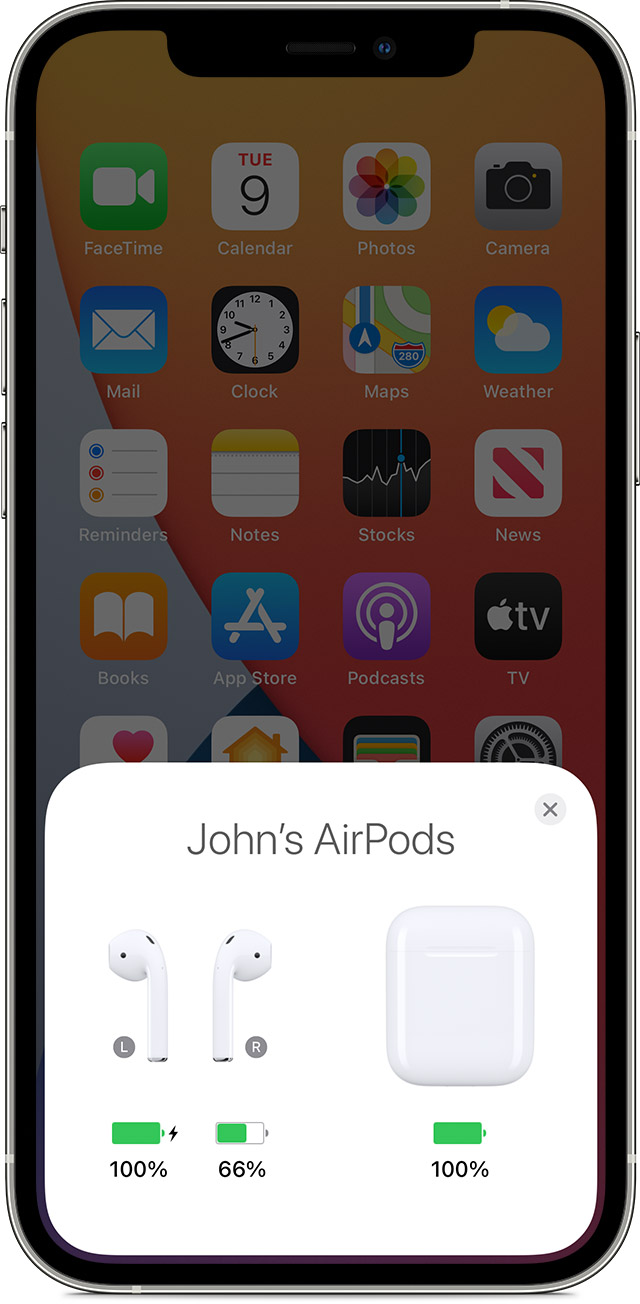
4. Check the charge status on your iPhone or iPad to make sure that each AirPod is charging  .
.
5. Put both AirPods in your ears.
6. Play audio to test both AirPods.
7. If an AirPod still isn't working, reset your AirPods or contact Apple Support." If your left or right AirPod isn't working - Apple Support
We hope this helps!
Sincerely.
Hey Lucky-725,
If your right AirPod is not connecting, try these steps:
"If there's no sound in one AirPod
4. Check the charge status on your iPhone or iPad to make sure that each AirPod is charging .
5. Put both AirPods in your ears.
6. Play audio to test both AirPods.
7. If an AirPod still isn't working, reset your AirPods or contact Apple Support." If your left or right AirPod isn't working - Apple Support
We hope this helps!
Sincerely.
I have AirPod Pro, right earbud does not have any sound

