hi
i bought apple tv 4k 128gb but I'm not able to download the apps.
i bought apple tv 4k 128gb but I'm not able to download the apps.
Hello jameswce,
To download apps onto your Apple TV, follow these steps found at Download apps on your Apple TV - Apple Support:
How to download apps for Apple TV
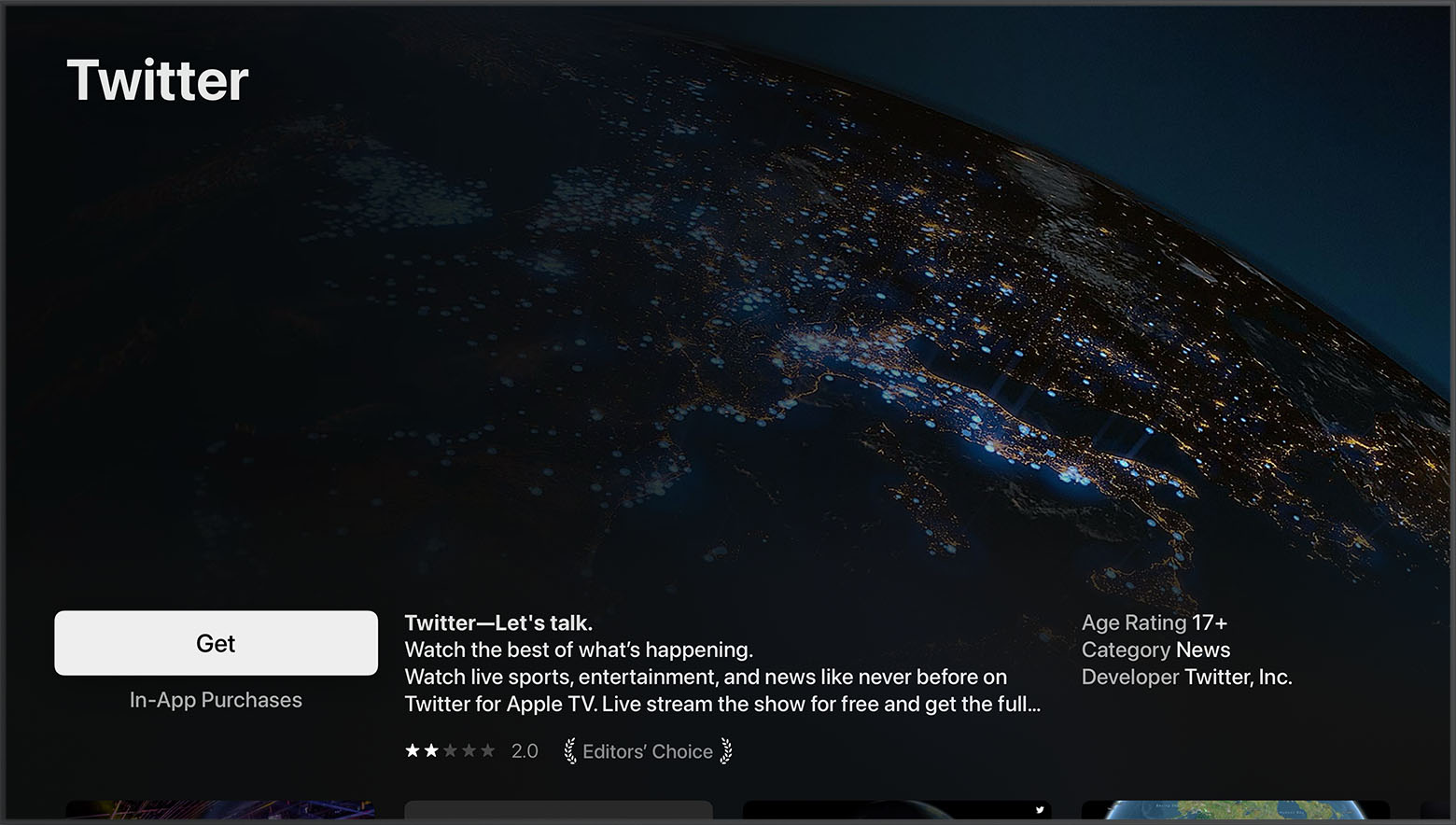
1. Open the App Store app.
2. Browse or search for the app that you want to download.
3. Select the price or Get button. If you see the Open button instead of a price or the Get button, the app is already downloaded.
In the App Store, if an app has a Get button instead of a price, the app is free. Some free apps offer in-app purchases and subscriptions that give you access to extra features, content, and more. Learn more about in-app purchases and subscriptions.
Have a good day.
hi