
Why won’t my iMessage games go?
I’m able to send and receive iMessages without any problem however when I send iMessage games they don’t go. I’m even unable to send games that have been sent to me back.
iPhone 11, iOS 16
I’m able to send and receive iMessages without any problem however when I send iMessage games they don’t go. I’m even unable to send games that have been sent to me back.
iPhone 11, iOS 16
Hi koranteng16,
To make sure we're on the same page, you're trying to initiate a game in iMessages with someone? Or are you trying to invite someone? If this is an iMessage app, try removing it and then re-adding it.
"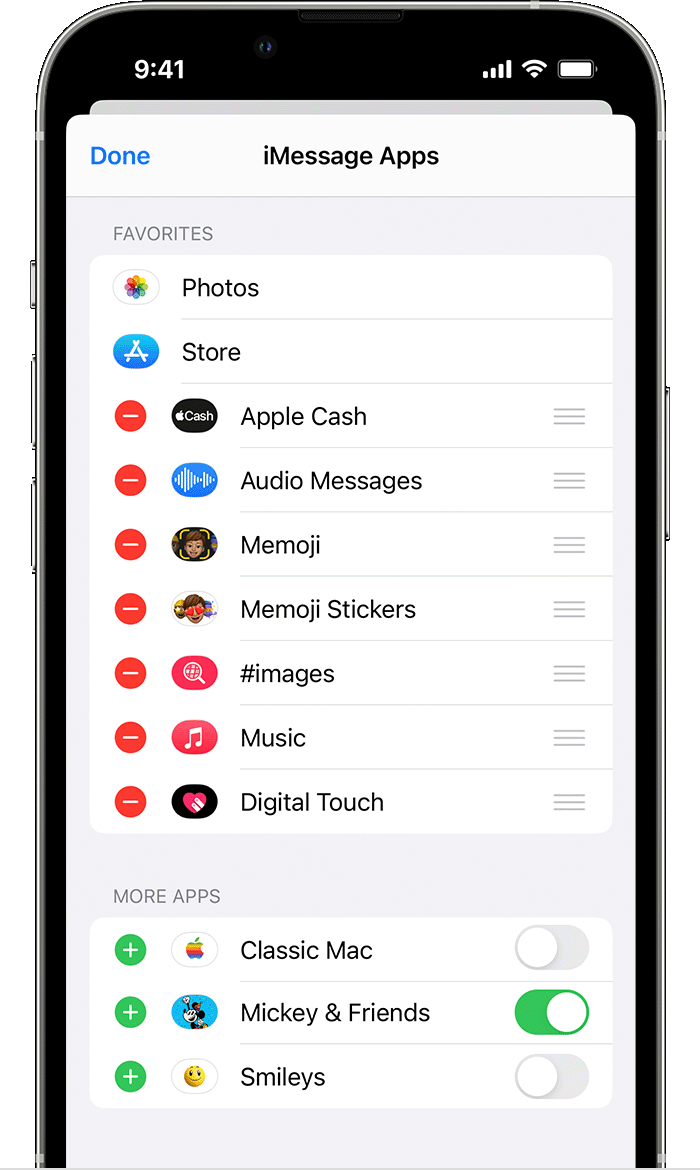
Manage iMessage apps
You can add apps to your Favorites so you have quick access to them in the app drawer. You can also reorder apps in the app drawer, remove the ones you don’t want, and more. Here’s how:
 .
. .
. , then tap Remove from Favorites.
 , then move the apps in the order that you want.
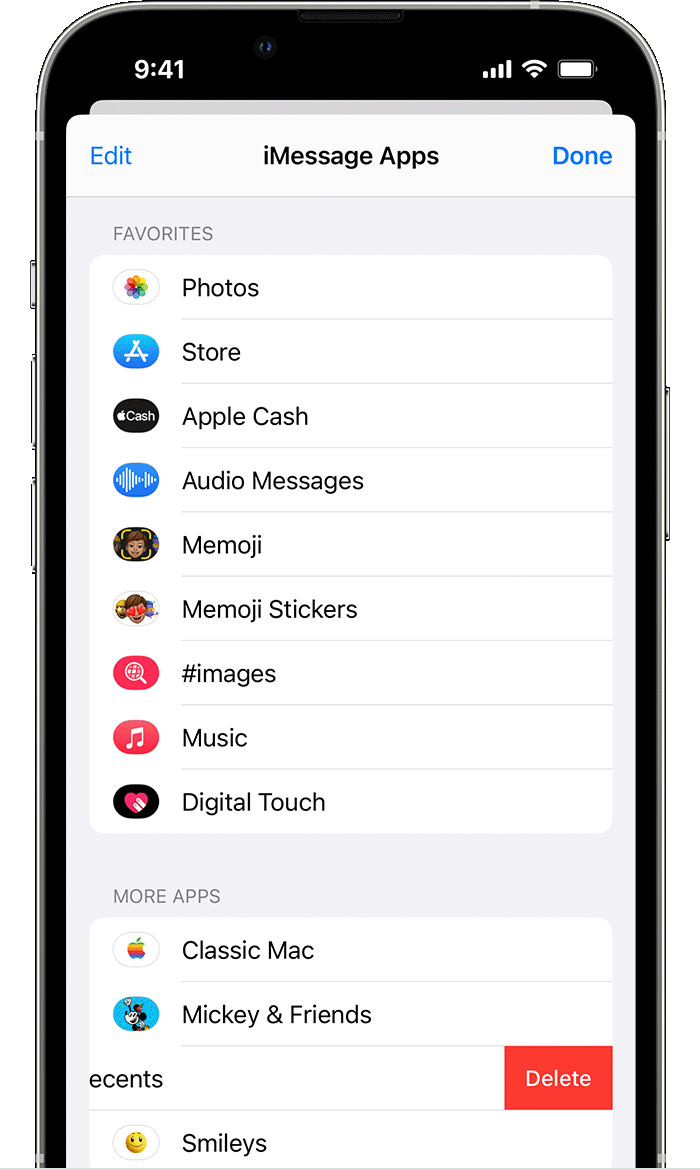
Delete iMessage apps
 to start a new message. Or go to an existing conversation..
Let us know if that helps,
Cheers!
Hello koranteng16,
If none of the apps in iMessage are working, make sure your iPhone is up to date: Update your iPhone or iPad - Apple Support
If your iPhone is up to date, reach out to Apple Support directly for a closer look: Get Support
Take care.
I’ve tried that but it’s still isn’t working. Just realised it’s not just the games but all the apps in the app drawer
My iMessage game won’t work it only will send at images to my friend
My iMessage game won’t work
Same here, apple needs to fix whatever's blocking it.
Why won’t my iMessage games go?


