Why did my AirPod stop working out of nowere
Why did my left AirPod stop working after 2 months
Why did my left AirPod stop working after 2 months
Hey there aweys226,
Thanks for reaching out to Apple Support Communities. We're happy to provide some assistance.
The actions in this article can help with the issue you're describing:
If your left or right AirPod isn't working - Apple Support
If your left or right AirPod isn't working
Learn what to do if your left or right AirPod doesn't play audio.
If there's no sound in one AirPod
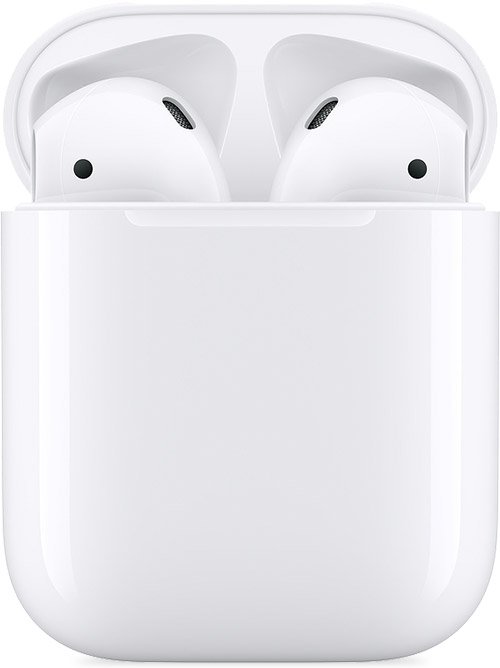
1. Make sure that your charging case is fully charged.
2. Place both AirPods in your charging case and let them charge for 30 seconds.
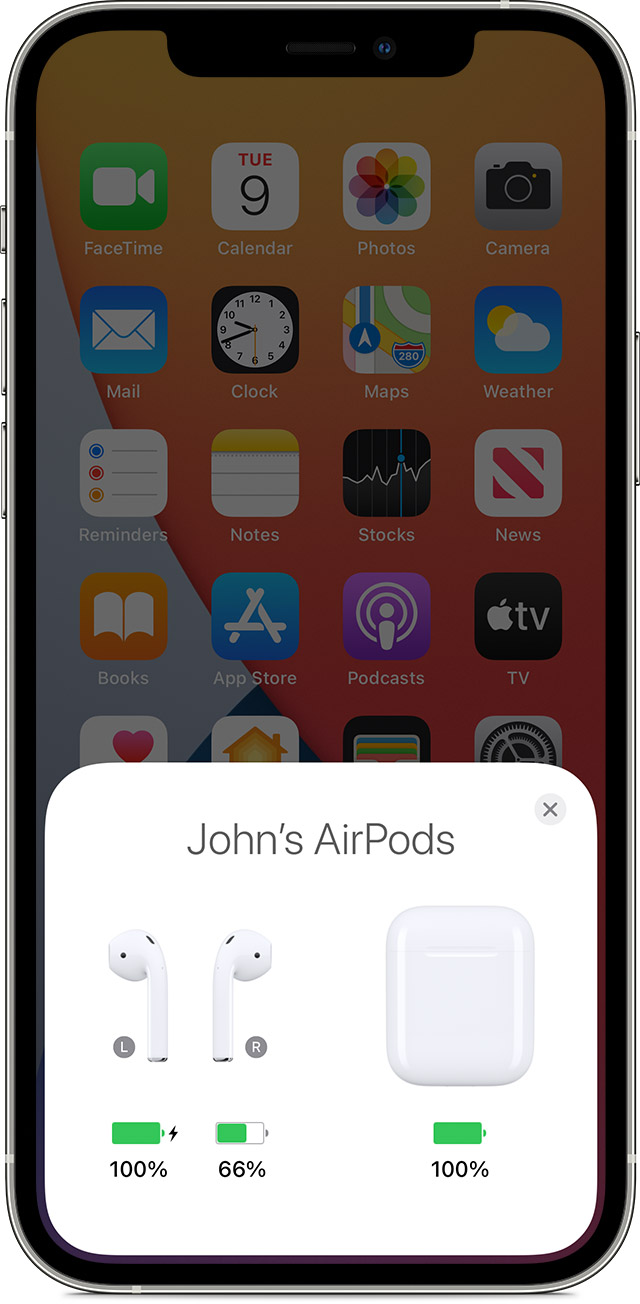
3. Open the charging case near your iPhone or iPad.
4.
5. Check the charge status on your iPhone or iPad to make sure that each AirPod is charging.
6.
7. Put both AirPods in your ears.
8. Play audio to test both AirPods.
9. If an AirPod still isn't working, reset your AirPods or contact Apple Support.
If there's low volume in one AirPod
If your left or right AirPod isn't playing any sound, or if the volume is too quiet, follow these steps:
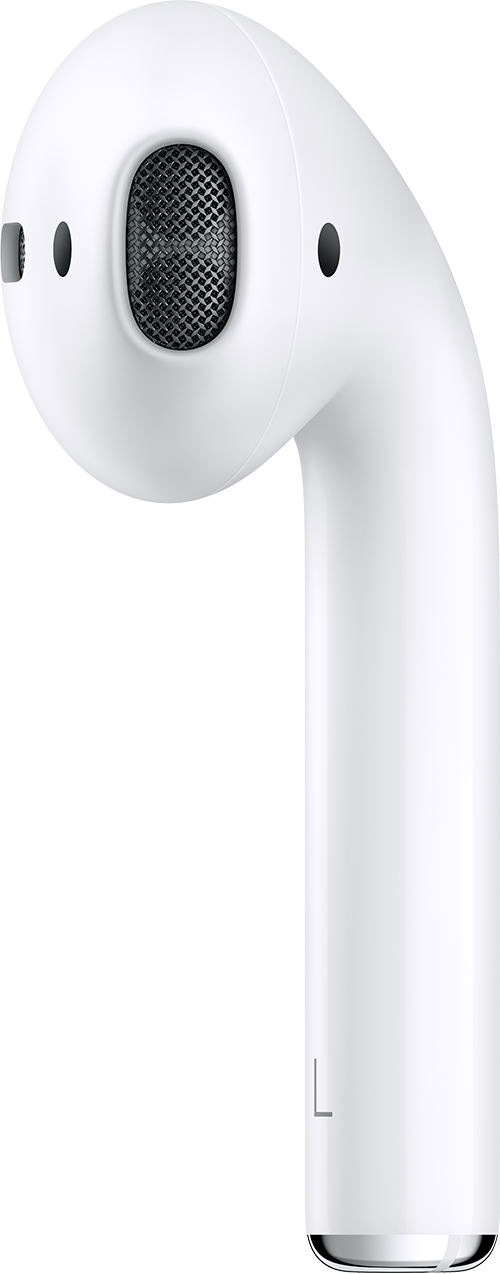
1. Check the microphone and speaker mesh on each AirPod.
2.
3. If you see any debris, clean your AirPods using the guidelines in this article, and see if that fixes the issue.
4. Go to Settings > Accessibility > Audio/Visual > Balance, and make sure that the balance is set in the middle.
Keep us posted.
Have a great day!
Hey there aweys226,
Thanks for reaching out to Apple Support Communities. We're happy to provide some assistance.
The actions in this article can help with the issue you're describing:
If your left or right AirPod isn't working - Apple Support
If your left or right AirPod isn't working
Learn what to do if your left or right AirPod doesn't play audio.
If there's no sound in one AirPod
1. Make sure that your charging case is fully charged.
2. Place both AirPods in your charging case and let them charge for 30 seconds.
3. Open the charging case near your iPhone or iPad.
4.
5. Check the charge status on your iPhone or iPad to make sure that each AirPod is charging
6.
7. Put both AirPods in your ears.
8. Play audio to test both AirPods.
9. If an AirPod still isn't working, reset your AirPods or contact Apple Support.
If there's low volume in one AirPod
If your left or right AirPod isn't playing any sound, or if the volume is too quiet, follow these steps:
1. Check the microphone and speaker mesh on each AirPod.
2.
3. If you see any debris, clean your AirPods using the guidelines in this article, and see if that fixes the issue.
4. Go to Settings > Accessibility > Audio/Visual > Balance, and make sure that the balance is set in the middle.
Keep us posted.
Have a great day!
Why did my AirPod stop working out of nowere