My iPhone does not make a sound when I receive a text message
My iPhone does not make a sound when I receive a text message
iPhone 12, iOS 16
My iPhone does not make a sound when I receive a text message
iPhone 12, iOS 16
Hi AirPodA2031,
Thank you for posting in the Apple Support Community. In order to be alerted with sound when receiving text messages, we suggest the following:
If you've followed those steps and you're still not being alerted, we suggest restarting your device and ensuring your software is updated to the latest version. These articles should help.
Cheers!
Hi AirPodA2031,
Thank you for posting in the Apple Support Community. In order to be alerted with sound when receiving text messages, we suggest the following:
If you've followed those steps and you're still not being alerted, we suggest restarting your device and ensuring your software is updated to the latest version. These articles should help.
Cheers!
Thank you for the reply AirPodA2031!
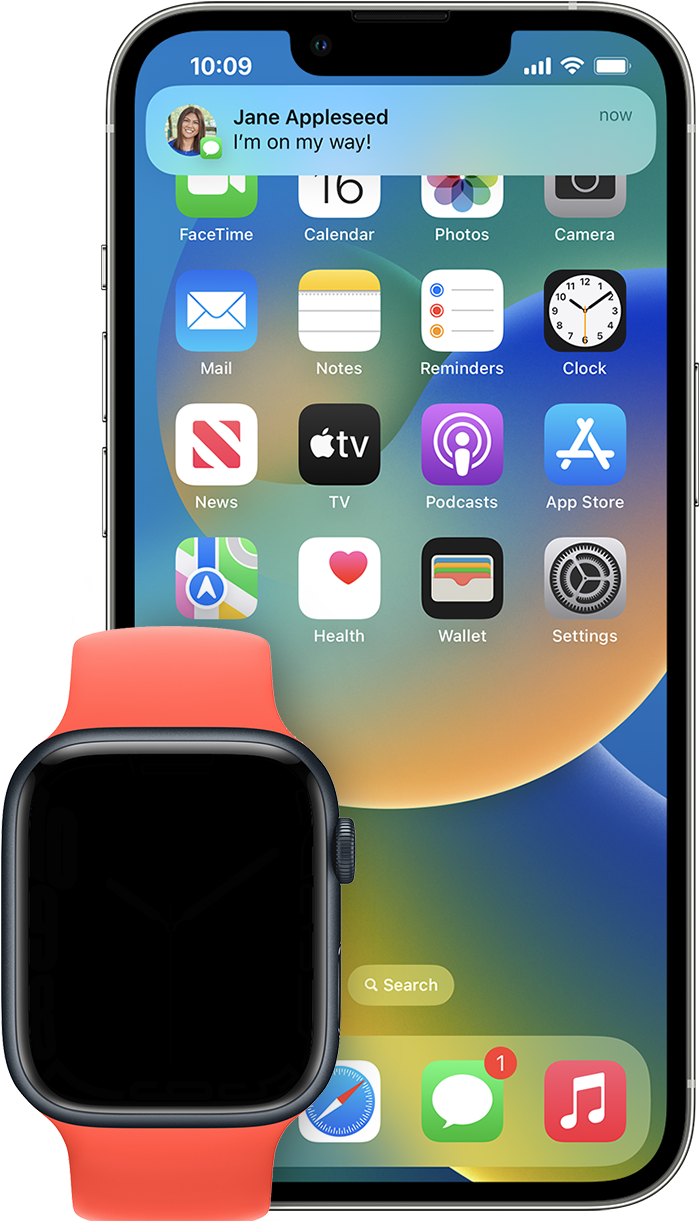
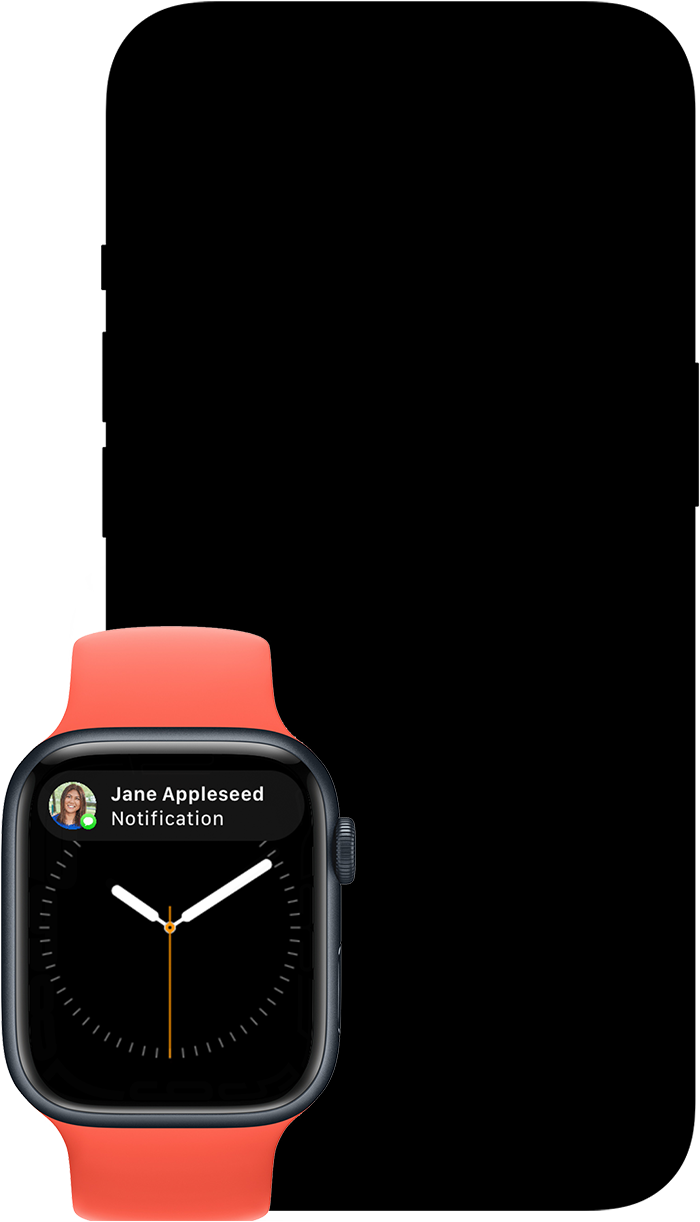
Thank you for letting us know you are connected to a Watch. As mentioned in Notifications on your Apple Watch - Apple Support:
Notifications appear on your Apple Watch or iPhone, but not both.
If your iPhone is unlocked, you get notifications on your iPhone instead of your Apple Watch.
We hope that answers your question!
I have tried everything that has been suggested - to no avail. Is it because I have an Apple Watch? I'm stumped.
My iPhone does not make a sound when I receive a text message