I can’t download app
I can’t download any app( my payment is ok) it reply payment map completed
iPhone XR, iOS 16
I can’t download any app( my payment is ok) it reply payment map completed
iPhone XR, iOS 16
Thanks for posting in the Apple Support Communities pyram144,
The following provides guided specifically geared to resolving issues If you can’t download or update apps on your iPhone or iPad.
Try this if you have an issue when you update or download apps from the App Store on your iPhone or iPad.
1: Manually update the app
Learn how to manually update an app
2: Add a payment method
You might need to have a valid payment method on file, even if the app that you want to download is free.
Add a payment method
3: Resolve a problem with your payment method
If your payment method is expired, declined, or failed, or a message says 'billing problem with previous purchase'
4: Prioritize the download
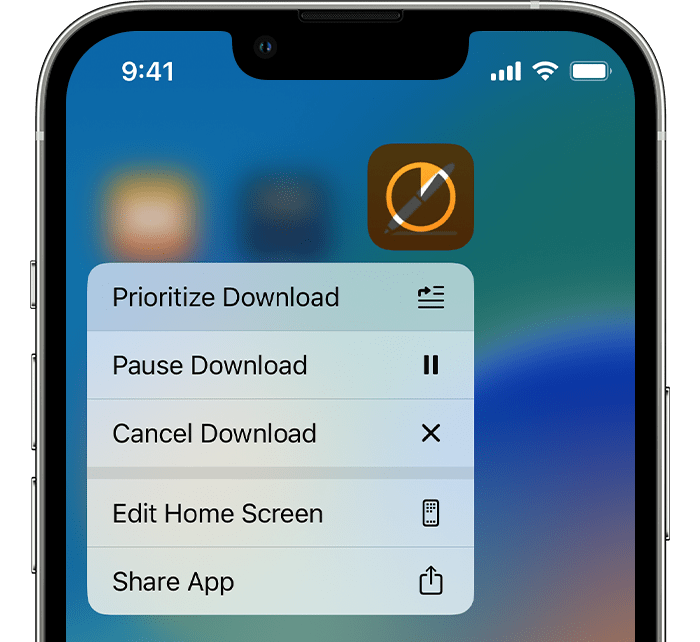
From the Home Screen, touch and hold the app. From the menu that appears, choose Prioritize Download.
5: Restart your device
Restart your iPhone or iPad, then check to see if you can download or update apps.
Restart your iPhone
Restart your iPad
If you still can't download or update apps
Contact Apple Support
Cheers!
I can’t download app