
I can’t unhide purchase
I can’t unhide my purchase(app). I don’t even have the option “unhide hidden purchases” in app store account settings. How do I unhide it?
iPhone XR
I can’t unhide my purchase(app). I don’t even have the option “unhide hidden purchases” in app store account settings. How do I unhide it?
iPhone XR
 , or your photo or initials, at the top of the screen.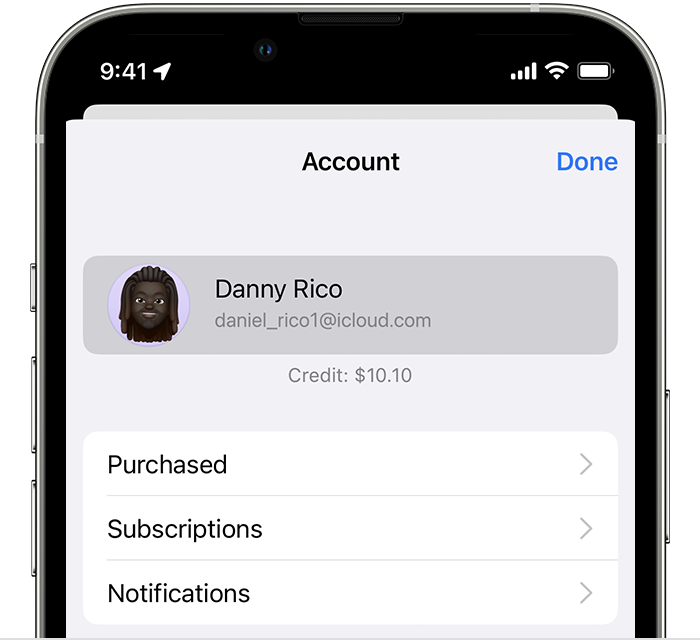
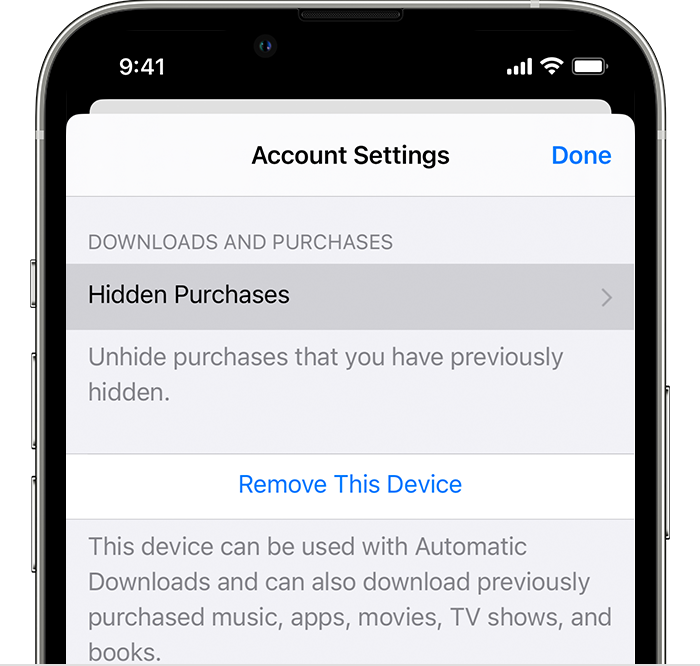
 .
.Get support from Apple directly -> Get Support or call Apple in your region see -> Contact Apple for support and service
I dont see option to unhide hidden purchases. That is the problem
I dont have hidden purchases button
I can’t unhide purchase
