cruim wrote:
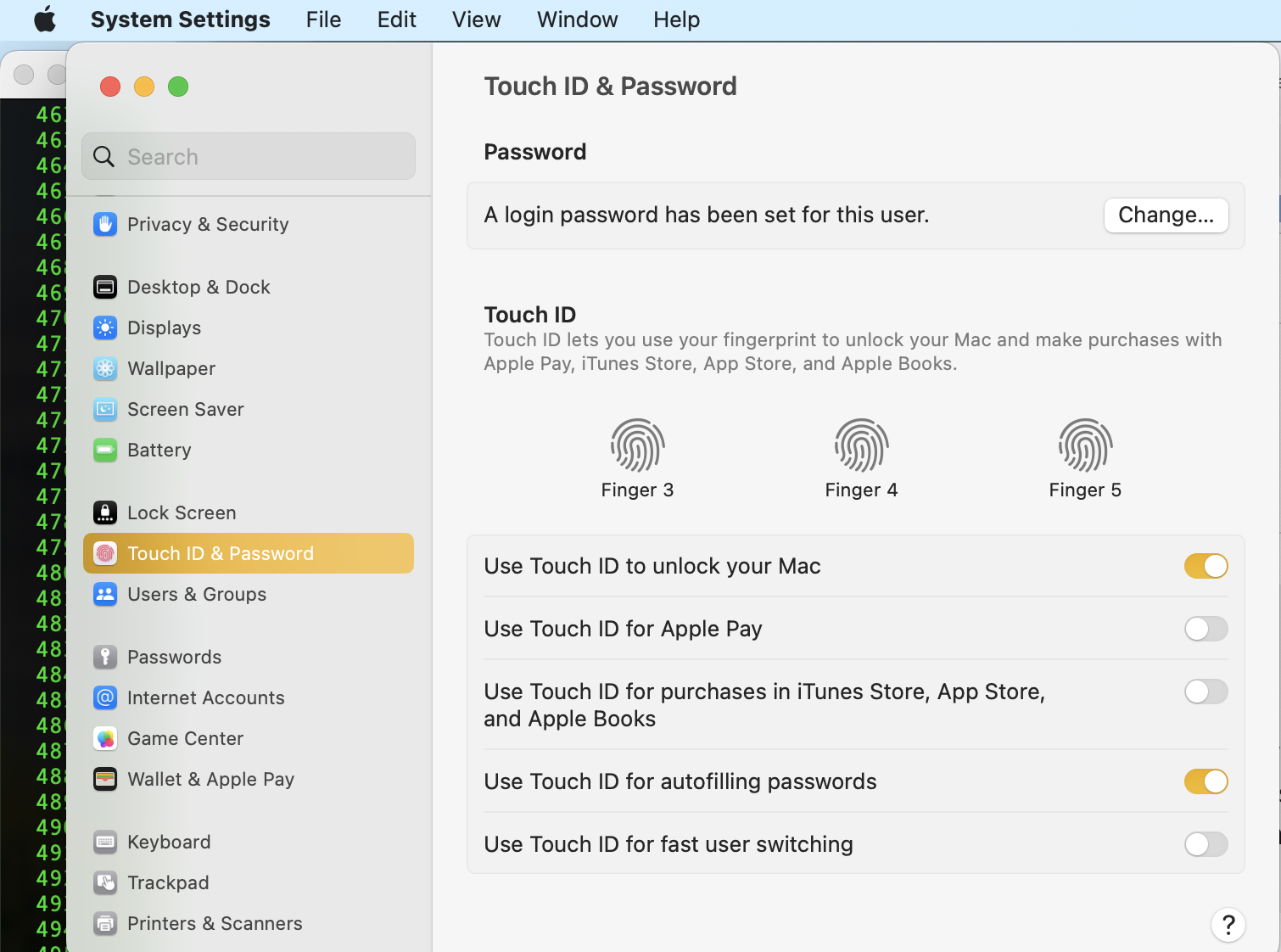
I have Macbook M1 pro, apple display studio and external keyboard with Touch ID. The issue is: when I lock my Mac and then soon try to unlock it with touch id(external keyboard), all works good. But if try to unlock in after while, Touch ID not working, like it sleeping. If I turn off/turn off or plug a cable in it starts working again. Other buttons on external keyboards works good all time. Is it a bug or feature? Or there are some settings issue?
If you have an issue w/ external keyboard try a cable connection to re-setup the TouchID— then and compare your results.
TouchID not working—
There are a few instances where Touch ID will not be accepted by macOS:
• If you restarted your Mac, or if you're not logged into your user account.
• If you have not unlocked your Mac for 48 hours.
• If you are trying to unlock Security & Privacy
• If you are trying to unlock Users & Groups Settings (when FileVault is on)
• If 5 wrong fingerprint attempts
Use Touch ID on Mac
Use Touch ID on Mac - Apple Support
"If you have problems with Touch ID"
If Touch ID isn't working on your Mac - Apple Support