Removing DJTVirtualDisplayAgent from MacBook Air High Sierra

Has anyone had experience with this?


After installing the "Drivers" for J5Create dual HDMI USB-3.0, DJTVirtualDisplayAgent took over, and it needs to go. These weren't drivers they installed, it was an application suite that runs some kind of mirroring application – they aren't straight-up display adapters but something else. Had I known this, I would never have installed this. The device has been removed and will be returned to the vendor. In the meantime, this software needs to go too.


mac OS: High Sierra (10.13.6)


Thanks for any help.

MacBook Air 13″, macOS 10.13

Posted on Sep 4, 2023 12:25 PM

Reply

Similar questions

1 reply

Sep 5, 2023 12:12 PM in response to angelgeek

Hello angelgeek,


If you need to uninstall apps on your Mac, please check out this link, which will guide you through that process: Uninstall apps on your Mac


Use the Finder to delete apps

1. Switch to the Finder, such as by clicking your desktop or the Finder icon in the Dock.
2. Select the app that you want to delete.

Most apps are in your Applications folder, which you can open by clicking Applications in the sidebar of any Finder window. Or choose Go > Applications from the menu bar in the Finder.

3. Use any of these ways to move the app to the Trash:

* Drag the app to the Trash.
* Select the app and choose File > Move to Trash from the menu bar.
* Select the app and press Command-Delete on your keyboard.

4. If you're asked for a user name and password, enter the name and password of an administrator account on your Mac. This is usually the name and password you use to log in to your Mac.
5. To delete the app after moving it to the Trash, choose Finder > Empty Trash.
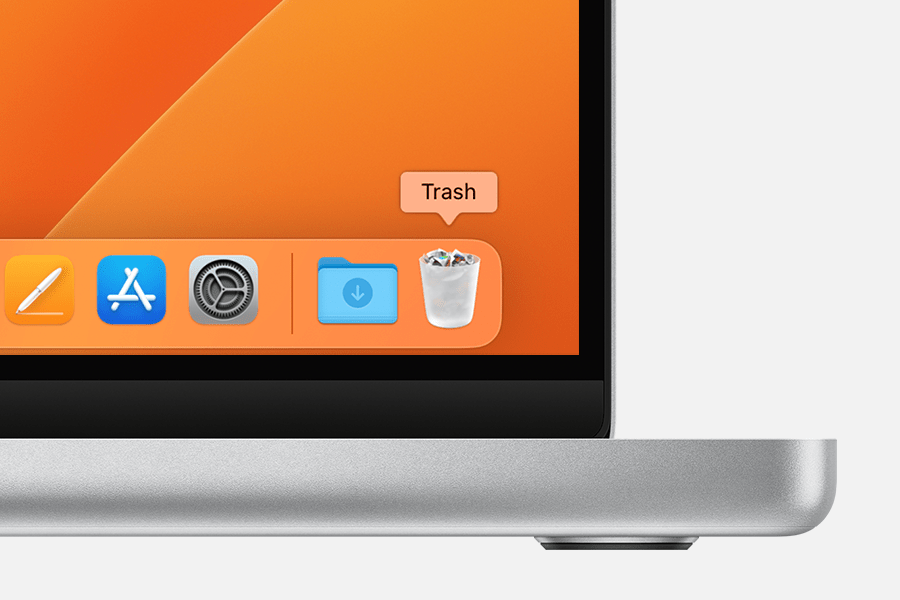
The Trash icon in the Dock

If you can't move an app to the Trash: You can't use the Finder to delete apps that are required by your Mac, such as many of the apps installed by macOS.


To uninstall apps from the internet or a disc on Mac, please check out this link, which explains how to do that as well: Install and uninstall apps from the internet or a disc on Mac


Thanks!

This thread has been closed by the system or the community team. You may vote for any posts you find helpful, or search the Community for additional answers.

Removing DJTVirtualDisplayAgent from MacBook Air High Sierra

Welcome to Apple Support Community
A forum where Apple customers help each other with their products. Get started with your Apple Account.