
OS10 Applecwatch, is it possible to lock the screen? The raindrop has gone.
Activities keep stopping because I can no longer lock the screen.
Windows, Windows 10
Activities keep stopping because I can no longer lock the screen.
Windows, Windows 10
How to use Water Lock and eject water from your Apple Watch states: "To open Control Center, press the side button (for watchOS 9 or earlier, touch and hold the bottom of the screen, then swipe up). You can open Control Center from any screen."
How to use Water Lock and eject water from your Apple Watch states: "To open Control Center, press the side button (for watchOS 9 or earlier, touch and hold the bottom of the screen, then swipe up). You can open Control Center from any screen."
Please refer to Use the buttons and screen on your Apple Watch.
Press the side button
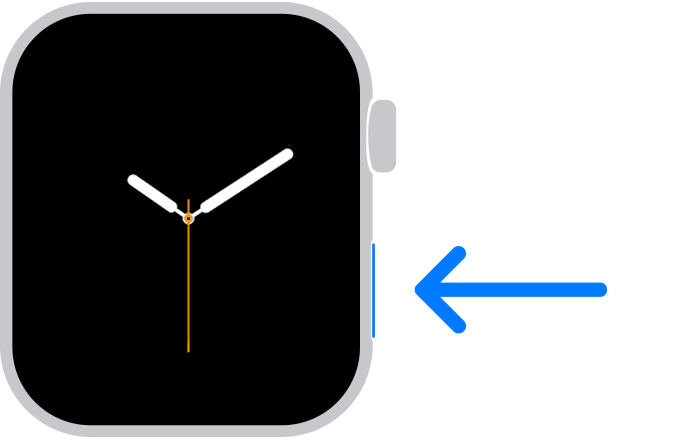
If you have Apple Watch Ultra or later, you can customize the Action button to access your favorite features quickly.
If you haven't updated watchOS, learn how to use the side button.
If the Flashlight icon is not visible, please refer to Use Control Center on Apple Watch.
Rearrange Control Center
You can rearrange the buttons in Control Center by following these steps:
Remove Control Center buttons
You can remove the buttons in Control Center by following these steps:
 in the corner of the button you want to remove.
To restore a button you’ve removed, open Control Center, tap Edit, then tap  in the corner of the button you want to restore. Tap Done when you’re finished.
Try that on OS10. No more water drop.
OS10 Applecwatch, is it possible to lock the screen? The raindrop has gone.
