My right AirPod pro is not working despite resetting. These are less than a year old
AirPods are fully charged. Left works fine. Right does not connect.
AirPods are fully charged. Left works fine. Right does not connect.
Hey AlliGent,
Since resetting the AirPods didn't help, it sounds like service may be needed to resolve the issue. Prior to seeking service, test the behavior after leaving the AirPods in the charging case for 30 seconds, lifting the lid to confirm the charging status of the batteries, and then putting them in your ears to listen to audio. Check out that suggestion, and how to contact Apple Support if the issue persists, in the article below:
If you're left or right AirPod isn't working - Apple Support
If there's no sound in one AirPod
1. Make sure that your charging case is fully charged.
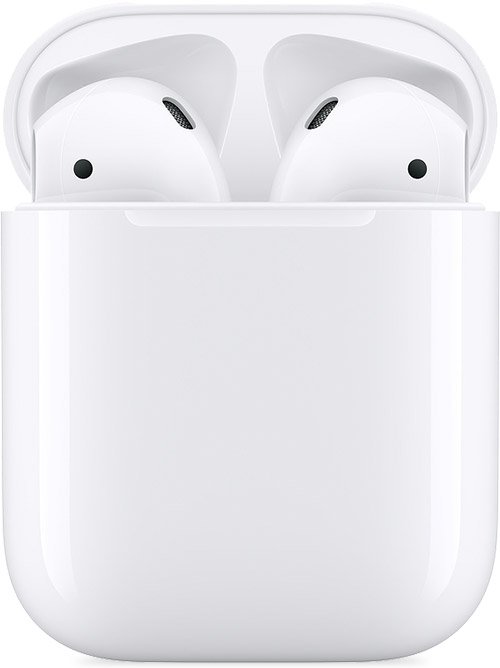
2. Place both AirPods in your charging case and let them charge for 30 seconds.
3. Open the charging case near your iPhone or iPad.
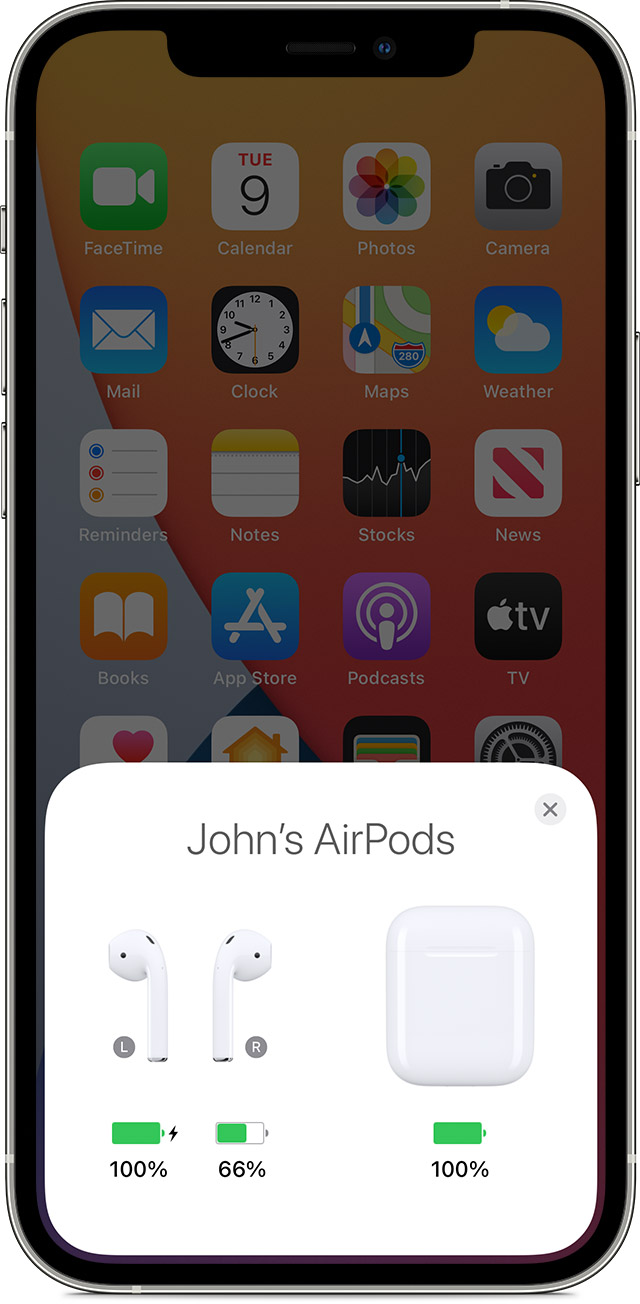
4. Check the charge status on your iPhone or iPad to make sure that each AirPod is charging.
5. Put both AirPods in your ears.
6. Play audio to test both AirPods.
7. If an AirPod still isn't working, reset your AirPods or contact Apple Support.
Cheers.
Hey AlliGent,
Since resetting the AirPods didn't help, it sounds like service may be needed to resolve the issue. Prior to seeking service, test the behavior after leaving the AirPods in the charging case for 30 seconds, lifting the lid to confirm the charging status of the batteries, and then putting them in your ears to listen to audio. Check out that suggestion, and how to contact Apple Support if the issue persists, in the article below:
If you're left or right AirPod isn't working - Apple Support
If there's no sound in one AirPod
1. Make sure that your charging case is fully charged.
2. Place both AirPods in your charging case and let them charge for 30 seconds.
3. Open the charging case near your iPhone or iPad.
4. Check the charge status on your iPhone or iPad to make sure that each AirPod is charging
5. Put both AirPods in your ears.
6. Play audio to test both AirPods.
7. If an AirPod still isn't working, reset your AirPods or contact Apple Support.
Cheers.
My right AirPod pro is not working despite resetting. These are less than a year old