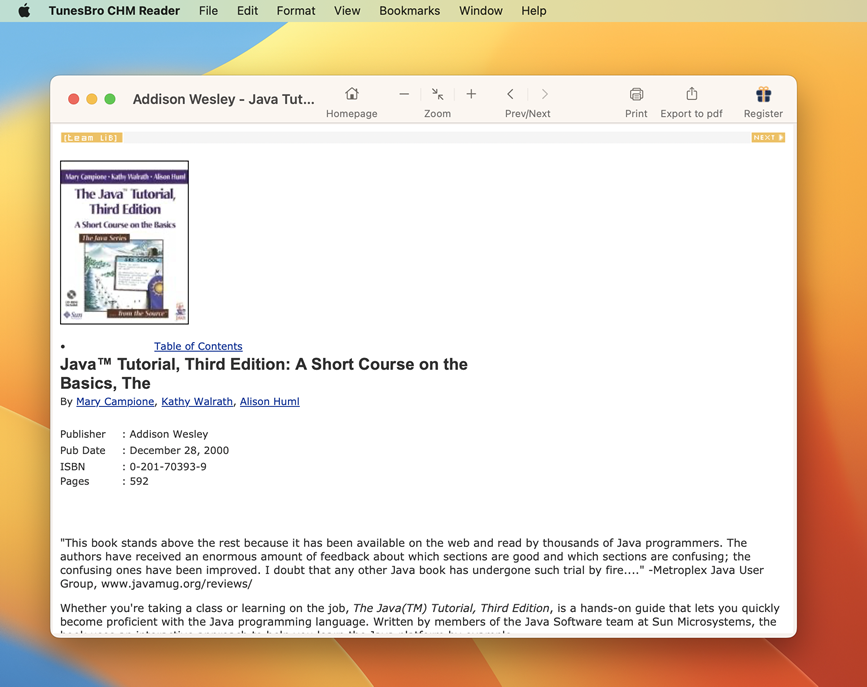
Hey there! Bummer about those pesky CHM files not playing nice with your Mac. No worries, though—I've got your back. Here's the lowdown:
CHM (Microsoft Compiled HTML Help) is kinda a Windows thing, which might be why your Mac's giving you the side-eye when you try to open them. But fear not! There are apps out there that can help you out.
Here's what you can do:
FossZIP
- This is a free CHM viewer for Mac.
- Just hop on over to the Mac App Store and search for "FossZIP".
- Download, install, and bam! You should be able to open your CHM files with this.
Chmox
- Another free option.
- Go to their website, download it, and give it a whirl.
Convert to PDF
If you'd rather have a PDF version, there are some online tools and software that'll convert CHM to PDF. It's handy if you want to read it on other devices or share it.
Source page: https://www.sysgeeker.com/blog/how-to-view-chm-files-on-mac.html
Pro Tip: Always be cautious when downloading and installing software from the internet, especially if it's not from an official app store or a well-known developer. Just saying, you don't want any nasty surprises. 😉
Hope this helps! Good luck!


