
Japan weather keep showing up all the time even when I am deleting it, can you help me fix it
On my weather app, Japan weather details keep showing up, even when I deleted it, my current location is jordan 🇯🇴
Windows, Windows 10
On my weather app, Japan weather details keep showing up, even when I deleted it, my current location is jordan 🇯🇴
Windows, Windows 10
Hi Samisport1,
It sounds like you're having an issue with the Weather app. If so, you started from a great article: Feature availability and data sources in the Weather app
The article leads to the information below found here to help check your current location settings: Check the weather on iPhone
"Check the weather on iPhone
Use the Weather app  to check the weather for your current location. You can also view the upcoming hourly and 10-day forecast, see severe weather information, and more.
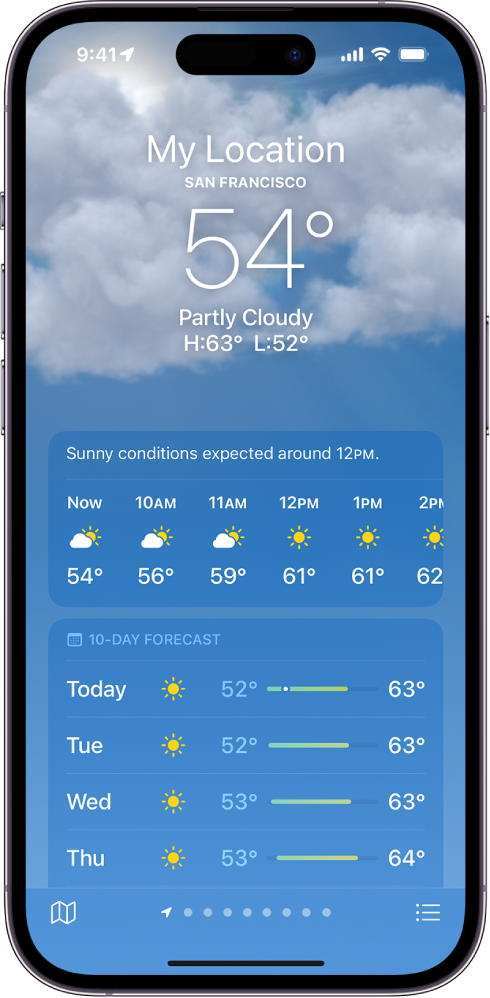
Note: Weather uses Location Services to get the forecast for your current location. To make sure Location Services is turned on, go to Settings  > Privacy & Security > Location Services > Weather. Turn on Precise Location to increase the accuracy of the forecast in your current location."
If your location settings are correct, check the details with the steps here: Check the weather in other locations on iPhone
Should you continue to have issues, reach out to Apple Support directly to further assist. Get Support
Best.
Japan weather keep showing up all the time even when I am deleting it, can you help me fix it

