
My Apple Watch won’t come on. Tried a new charger. Won’t restart because it is dead.
My Apple 6 watch will not come on. I bought a new charger. Tried to restart. Nothing.
My Apple 6 watch will not come on. I bought a new charger. Tried to restart. Nothing.
Hello BJ_Music,
Thank you for reaching out to Apple Support Communities, and we'll be happy to help in any way we can. We understand you're having issues with your watch not powering on. Try the steps here to see if they resolve the issue: If your Apple Watch won't charge or it won't turn on - Apple Support
"Find out if your Apple Watch is charging
When you connect your Apple Watch to its charging cable and power, a lightning bolt  should appear on the screen.
If your Apple Watch with watchOS 9 or later is in Low Power Mode, the icons, time, and day shown below all appear in yellow.
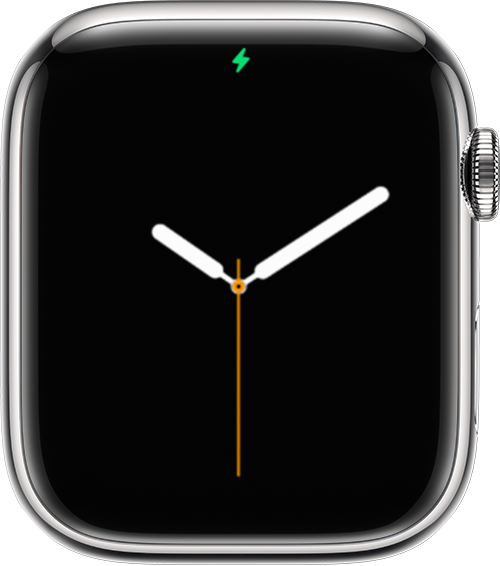
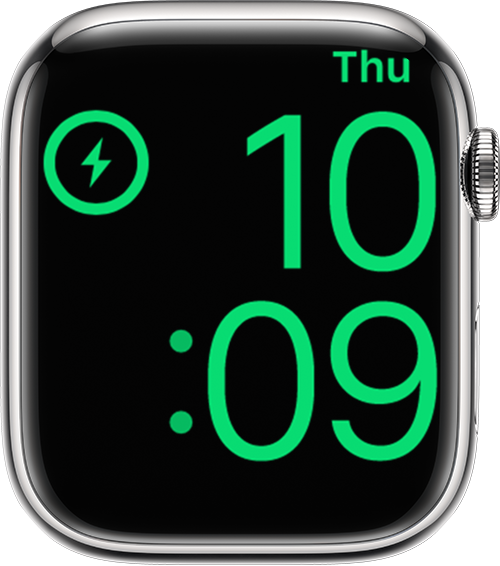
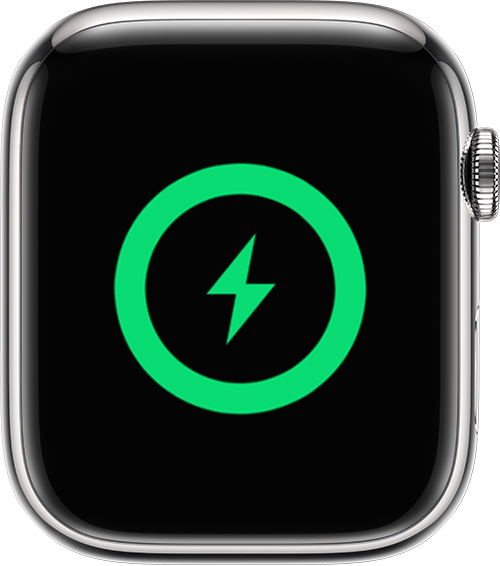

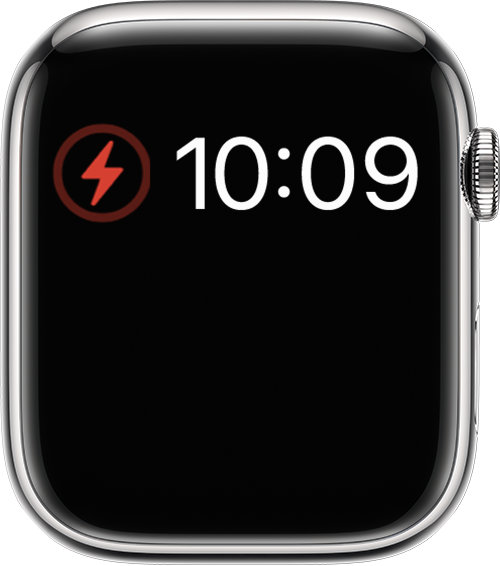
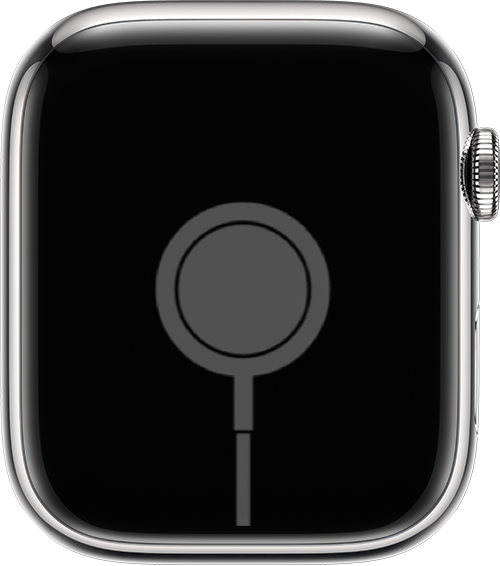
If your watch requires charging, a red lightning bolt  appears on the screen. (You might need to press the side button to make the watch face appear.) When your watch is charging, the red lightning bolt changes to a red lightning bolt inside a ring. If your screen is blank or the charging cable icon appears on the screen, charge your watch for up to 30 minutes.
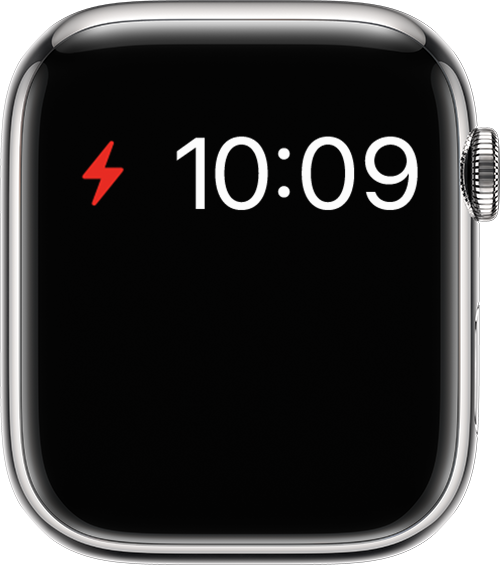
Get help if your Apple Watch won't charge
If your Apple Watch won't charge, or a message on your watch says that charging with this accessory isn't supported, try these tips:
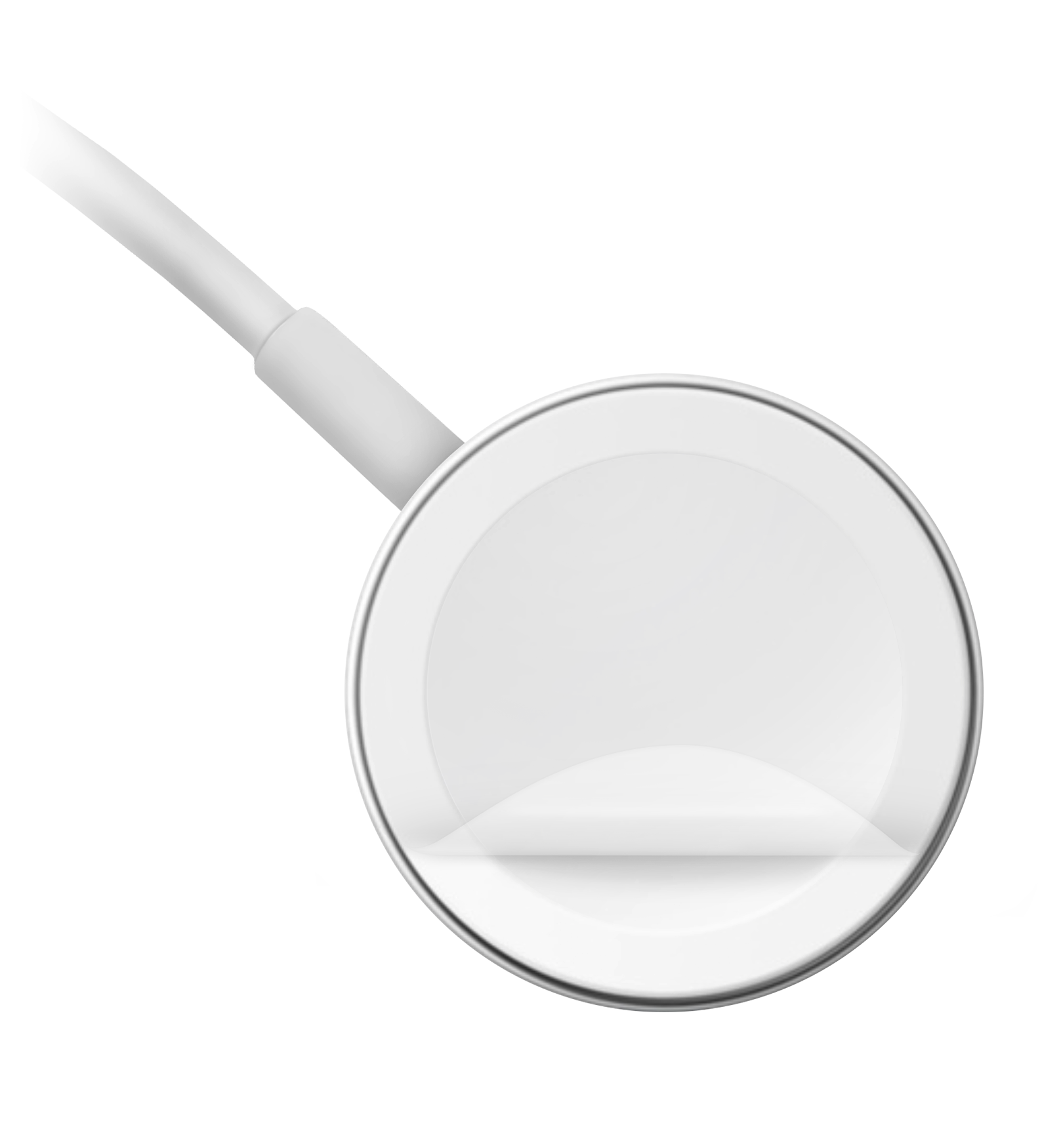 should appear on the watch face.* to appear after you start charging your device.
 We hope this helps.
Cheers!
Hello BJ_Music,
Thank you for reaching out to Apple Support Communities, and we'll be happy to help in any way we can. We understand you're having issues with your watch not powering on. Try the steps here to see if they resolve the issue: If your Apple Watch won't charge or it won't turn on - Apple Support
"Find out if your Apple Watch is charging
When you connect your Apple Watch to its charging cable and power, a lightning bolt should appear on the screen.
If your Apple Watch with watchOS 9 or later is in Low Power Mode, the icons, time, and day shown below all appear in yellow.
If your watch requires charging, a red lightning bolt appears on the screen. (You might need to press the side button to make the watch face appear.) When your watch is charging, the red lightning bolt changes to a red lightning bolt inside a ring. If your screen is blank or the charging cable icon appears on the screen, charge your watch for up to 30 minutes.
Get help if your Apple Watch won't charge
If your Apple Watch won't charge, or a message on your watch says that charging with this accessory isn't supported, try these tips:
should appear on the watch face.* to appear after you start charging your device. We hope this helps.
Cheers!
The guide provided by our Community Specialist is great information, but it seems to miss one essential check. I'm guessing when you say you got a new charger you mean the cable and magnetic puck. Also TEST your POWER ADAPTOR by switching to a Lightning cable and make sure your iPhone starts to charge (or switch to a different mains power adaptor to testy by substituting a known good device).
As always, if you remain stalled and unable to charge after trying all the suggestions, a trip to the Genius Bar at your local Apple Store is probably a good plan. Contact Apple Support to arrange an appointment (or mail-in).
Hey there BJ_Music,
If you've already tried all of the steps in the article previously provided, If your Apple Watch won't charge or it won't turn on, then the last step listed would be to contact Apple Support: Get Support
Cheers!
I’ve tried all these things and I have nothing.
My Apple Watch won’t come on. Tried a new charger. Won’t restart because it is dead.


