One AirPod isn’t working
One air pod isn’t working
[Re-Titled by Moderator]
One air pod isn’t working
[Re-Titled by Moderator]
Hello Simkkj,
For difficulties with just one of your AirPods, you'll want to take the steps below:
If there's no sound in one AirPod
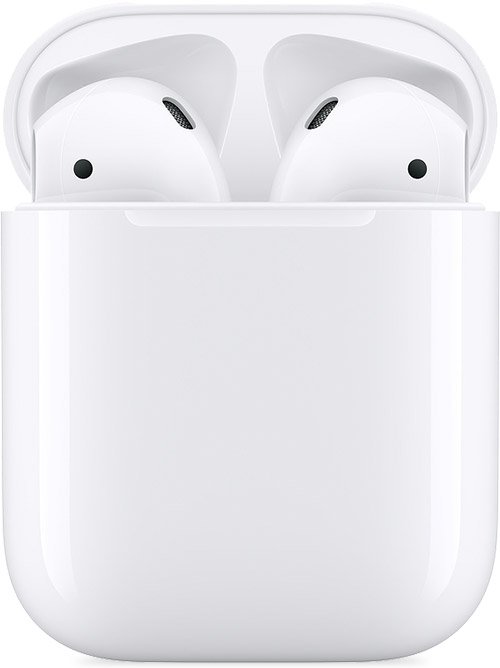
1. Make sure that your charging case is fully charged.
2. Place both AirPods in your charging case and let them charge for 30 seconds.
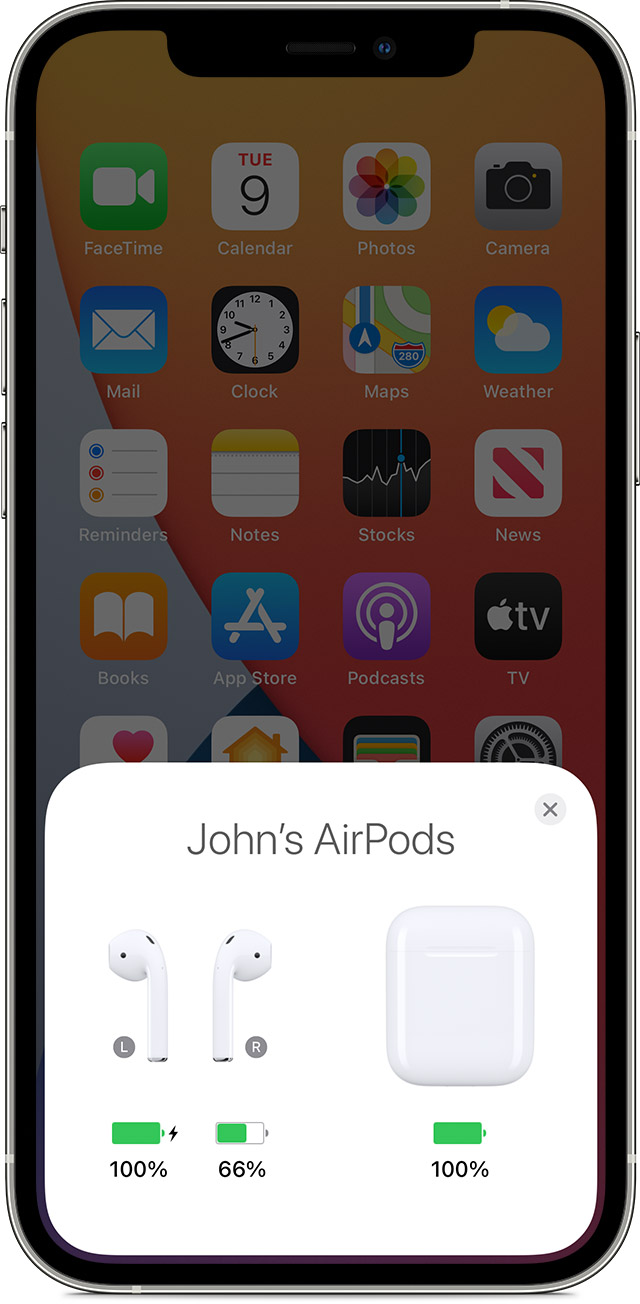
3. Open the charging case near your iPhone or iPad.
4. Check the charge status on your iPhone or iPad to make sure that each AirPod is charging.
5. Put both AirPods in your ears.
6. Play audio to test both AirPods.
7. If an AirPod still isn't working, reset your AirPods or contact Apple Support.
If there's low volume in one AirPod
If your left or right AirPod isn't playing any sound, or if the volume is too quiet, follow these steps:
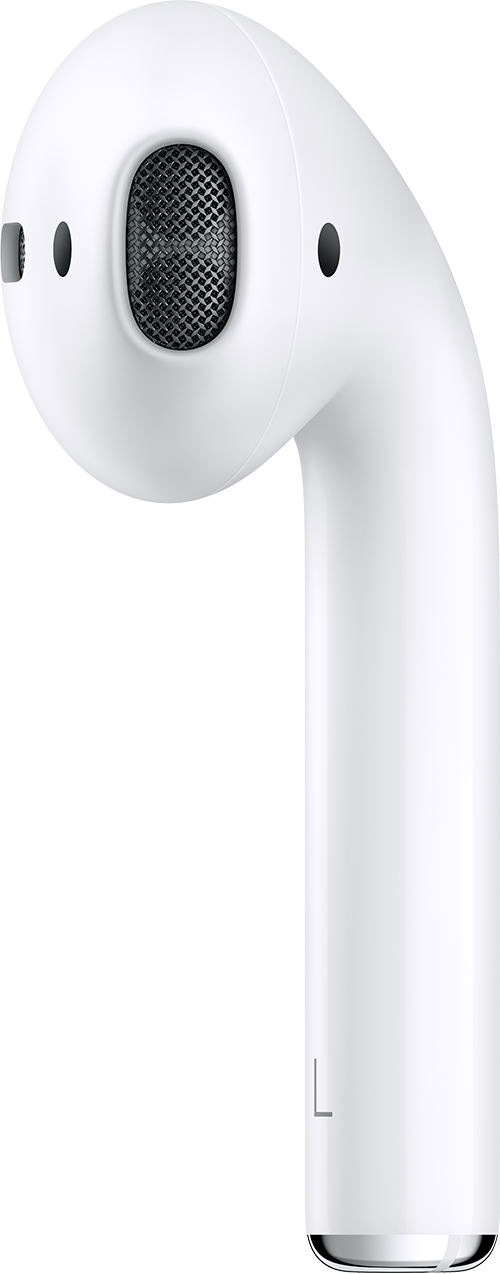
1. Check the microphone and speaker mesh on each AirPod.
2. If you see any debris, clean your AirPods using the guidelines in this article, and see if that fixes the issue.
3. Go to Settings > Accessibility > Audio/Visual > Balance, and make sure that the balance is set in the middle.
You can also find those steps in this resource: If your left or right AirPod isn't working - Apple Support
Should that still persist, you'll want to reach out to Apple Support: Apple Support They'll be in the best position to look into this further.
Take care.
Hello Simkkj,
For difficulties with just one of your AirPods, you'll want to take the steps below:
If there's no sound in one AirPod
1. Make sure that your charging case is fully charged.
2. Place both AirPods in your charging case and let them charge for 30 seconds.
3. Open the charging case near your iPhone or iPad.
4. Check the charge status on your iPhone or iPad to make sure that each AirPod is charging
5. Put both AirPods in your ears.
6. Play audio to test both AirPods.
7. If an AirPod still isn't working, reset your AirPods or contact Apple Support.
If there's low volume in one AirPod
If your left or right AirPod isn't playing any sound, or if the volume is too quiet, follow these steps:
1. Check the microphone and speaker mesh on each AirPod.
2. If you see any debris, clean your AirPods using the guidelines in this article, and see if that fixes the issue.
3. Go to Settings > Accessibility > Audio/Visual > Balance, and make sure that the balance is set in the middle.
You can also find those steps in this resource: If your left or right AirPod isn't working - Apple Support
Should that still persist, you'll want to reach out to Apple Support: Apple Support They'll be in the best position to look into this further.
Take care.
One AirPod isn’t working