iPad Draft not appearing on MAC Ventura 13.5.2 (22G91)

I've read through some of the other issues with Mail on Monterey and Ventura, but my current problem is a little different. I have 4 email Accounts on my Mac and normally everything seems to work fine but occasionally I draft an email (or a Reply) on my iPad mini (Ver. 6) currently running iOS 16.7 and then can't find it on my MAC. I have to "mail" it to myself to get it there.

Mac mini, macOS 13.5

Posted on Oct 1, 2023 2:20 PM

Reply

Similar questions

1 reply

Oct 3, 2023 9:24 AM in response to GaryReginald

Hello GaryReginald,


It sounds like you may be having issues with Handoff between your Mac and iPad mini. In this case, we would check for a solution using these steps: Use Handoff to continue tasks on your other devices


Use Handoff to continue tasks on your other devices

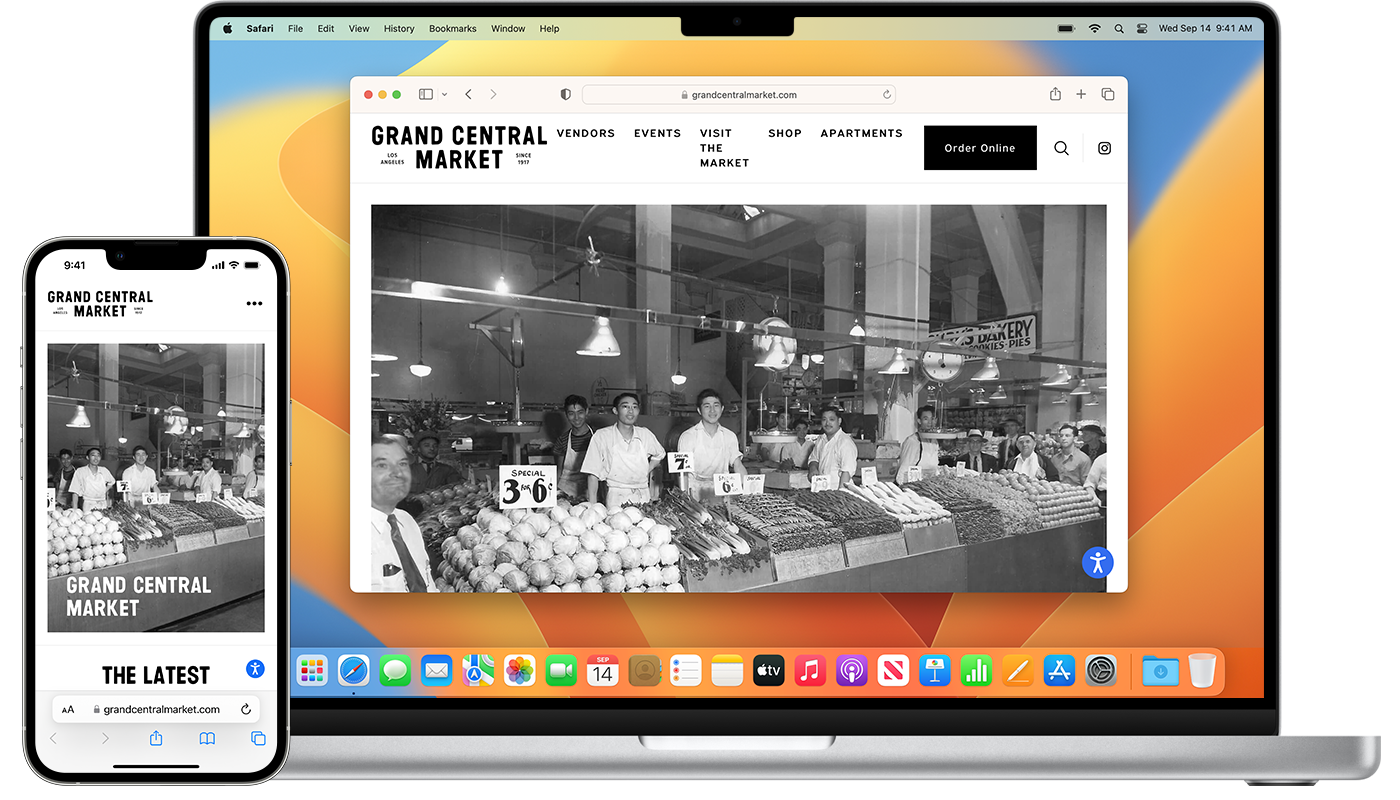
With Handoff, you can start work on one device, then switch to another nearby device and pick up where you left off.


Set up Handoff

Use Handoff with any Mac, iPhone, iPad, or Apple Watch that meets the Continuity system requirements. Handoff works when your devices are near each other and set up as follows.

* Each device is signed in to iCloud with the same Apple ID.

* To see the Apple ID used by Apple Watch, open the Apple Watch app on your iPhone, then go to General > Apple ID.

* Each device has Bluetooth and Wi-Fi turned on.

* Each device has Handoff turned on.

* Mac with macOS Ventura or later: Choose Apple menu  > System Settings, click General in the sidebar, then click AirDrop & Handoff on the right. Turn on “Allow Handoff between this Mac and your iCloud devices.”

* Mac with earlier versions of macOS: Choose Apple menu  > System Preferences, click General, then select “Allow Handoff between this Mac and your iCloud devices.”

* iPhone or iPad: Go to Settings > General > AirPlay & Handoff, then turn on Handoff.

* Apple Watch: In the Apple Watch app on your iPhone, tap General and turn on Enable Handoff. Apple Watch supports handing off from your watch to your iPhone or Mac.


Use Handoff

1. Open an app that works with Handoff.

Apps that work with Handoff include Safari, Mail, Maps, Reminders, Calendar, Contacts, Pages, Numbers, Keynote, FaceTime,* and many third-party apps.

2. Use the app to start a task, such as writing an email or document.

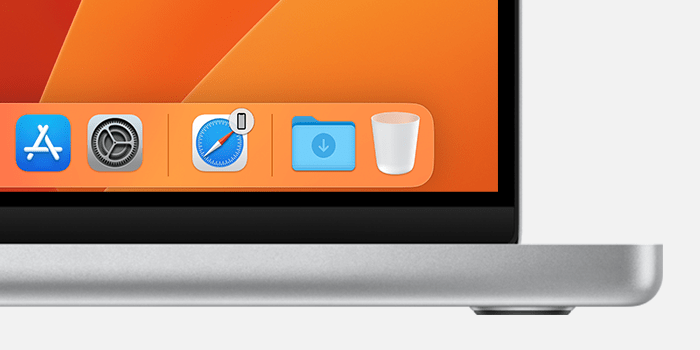
3. To switch to your Mac, click the app's Handoff icon in the Dock.


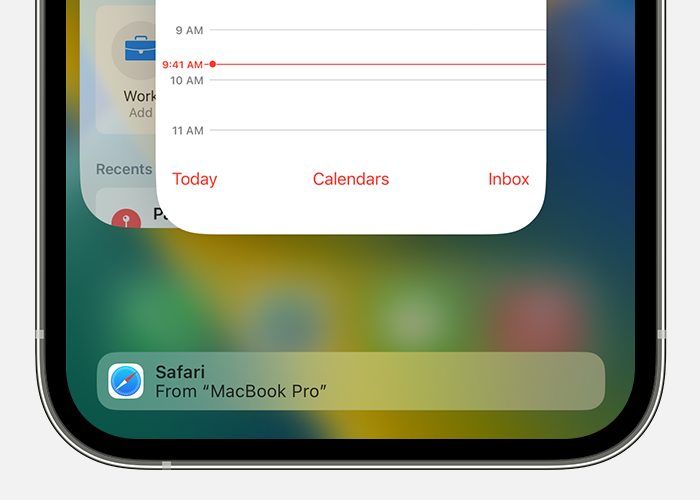
4. To switch to your iPhone or iPad, open the App Switcher, as you would when switching between apps, then tap the app banner at the bottom of the screen.


Using Handoff with FaceTime requires macOS Ventura or later, iOS 16 or later, and iPadOS 16 or later. 


Let us know if this helps out or not.


Take care.


This thread has been closed by the system or the community team. You may vote for any posts you find helpful, or search the Community for additional answers.

iPad Draft not appearing on MAC Ventura 13.5.2 (22G91)

Welcome to Apple Support Community
A forum where Apple customers help each other with their products. Get started with your Apple Account.