
Typing suggestions in floating bar gone in iPadOS 17?
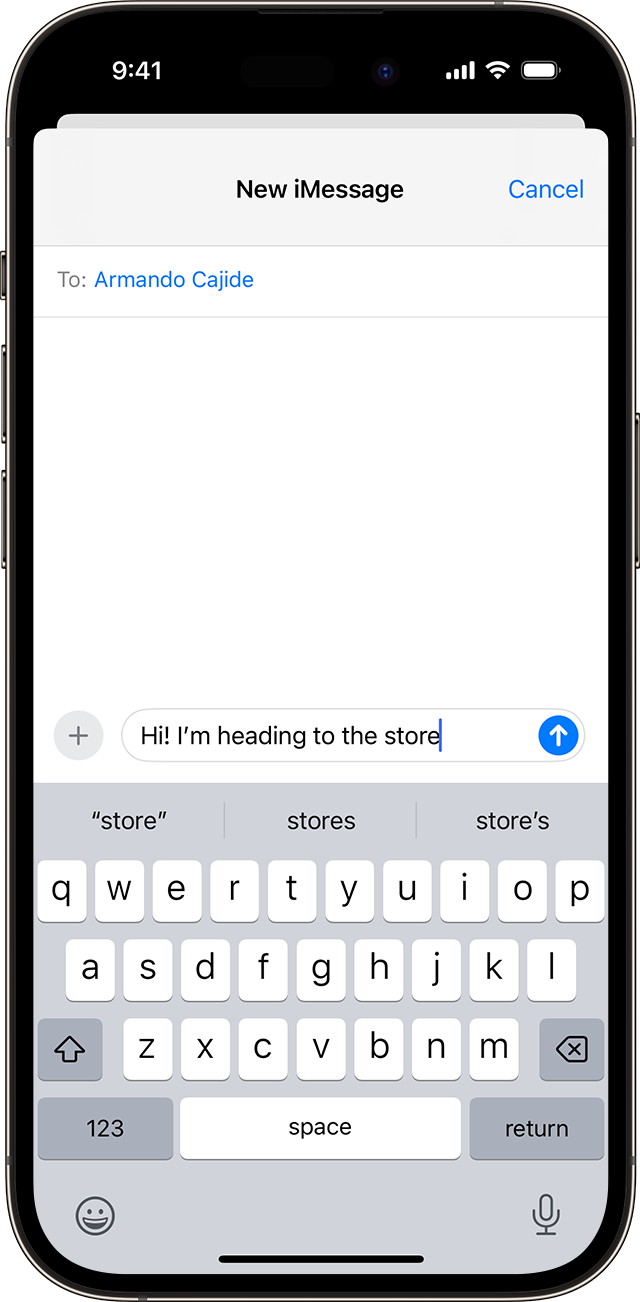
Up until iPadOS 16, when using the iPad with a physical keyboard connected to it, we got typing suggestions in the form of three words in as many buttons.
While those remain in the on-screen keyboard, they now appear to be gone in iPadOS 17.
The floating bar when you type in any text field is still there, but it only shows:
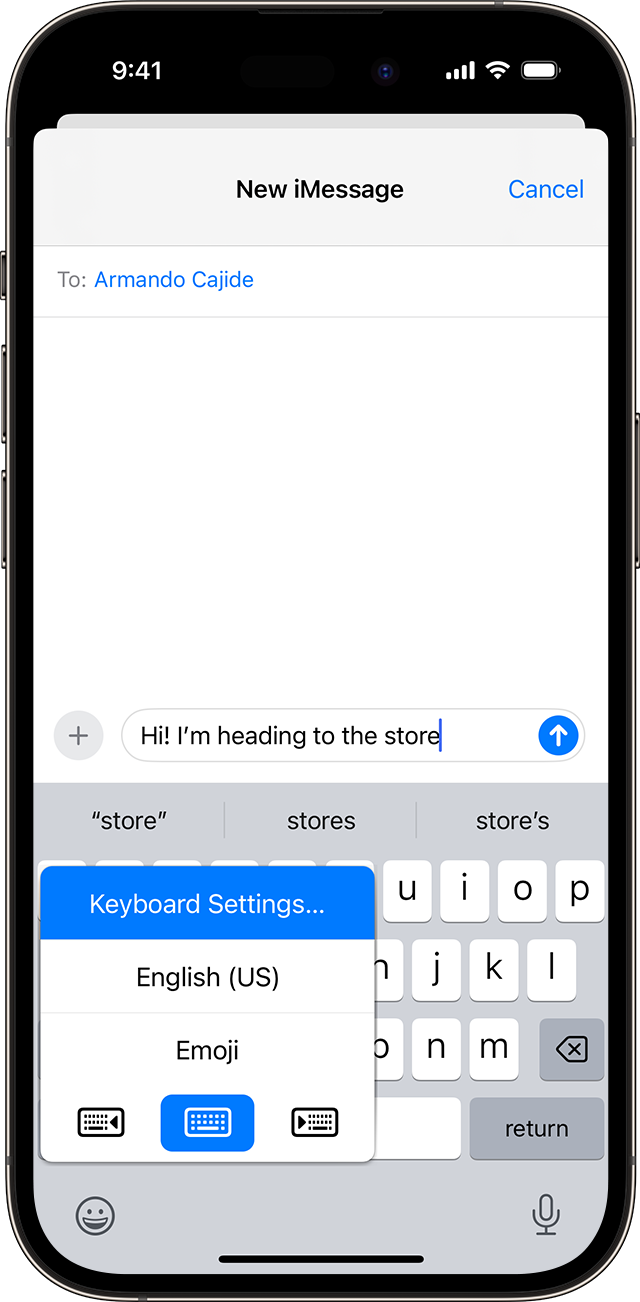
- A button for keyboard language
- contextual buttons for the app one is using
- Microphone button to start dictation
Is there a way to bring it back? It was one of the most helpful features to me, since I often write e-mails and documents in at least 2 languages in which I am not a native speaker.
Thank you
iPad Pro, iPadOS 17



 or the globe icon
  .
.