Hi peppifromkanata,
Thanks for posting in Apple Support Communities.
In Reminders, your lists can be assigned to various email accounts. If the link is saved under an email account other than iCloud, you may not have the option to share the list.
Share a list
1. Open the Reminders app. Tap the list that you want to share.
2. Tap the Share button  .
.
3. 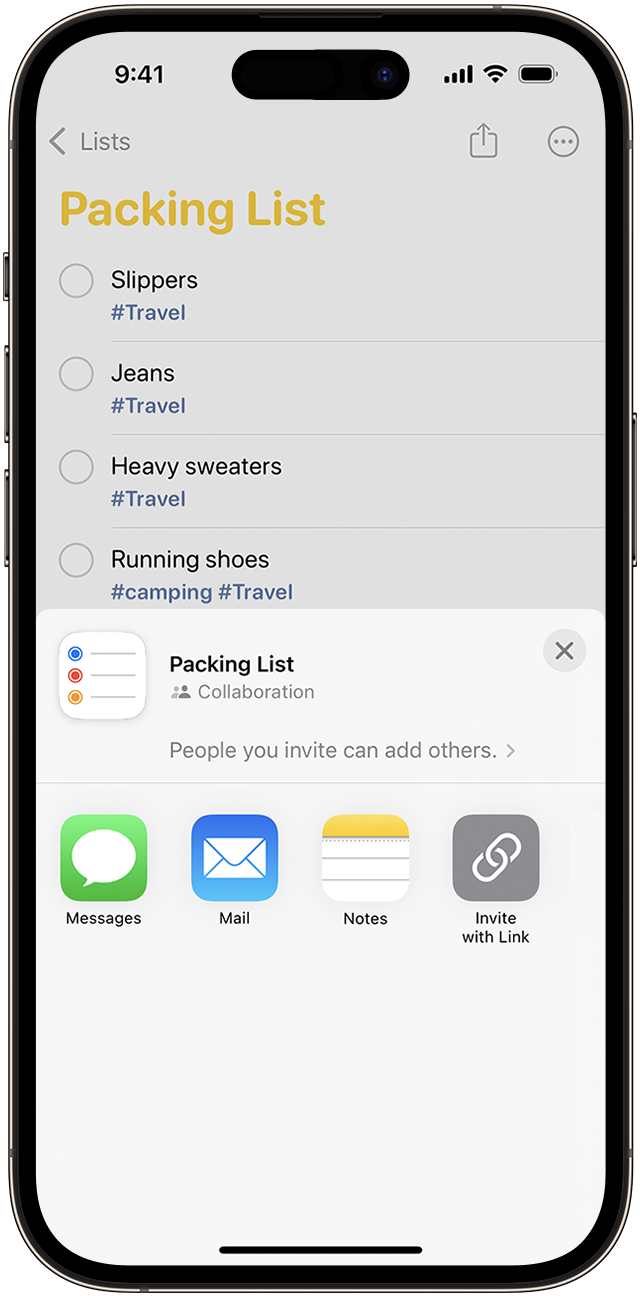
4. In the menu, tap on your contact or an app like Messages or Mail and share the list.
After someone accepts your invitation, they can add items, delete items, and mark them as completed. To view shared lists that you create in iOS 13 or later, the people you invite also have to have iOS 13 or later on their device. Notifications that you set for your reminders aren't shared with anyone else.
Share and assign reminders on your iPhone or iPad - Apple Support
Regards.


