Hey TabXarm ,
We'd recommend checking out this article as it provides information on your options for downloading iTunes Store purchases on PC Buy or download items from the iTunes Store on PC
"Buy or download an audiobook
You can buy audiobooks and then listen to them on your computer, iPhone, iPad, or iPod touch. Many audiobooks provide a sample you can listen to before you buy the book. Samples are downloaded only to your device. Spoken program files purchased from the iTunes Store end in .m4b.
- In the iTunes app
 on your PC, choose Audiobooks from the pop-up menu at the top left, then click Store.
 - Click in the search field in the top-right corner of the iTunes window and enter a word or phrase.
- As you type, iTunes displays a list of items that match the search text you entered.
- To choose where you want to search, click Store in the top-right corner of the search results.
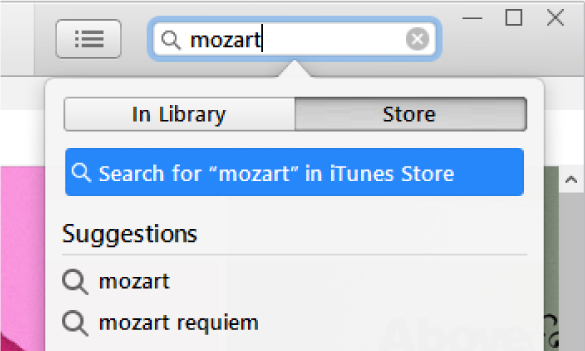
- Press Enter.
- Your search results appear in the iTunes window.
- Note: Instead of searching in the iTunes Store, you can browse—click Store, look through the various bestsellers and categories in the window, then select an item.
- To preview an item before purchasing, move the pointer over the item, then click the Preview button
 .
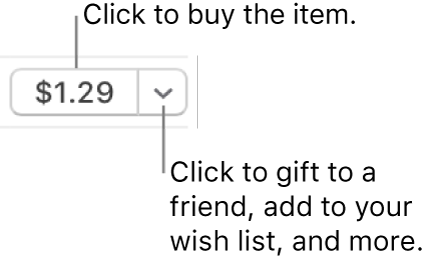
. - To buy and download the item, click the button—which might be labeled Buy, Free, Subscribe, a specific price, or something else.
"
If you need further assistance, contact Apple Support here: Contact - Official Apple Support
Thanks!


