Google Chrome blank screen
Opening any links on Google Chrome only brings up a blank screen. What's the fix?
iMac 21.5″, OS X 10.11
Opening any links on Google Chrome only brings up a blank screen. What's the fix?
iMac 21.5″, OS X 10.11
Hey EveHelp,
Let's try this with the Safari app and see if you experience the same issue. If not, we recommend that you reach out to Google Support team to look further into their app issue: Google Chrome
You can try to delete the Google Chrome app and also check for any updates for the app: How to manually update apps on your Apple device - Apple Support
How to manually update apps on your Mac
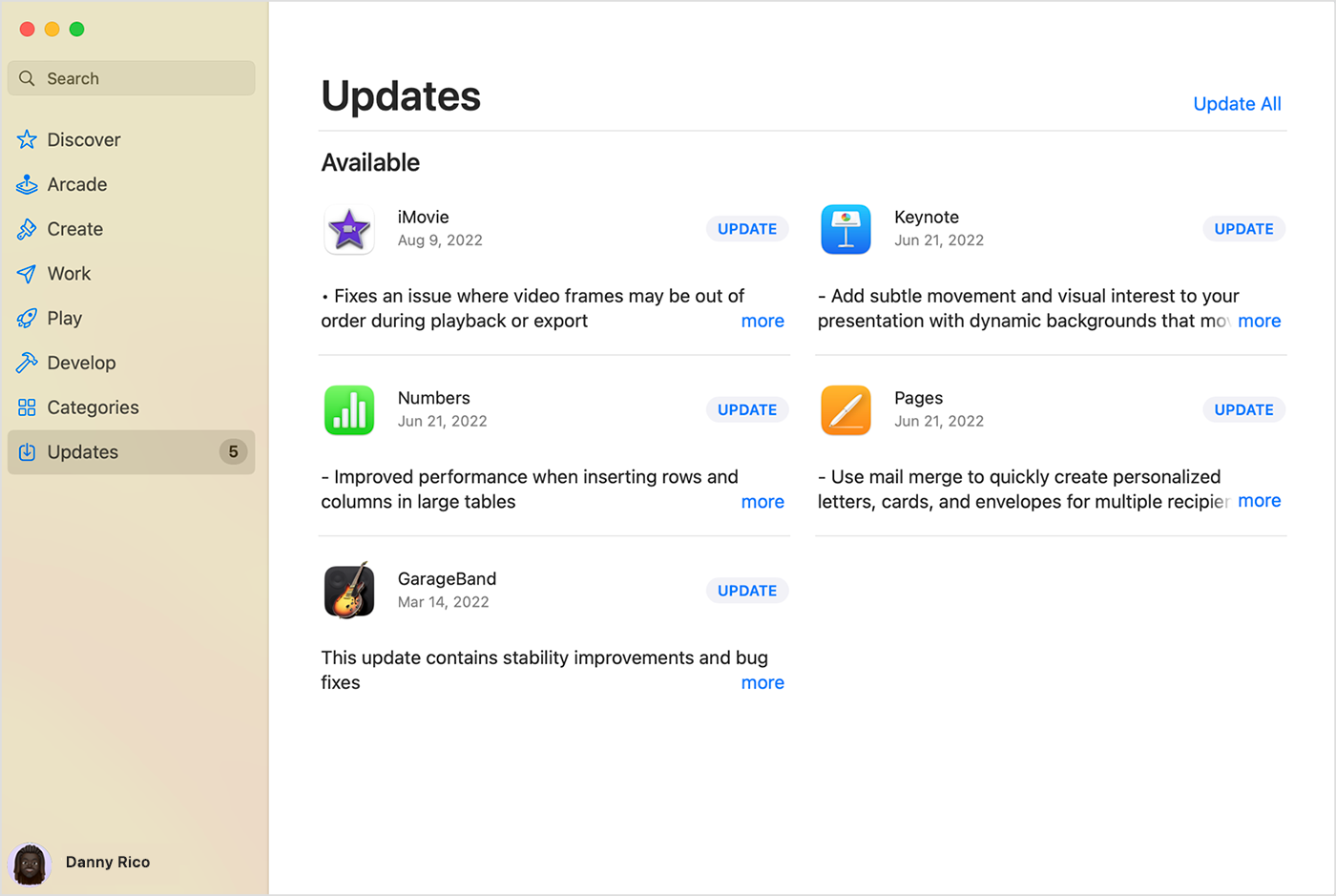
1. Open the App Store.
2. In the sidebar, click Updates.
3. Click Update next to an app to update only that app, or click Update All.
If you didn’t get the app from the App Store on your Mac, contact the app developer to get help with updates.
Learn what to do if you can't update an app on your Mac
Let us know how it goes!
Best regards.
lol - "just delete everything." Awesome answer.
Google Chrome blank screen