
Google Apps in Launchpad
There are Google shortcuts in my Launchpad that I did not install. The Chrome App is not on my computer. These icons will not open for me to remove them. Please help.
MacBook Pro 13″, macOS 14.0
There are Google shortcuts in my Launchpad that I did not install. The Chrome App is not on my computer. These icons will not open for me to remove them. Please help.
MacBook Pro 13″, macOS 14.0
Hi imaric3,
See the steps below to remove these shortcuts since they are installed:
"If you can't delete an app from Launchpad: The Delete button  appears only for apps that you downloaded from the App Store. Delete other apps using the Finder instead.
Use the Finder to delete apps
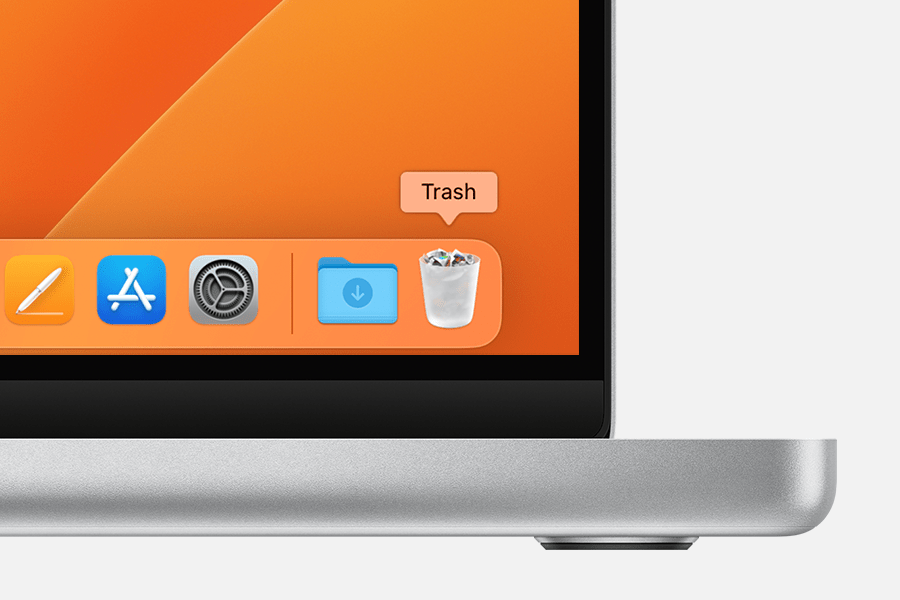
If you can't move an app to the Trash: You can't use the Finder to delete apps that are required by your Mac, such as many of the apps installed by macOS.
"
Uninstall apps on your Mac - Apple Support
Cheers.
Google Apps in Launchpad

