October Challenge not tracking
My October challenge is not tracking my progress.
Windows, Windows 6
My October challenge is not tracking my progress.
Windows, Windows 6
Tater0401, Thanks for letting us know. In that case, we recommend that you contact Apple Support directly so that they can work with you to find a solution. You can reach them by clicking here: Apple Support or calling the most local number in your region: Contact Apple for support and service. Thank you for participating in the Apple Support Communities. Cheers!
Hi Tater0401,
Please check out this link, which has some information on how to track your activity and earn awards, which may be helpful: Track daily activity with Apple Watch
See your awards
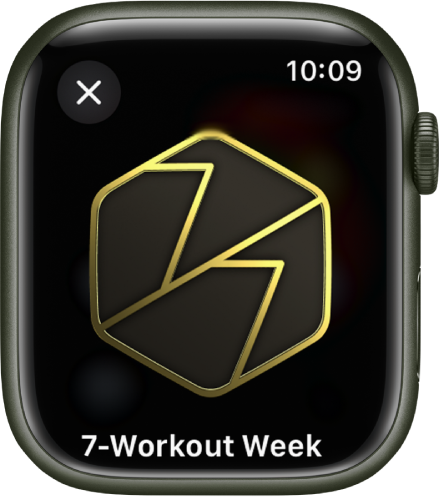
You can earn awards for personal records, streaks, and major milestones using your Apple Watch. To see all your awards, including Activity Competition awards and awards you’re making progress towards, follow these steps:
1. Open the Activity appon your Apple Watch.
2. Tap.
3. Tap an award to learn more about it.
You can also open the Fitness app on your iPhone, then scroll down to see Awards at the bottom of the screen.
See Compete with your friends for more information about competitions.
For assistance, please reach out to Apple Support, as they'll be in the best position to help. You may be able to reach them here: Get Support
Thanks!
I understand how to find it, it is not tracking my activity, it is stuck and will not track the progress I have done.
October Challenge not tracking