FaceTime record a message
FaceTime record a message button not responding on ios17
iPhone 15 Pro Max
FaceTime record a message button not responding on ios17
iPhone 15 Pro Max
Hi there Elmsbmd,
If you are having issues recording a video message in FaceTime, first ensure you are following these steps from Make FaceTime calls on iPhone to do this:
Record a video message
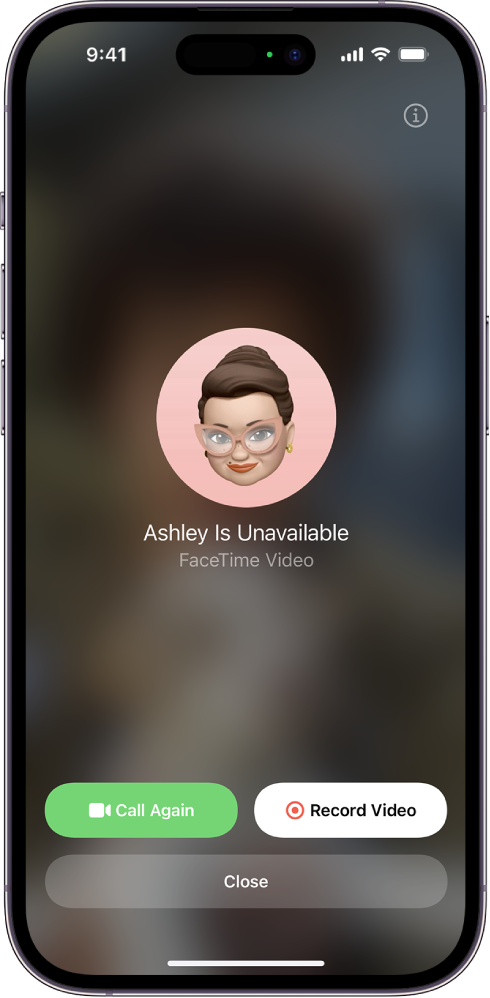
If someone doesn’t answer your FaceTime video call, you can record a video message to convey exactly what you want to say.
1. Tap Record Video, wait for the countdown (from 5 to 1), then record your message.
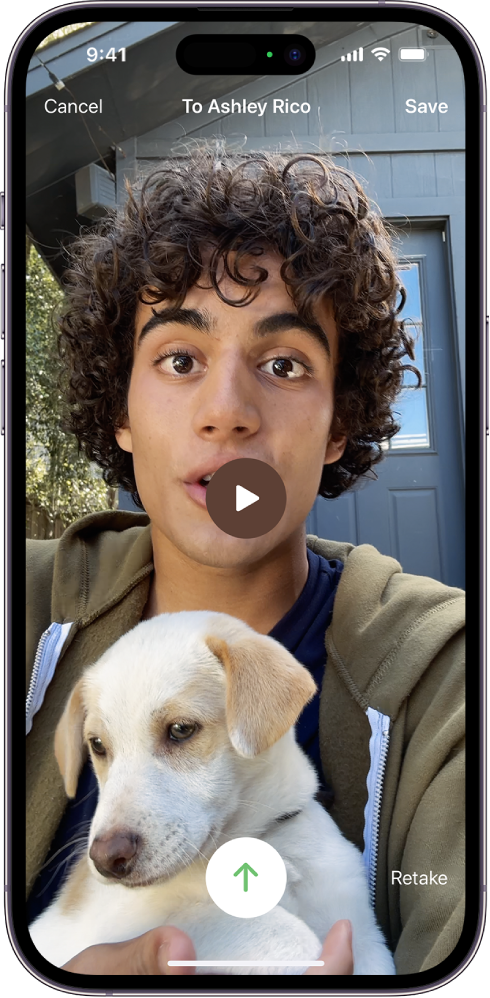
2. Tapto send your recorded message, or tap Retake to rerecord the message. You can also tap Save to save it to Photos.
3. After you send your video message, the recipient is notified.
Note: You can receive video messages only from saved contacts, people you’ve called, and people suggested by Siri.
Leave a voicemail
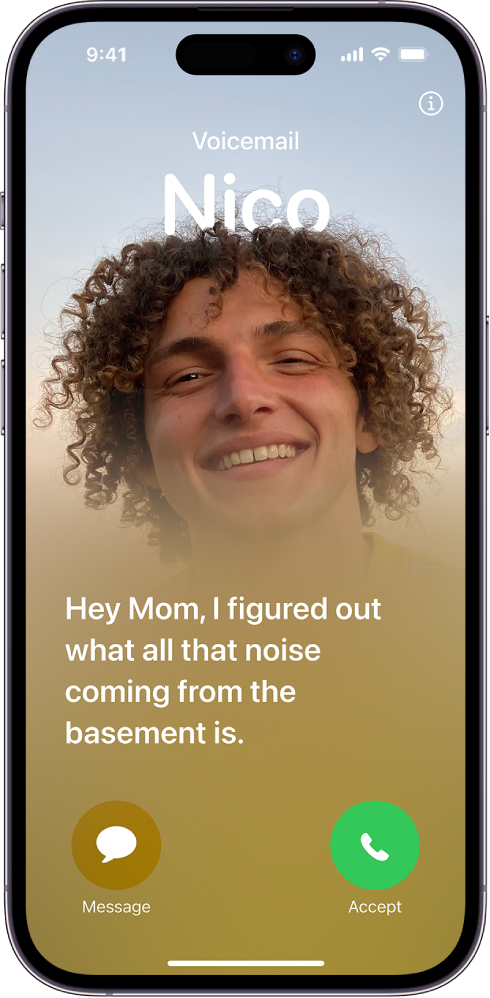
If someone doesn’t answer your FaceTime audio call, and you’re a known contact of the person you’re calling (either you’re in their Contacts or you’ve messaged or spoken to them recently), you’ll be prompted to leave a voicemail.
If the person you’re calling has Live Voicemail turned on in Settings> Phone, your message will be transcribed on their screen as you speak, letting them know what you’re calling about and giving them a chance to pick up your call.
If this continues after following those, please provide more details on exactly what is occurring when you try to record a message so that we can continue to assist.
Cheers!
FaceTime record a message