Hello Ktonis,
Thank you for reaching out to Apple Support Communities.
These steps may be able to help:
"Track your sleep with Apple Watch
With the Sleep app  on Apple Watch, you can create sleep schedules to help you meet your sleep goals. Wear your watch to bed, and Apple Watch can estimate the time you spent in each sleep stage—REM, Core, and Deep—as well as when you might have woken up. When you wake up, open the Sleep app to learn how much sleep you got and see your sleep trends over the past 14 days.
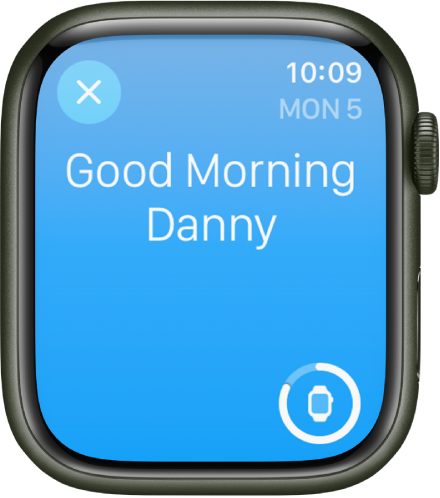
If your Apple Watch is charged less than 30 percent before you go to bed, you’re prompted to charge it. In the morning, just glance at the greeting to see how much charge remains.
Note: Apple Watch tracks your sleep based on the sleep schedule you create. Apple Watch can also track your sleep when your Sleep Focus starts. To receive sleep data from Apple Watch, it must track your sleep for at least four hours each night.
You can create multiple schedules—for example, one for weekdays and another for weekends. For each schedule, you can set up the following:
- A sleep goal (how many hours of sleep you want to get)
- What time you want to go to bed and wake up
- An alarm sound to wake you up
- When to turn on the Sleep Focus, which limits distractions before you go to bed and protects your sleep after you’re in bed
- Sleep tracking, which uses your motion to detect sleep when you wear Apple Watch to bed and the Sleep Focus is active
- Note: Sleep tracking is available on watchOS 8 or later."
Additional details can be found here: Track your sleep with Apple Watch
If the issue persists, can you provide a few more details? Which Apple Watch and watchOS version are you currently using? What happens when you open the Sleep app? Also, which iPhone and iOS version is paired to your Apple Watch?
Cheers!


