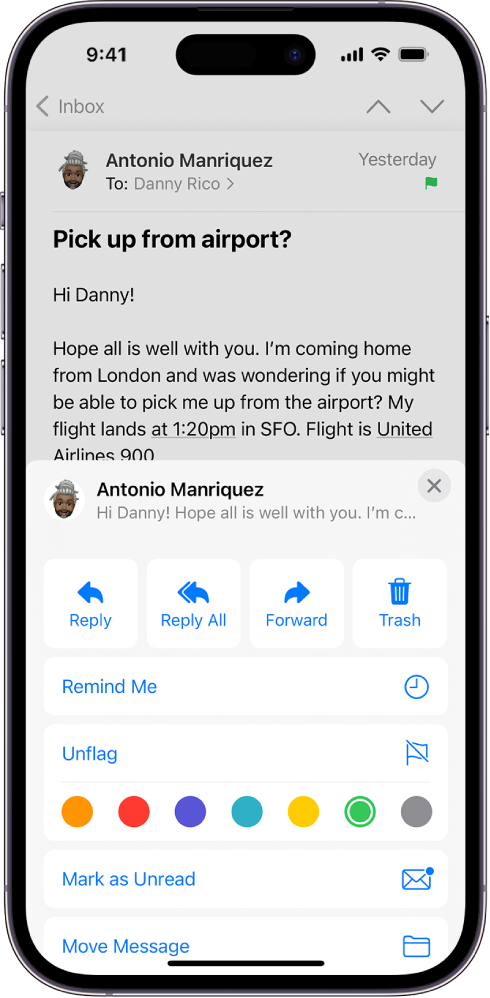
How do I unflag sites I want back in my emails?
I have a few companies I don’t know how are showing up in junk when I don’t want them there.
iPhone 13 Pro Max, iOS 16
I have a few companies I don’t know how are showing up in junk when I don’t want them there.
iPhone 13 Pro Max, iOS 16
Hello Hellohelpme2023,
Please check out this link, which explains how to change or remove a flag, and will guide you through that process: Flag or block emails in Mail on iPhone
Flag an email
You can flag an important email to make it easier to find later. An email you flag remains in your Inbox and also appears in the Flagged mailbox.
1. Open the email, tap, then tap Flag.
2. To choose a color for the flag, tap a colored dot.
To change or remove a flag, open the email, tap
Note: Flags you add to an email appear on that email in Mail on all your Apple devices where you’re signed in with the same Apple ID.
Thanks!
How do I unflag sites I want back in my emails?