My Mac computer is 15.6 OS, but my bank needs 16.0 safari OS system, how can I upgrade?
I need to upgrade my safari OS system, as my bank needs the new 16.0 safari system, but my computer will not upgrade from 15.6
MacBook Pro 13″, macOS 10.15
I need to upgrade my safari OS system, as my bank needs the new 16.0 safari system, but my computer will not upgrade from 15.6
MacBook Pro 13″, macOS 10.15
Hi Lancer05,
The most up-to-date version of Safari is included with the latest version of macOS, as mentioned here: Update to the latest version of Safari
This resource has information on which macOS versions are the latest and which computers can use the latest macOS versions: Find out which macOS your Mac is using
If a software update is available for your Mac, here's how to install is: Update macOS on Mac
1. Before installing new software, it's a good idea to back up your Mac. If you have an external storage device, you can use it to back up your Mac with Time Machine.
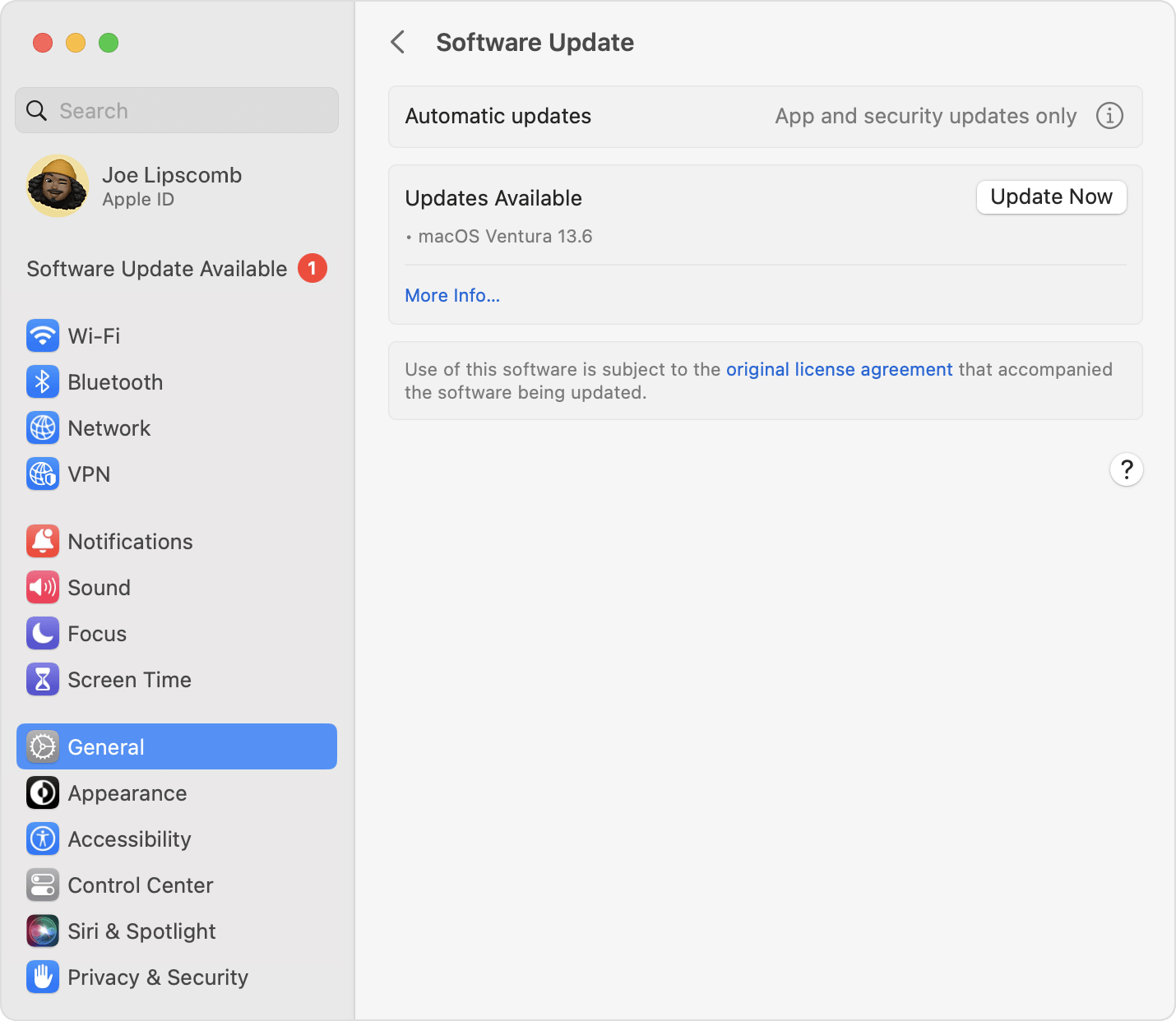
2. To check for new software, open Software Update:
• From the Apple menu in the corner of your screen, choose System Settings. Click General in the sidebar, then click Software Update on the right.
• Or in earlier versions of macOS, choose Apple menu > System Preferences, then click Software Update.
3. If Software Update finds new software, click the Update or Upgrade button to download and install it. You will be asked to enter your administrator password, which is the password you use to log in to your Mac. During installation, your Mac might show a progress bar or blank screen several times.
If Software Update says that your Mac is up to date, then no new software is currently available for your Mac model. Software Update shows only software that is compatible with your Mac.
Regards.
My Mac computer is 15.6 OS, but my bank needs 16.0 safari OS system, how can I upgrade?