
Repairing your watch taking forever
The watch wanted to unpair from the phone to rep-pair it for the newest version. But it was taking hours.
The watch wanted to unpair from the phone to rep-pair it for the newest version. But it was taking hours.
Hello pblask,
Thank you for reaching out to Apple Support Communities.
Let's review these steps in order to pair your Apple Watch to a new phone:
"If you have your old iPhone
Use these steps to back up your Apple Watch before pairing with your new iPhone.
1.Update your old iPhone
Before you switch your Apple Watch to a new iPhone, update your old iPhone to the newest version of iOS that's available.* You should also update your Apple Watch. It could take from several minutes to an hour for the updates to complete. You might want to update overnight or wait until you have time, and make sure that both of your devices are charged.
* You might see that your iPhone is up to date on its current version, and there's an update available. For example, even if your iPhone is up to date on the latest version of iOS 14, there might be an option to update to iOS 15.
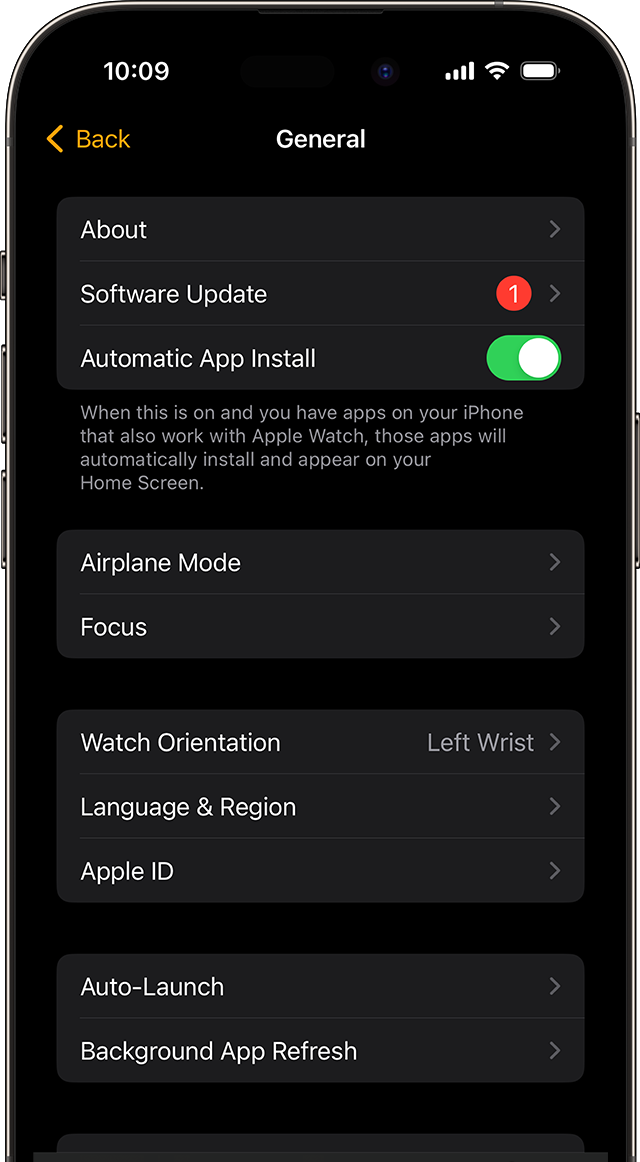
2.Check your Health and Activity settings
If you back up using iCloud, go to Settings > [your name] > iCloud and make sure that Health is on.
If you back up using your computer, encrypt your backup to save your Health and Activity content.
iCloud doesn't store your Activity Sharing data.
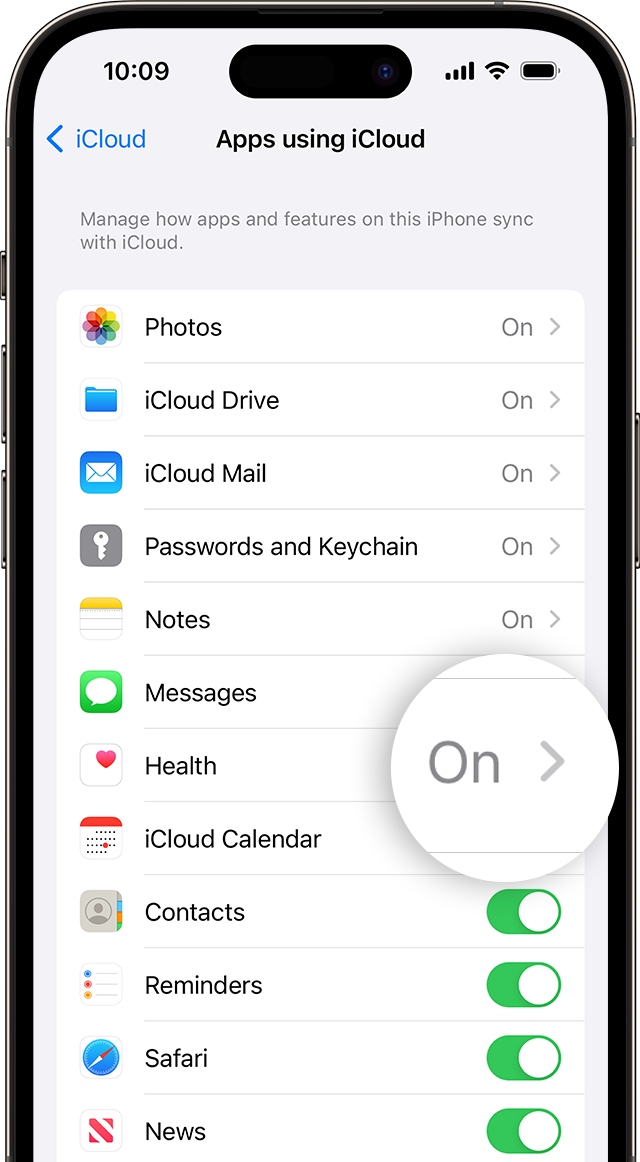
3.Back up your old iPhone
Use these steps to back up your old iPhone in iCloud or on your computer. Your iPhone also backs up your Apple Watch. Learn what's backed up.
4.Set up your new iPhone
Set up your new iPhone. When asked if you have an iCloud or iTunes backup, choose your most recent backup to restore your data from your old device to your new device. Make sure that your iPhone and Apple Watch are up to date; if they aren't, you might not see your backup in the list.
If your iPhone asks if you want to use your Apple Watch, make sure that your watch is unlocked and on your wrist, then tap Continue. If it doesn't ask, you can still set up your Apple Watch manually in the next step. Get help if your iPhone doesn't ask if you want to use your Apple Watch.
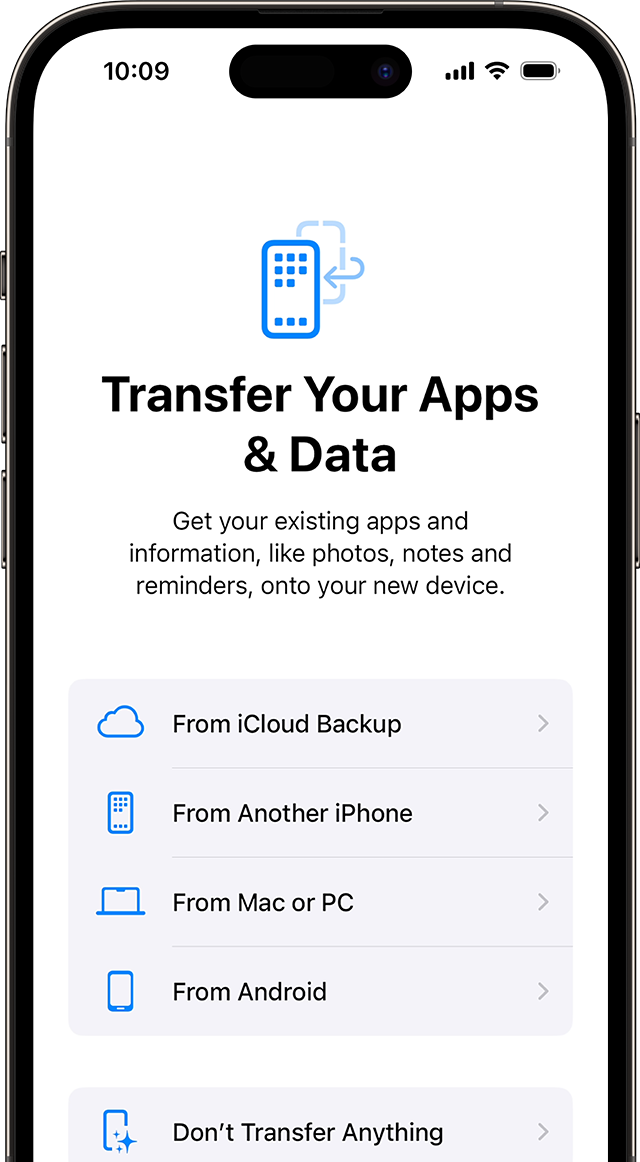
5.Open the Apple Watch app on your new iPhone
Keep your Apple Watch unlocked and on your wrist with your iPhone nearby. Open the Apple Watch app on your iPhone.
If your iPhone asks you to confirm that you want to use your watch, follow the onscreen steps to finish setting up.
If your iPhone asks you to Start Pairing, unpair your Apple Watch so that you can set it up.
After setup, you can start using your Apple Watch with your new iPhone. "
Addition; details can be found here: How to pair your Apple Watch with a new iPhone
If the issue persists, can you provide a few more details? Which iPhone and Apple Watch are you currently using?
Cheers!
Repairing your watch taking forever
