
Calendar Invite Being Sent With Wrong Time
I have been using Google Calendar for years and send invites to myself at work (where we use Outlook / Exchange) with no issue. Recently, I decided maybe I'll move more fully over to the Apple Eco System and use iCloud for my calendar on my iPhone. However, when I send the invite to work, the time is wrong - off by an hour.
I slightly suspect this is an "Arizona" problem. We don't observe Daylight Savings (thank God); we are always on Mountain Standard Time (MST), NOT Mountain Daylight Time (MDT). But, again, this always worked fine sending Google Calendar Items, from the same exact iPhone, to the same exact work calendar.
You can see in the screenshot, the "text" in the invite shows 4:00 PM which is correct, but it shows on the calendar as 3:00 PM.
Thoughts?
[Edited by Moderator]
iPhone 12 Pro Max

 , events appear according to the time zone of your current location. However, you can schedule an event in a different time zone from the one currently shown in Calendar. You can also set your calendar to always display a specific time zone, even if you travel to a different location.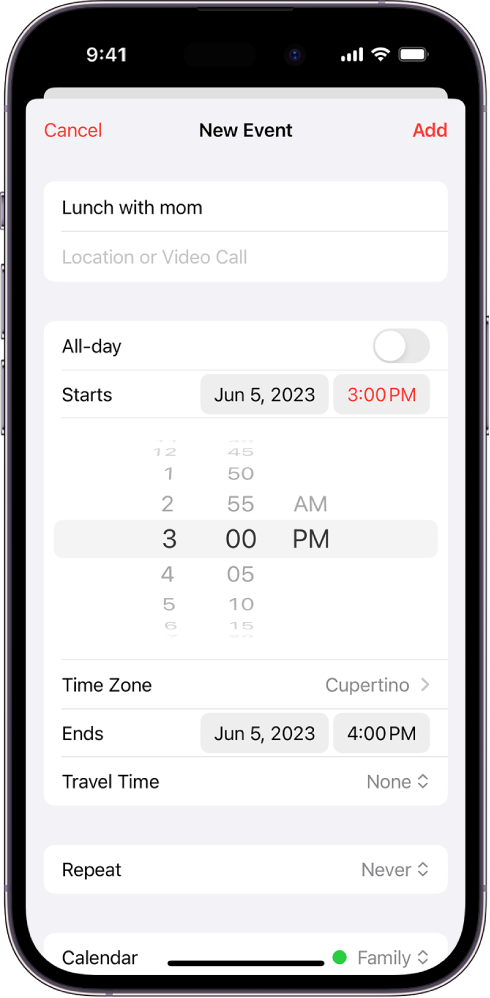
 at the top of the screen.