Hey kp64,
To clarify, when typing a contacts name, do you tap the contact icon that appears above it? If so, that is another way to "mention" someone in a message other than using the @ symbol.
If you don't tap that name there, it won't activate the mention feature.
"How to use mentions
- Open a Messages conversation.
- Type a contact's name, then tap the name when it appears. Or type @ followed by their name.
Depending on your contact's settings, a mention can notify them even if they've muted the conversation. To change this notification setting, go to Settings > Messages, then turn Notify Me on or off.
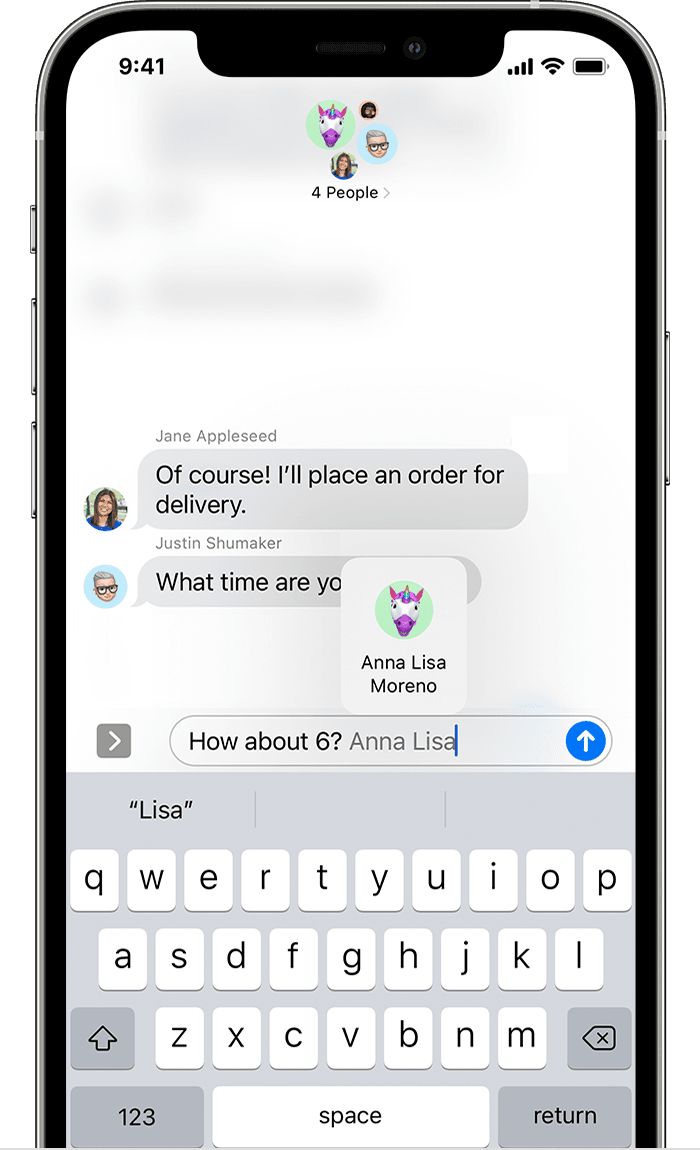 "
"
If there's tweaks you'd like to see to this feature, we can recommend leaving feedback here:
Take care.


