Hi barend258,
The Apple Watch app should already be installed on your iPhone. The information below, found in the article here can help: The Apple Watch app - Apple Support
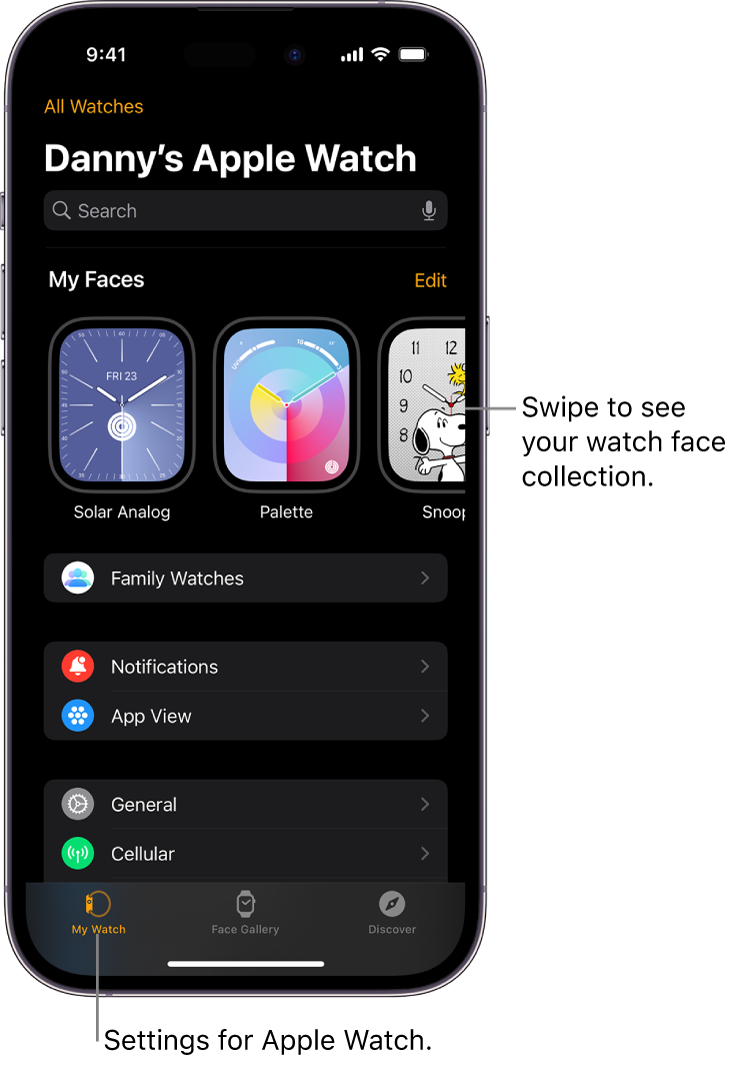
"Open the Apple Watch app
- On your iPhone, tap the Apple Watch app icon.
- Tap My Watch to see the settings for your Apple Watch.
If you have more than one Apple Watch paired with your iPhone, you see the settings for your active Apple Watch.
 "
"
If it was previously deleted, check the section "Restore a built-in app that you deleted" to reinstall it from the article here: Delete built-in Apple apps from your iPhone, iPad, or Apple Watch These steps would also apply to the Apple TV app.
You can also check to see if you have any restrictions set up preventing your from installing apps. Use parental controls on your child's iPhone, iPad, and iPod touch - Apple Support
If the issue remains, reach out to Apple Support directly to help. Get Support
Take Care!


