iPhone 14 Plus in recovery mode not recognized by iTunes

I have an iPhone 14 Plus that has been giving me issues lately. Specifically, calls will randomly drop, despite having good cellular reception, and ongoing calls will drop if I receive a call while in the ongoing call. I decided to restore the phone.


I updated the phone to the latest iOS, I have backed up to iCloud, and ensures iTunes is up to date on my PC.


I put the iPhone in recovery mode but it does not get recognized on iTunes. I have tried many cables, 3 different computers, restarting the iPhone and computer but the problem persists.


Can anyone help me with this?


Thank you

Posted on Jan 11, 2024 8:25 AM

Reply
Question marked as Top-ranking reply

Posted on Jan 11, 2024 8:44 AM

It won’t appear in iTunes until you have followed the steps in the Related Article at the top of this page carefully and completely. For an iPhone 14 Plus those instructions are:


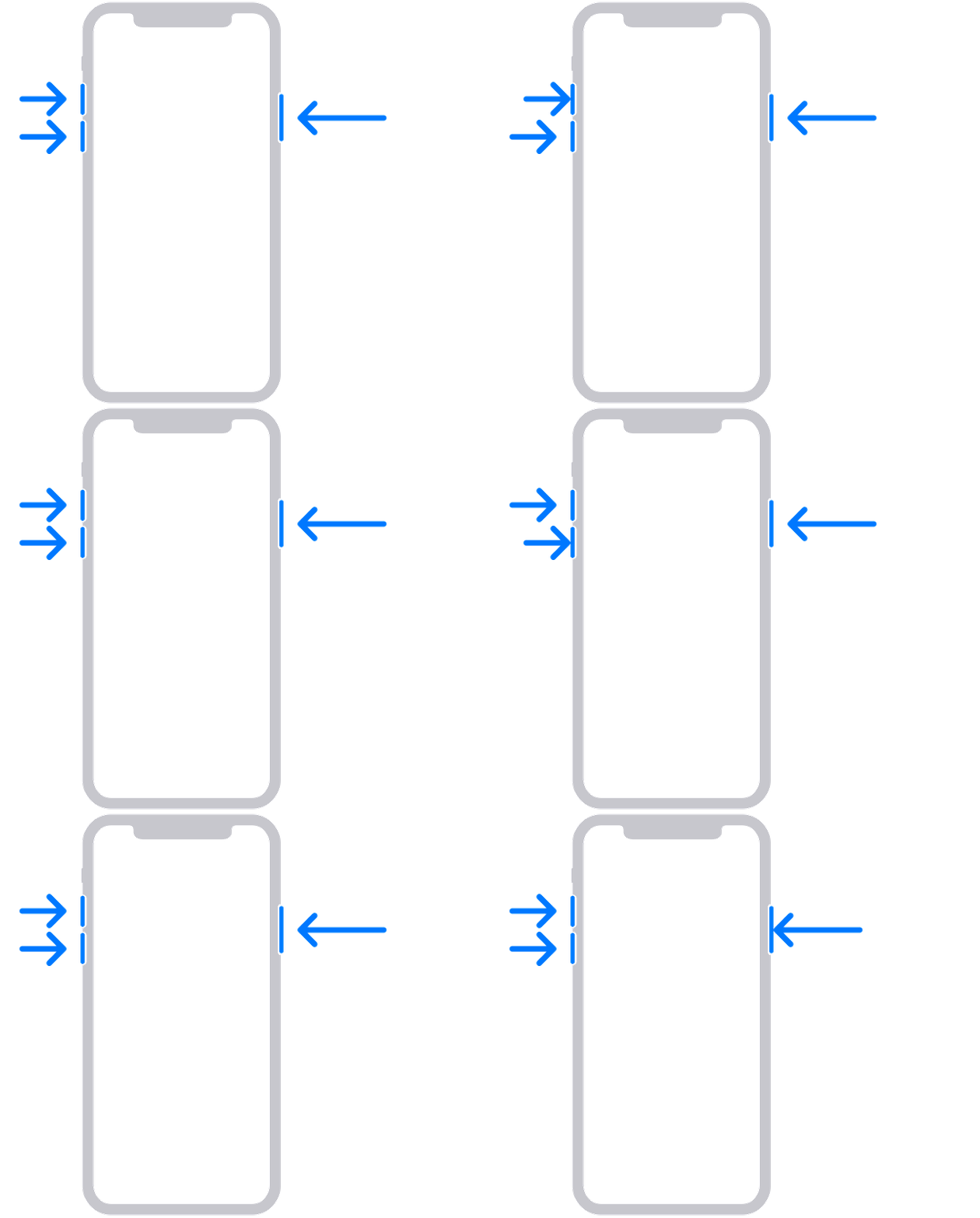
Press and quickly release the volume up button. Press and quickly release the volume down button. Then, press and hold the side button until you see the recovery mode screen. This can take up to 30 seconds of holding.


Locate your device on your computer. When you see the option to Update or Restore, choose Update. Wait while your computer downloads the software for your device. If the download takes more than 15 minutes and your device exits the recovery mode screen, let the download finish, then repeat step 3.


If you do not see the dialog to Update or Restore:


  • Reboot your computer and try again
  • Disable any antivirus or firewalls
1 reply
Question marked as Top-ranking reply

Jan 11, 2024 8:44 AM in response to jficking

It won’t appear in iTunes until you have followed the steps in the Related Article at the top of this page carefully and completely. For an iPhone 14 Plus those instructions are:


Press and quickly release the volume up button. Press and quickly release the volume down button. Then, press and hold the side button until you see the recovery mode screen. This can take up to 30 seconds of holding.


Locate your device on your computer. When you see the option to Update or Restore, choose Update. Wait while your computer downloads the software for your device. If the download takes more than 15 minutes and your device exits the recovery mode screen, let the download finish, then repeat step 3.


If you do not see the dialog to Update or Restore:


  • Reboot your computer and try again
  • Disable any antivirus or firewalls

This thread has been closed by the system or the community team. You may vote for any posts you find helpful, or search the Community for additional answers.

iPhone 14 Plus in recovery mode not recognized by iTunes

Welcome to Apple Support Community
A forum where Apple customers help each other with their products. Get started with your Apple Account.