
How do you turn on “screen lock” on an iPhone?
How do you turn on “screen lock” on an iPhone? Is there a special button on my iPhone SE (second edition)?
iPhone SE, iOS 17
How do you turn on “screen lock” on an iPhone? Is there a special button on my iPhone SE (second edition)?
iPhone SE, iOS 17
To lock the iPhone again, press the side button. iPhone locks automatically if you don't touch the screen for a minute or so.
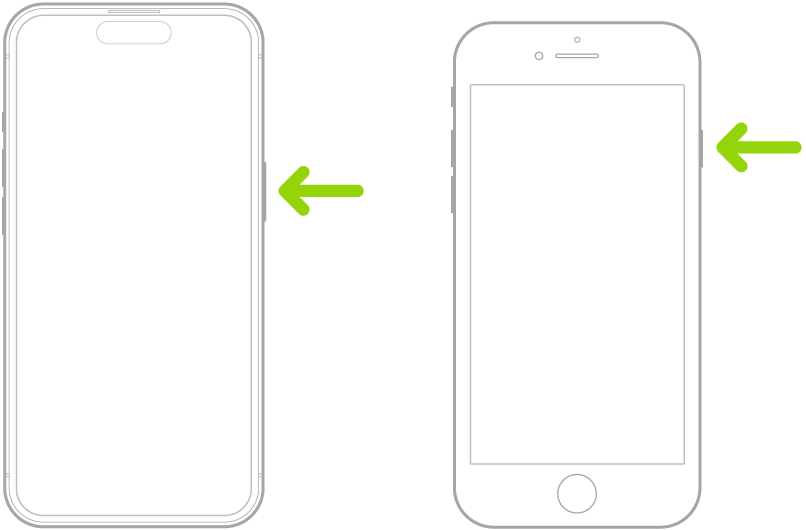
To lock the iPhone again, press the side button. iPhone locks automatically if you don't touch the screen for a minute or so.
Thank you very much for helping, SravanKrA. Until now I have only used the button for re-booting my phone. I guess that explains why my phone hasn’t automatically backed itself up, plus why it keeps calling people on its own; I just thought it was bored with me.🤔
SravanKrA: how did you get your photo used as your “avatar?” This Western Screech Owl suits me perfectly, don’t you think?
How do you turn on “screen lock” on an iPhone?
