EtreCheck report of my computer getting really hot. Macbook Pro 13 inch

Hello can somebody help translate this report into a message I can understand

more? My computer gets really hot and sometimes when I sleep it and put it back in my computer, it will stay hot and go through the whole battery. Thank you so so so much!


Posted on May 12, 2024 9:21 PM

Reply
Question marked as Top-ranking reply

Posted on May 13, 2024 9:05 AM

In addition to the others' excellent observations and advice, I see you have the base-model Macbook Pro with the base storage being a tiny 128GB solid-state drive (SSD). I'm seeing more repot of thise drives slowing as they approach being full. Yours ahsa was ot go but no by much.


You drive scores are abysmal:


Performance:

System Load: 2.16 (1 min ago) 1.98 (5 min ago) 1.88 (15 min ago)

Nominal I/O usage: 0.18 MB/s

File system: 17.89 seconds

Write speed: 240 MB/s ⚠️⚠️ ☠️

Read speed: 1208 MB/s ⚠️


Those should both at or above 2000MB/sec in a healthy and unencumbered SSD


It is possible those scores will improve considerably once you fully remove CleanMyMac and restart the computer. This would not be the first time that CMM slowed Mac storage performance dramatically.


Your Mac—catlike—cleans itself with elegant, automated self-maintenance routines that were incorporated in 2000. They do ALL housekeeping your Mac needs, even file defraggng. They need NO help. Whoever told you to install CMM scammed you.


Frankly, your entry-level Macbook Pro does not have the resources to run Chrome. Chrome is a resource-hungry app that can cause heating with no help from other apps.


Are the EA file Electronic Arts? If so, you don't have the resource for gaming either. Gaming will make a notebook computer very hot even in a more robust Mac model.


And, one last thought: Due to size limitations, 13-inch Macbook Pros have the least-capable cooling hardware. Yours has only one cooling fan, not two like larger-screen models. It also has no side vents for air intake as seen in its larger kin. You must make certain not to use the computer on a pilliow, blanket, or your lap without a lap board. Do not block the keyboard and hinge areas.



4 replies
Question marked as Top-ranking reply

May 13, 2024 9:05 AM in response to terrifiedofcomputers

In addition to the others' excellent observations and advice, I see you have the base-model Macbook Pro with the base storage being a tiny 128GB solid-state drive (SSD). I'm seeing more repot of thise drives slowing as they approach being full. Yours ahsa was ot go but no by much.


You drive scores are abysmal:


Performance:

System Load: 2.16 (1 min ago) 1.98 (5 min ago) 1.88 (15 min ago)

Nominal I/O usage: 0.18 MB/s

File system: 17.89 seconds

Write speed: 240 MB/s ⚠️⚠️ ☠️

Read speed: 1208 MB/s ⚠️


Those should both at or above 2000MB/sec in a healthy and unencumbered SSD


It is possible those scores will improve considerably once you fully remove CleanMyMac and restart the computer. This would not be the first time that CMM slowed Mac storage performance dramatically.


Your Mac—catlike—cleans itself with elegant, automated self-maintenance routines that were incorporated in 2000. They do ALL housekeeping your Mac needs, even file defraggng. They need NO help. Whoever told you to install CMM scammed you.


Frankly, your entry-level Macbook Pro does not have the resources to run Chrome. Chrome is a resource-hungry app that can cause heating with no help from other apps.


Are the EA file Electronic Arts? If so, you don't have the resource for gaming either. Gaming will make a notebook computer very hot even in a more robust Mac model.


And, one last thought: Due to size limitations, 13-inch Macbook Pros have the least-capable cooling hardware. Yours has only one cooling fan, not two like larger-screen models. It also has no side vents for air intake as seen in its larger kin. You must make certain not to use the computer on a pilliow, blanket, or your lap without a lap board. Do not block the keyboard and hinge areas.


May 13, 2024 9:33 AM in response to Allan Jones

[in my opinion] your drive with only 23 GB remaining is essentially completely full, and you are one large-software launch away from filling it completely with swap files, resulting is a fairly spectacular system crash.


For reference, MacOS itself consumes over 9 GB or drive space going from cold start to fully operational. In addition, every 1 GB of RAM not available and simulated on the drive consumes 1 GB of drive space to accomplish that trick.


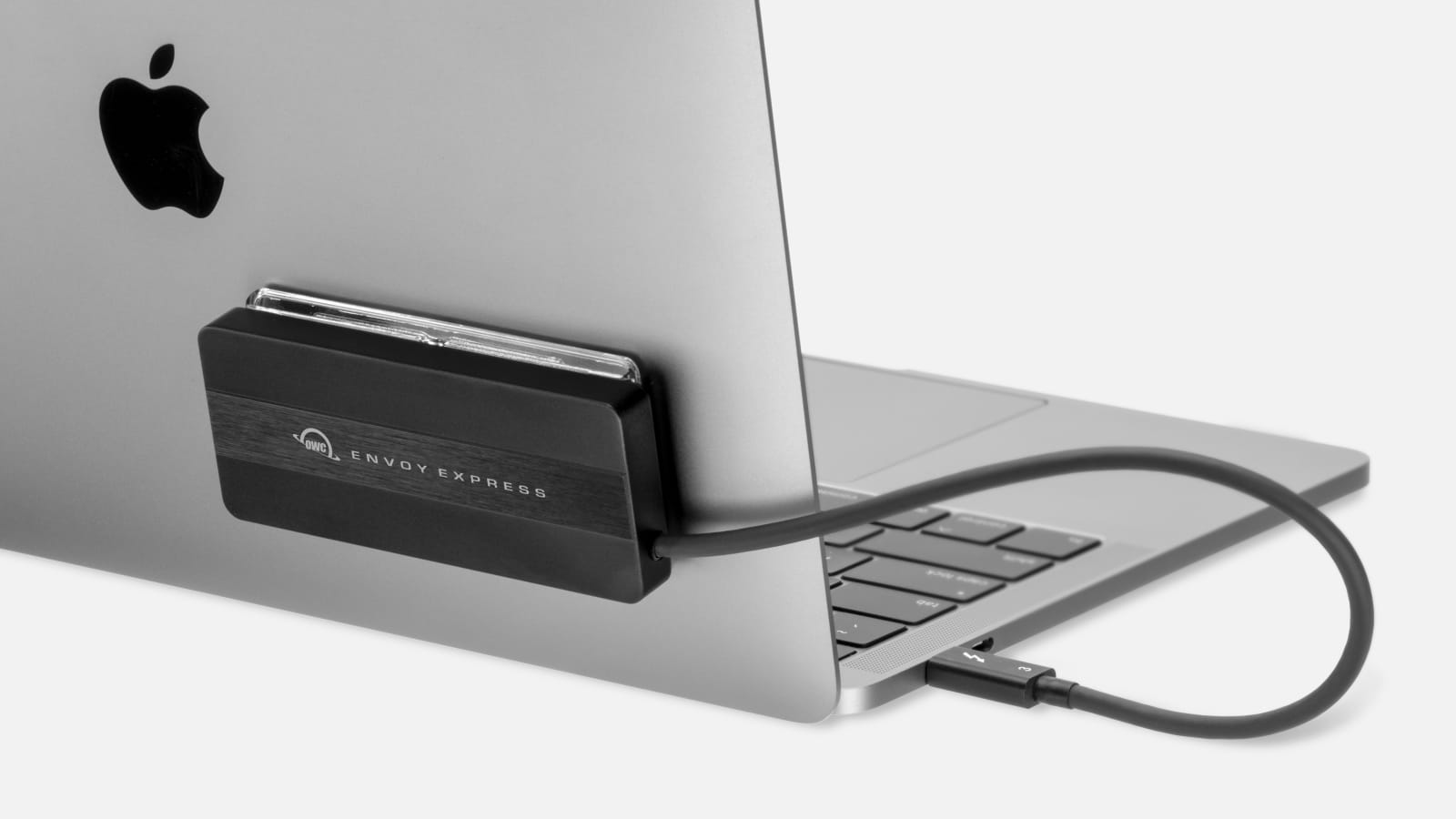
i recommend you obtain an external drive as soon as possible, and move some of your files (not system files) to the external drive.


Here are some approaches that could maintain portability:


https://eshop.macsales.com/shop/envoy-express/thunderbolt-3


https://www.amazon.com/SanDisk-Extreme-Portable-External-SDSSDE60-1T00-G25/dp/B078STRHBX


.

May 13, 2024 7:51 AM in response to terrifiedofcomputers

first, please see kaz-k's reply.


but also, I've noticed that you have cleanmymac installed. apps like that as well as any apps that claim to "speed up" or "clean up" or otherwise "optimize" your Mac, along with anti virus apps are neither recommended nor wanted. the root of your issue could very well be due to cleanmymac. you would do well to uninstall it using the developer's instructions.

This thread has been closed by the system or the community team. You may vote for any posts you find helpful, or search the Community for additional answers.

EtreCheck report of my computer getting really hot. Macbook Pro 13 inch

Welcome to Apple Support Community
A forum where Apple customers help each other with their products. Get started with your Apple Account.

