
iOS 15.8.2 installing
Why is always error if I try install update? Says nothing, just error
iPhone 7, iOS 13
Why is always error if I try install update? Says nothing, just error
iPhone 7, iOS 13
There are about a dozen different reasons why an update will fail. Unfortunately, there are no shortcuts here to find the solution.
Work your way through the Apple Support document linked below to find the real culprit.
If your iPhone or iPad won't update - Apple Support
If you do not want to tackle this yourself, take the phone to an authorized Apple Service shop for assistance. You can find a list of authorized shops using this link:
There are about a dozen different reasons why an update will fail. Unfortunately, there are no shortcuts here to find the solution.
Work your way through the Apple Support document linked below to find the real culprit.
If your iPhone or iPad won't update - Apple Support
If you do not want to tackle this yourself, take the phone to an authorized Apple Service shop for assistance. You can find a list of authorized shops using this link:
Update software on your iPhone, iPad, or iPod touch
On your Windows computer, you can update software on your iPhone, iPad, or an iPod touch.
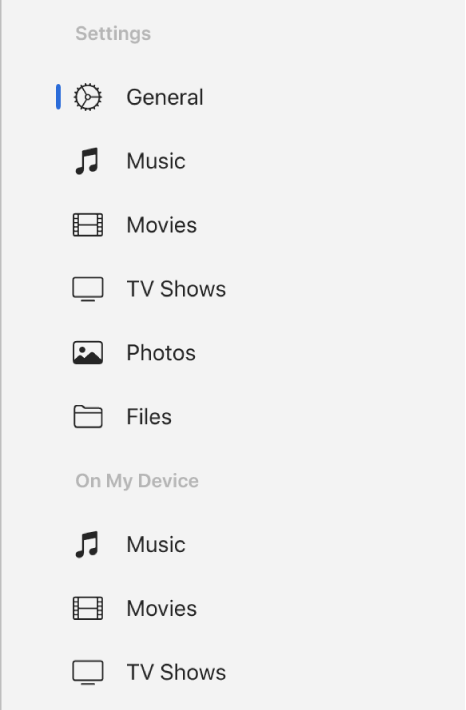
 on your Windows computer, select the device in the sidebar.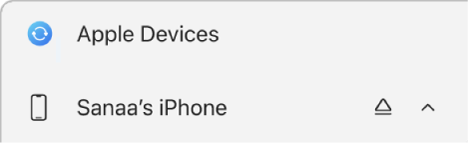
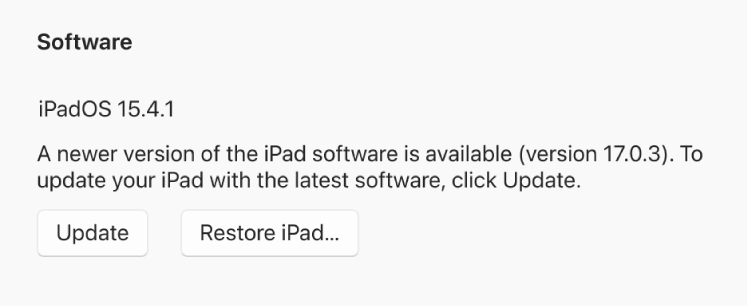
iOS 15.8.2 installing

