zafrod wrote:
A USB sync of my iphone (ios 18.3.2) to a mac (Sequoia 15.3.2) does not advance past "syncing contacts".
It gets stuck at "3/6 syncing contacts".
I've tried a few things - rebooting the iphone into "recovery mode". Didn't work.
Unselecting "sync contacts" and "sync calendars". I thought for sure this would be a workaround, but again it gets stuck on "syncing contacts" !
Anyone know a way to get the backup to work?
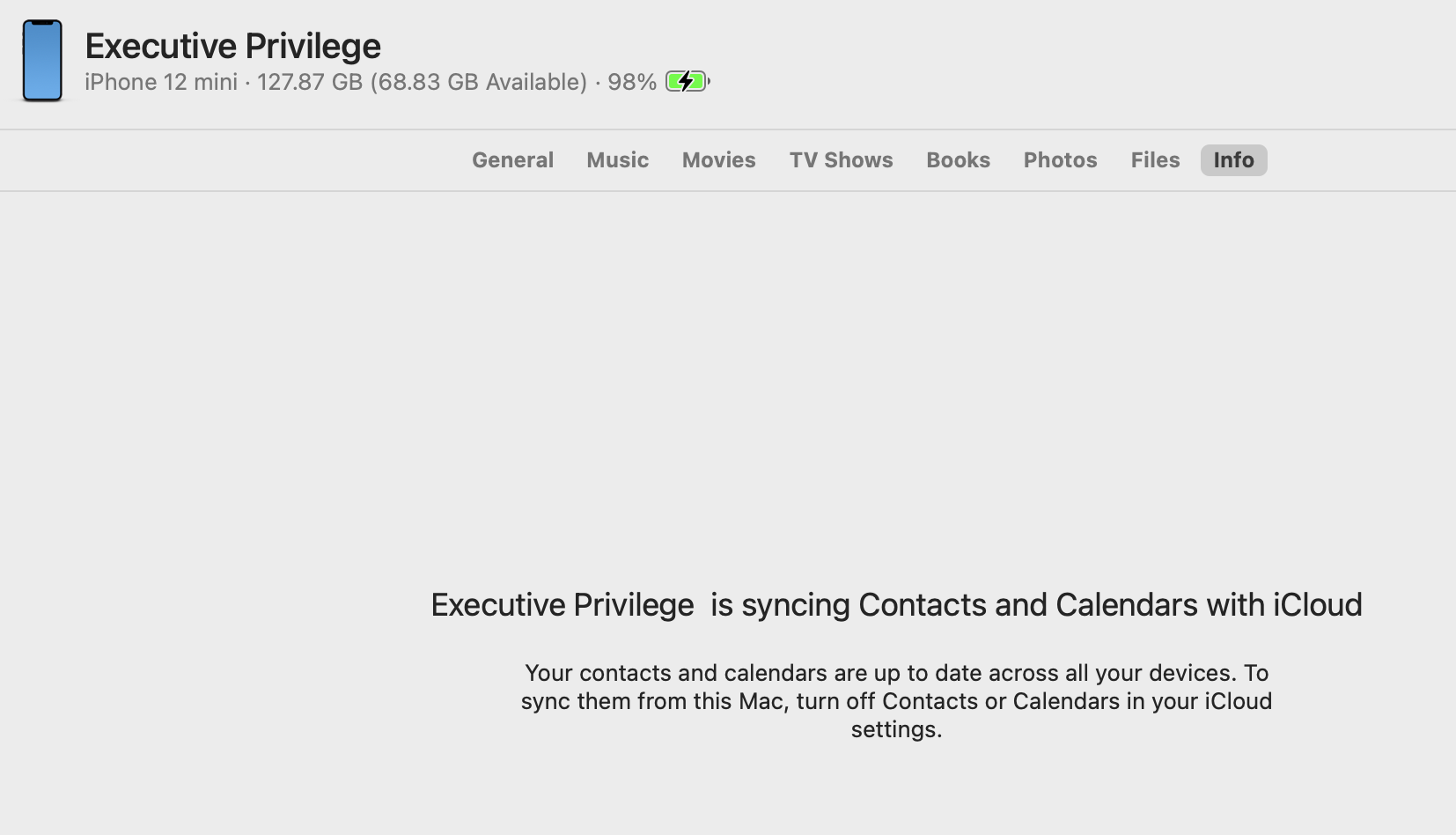
It begs the question are you using iCloud to sync those apps?
I back up manually— I see under "Info " the following message:
You can try signing out of your AppleID/account and back in again to sort sync issues:
Sign in to or out of your Apple Account on Mac - Apple Support
What I can say —
The current stable release of Sequoia including bug fixes, security updates is macOS 15.4
Keep your Mac up to date - Apple Support
Keep your Mac up to date - Apple Support
The current stable release of iOS including bug fixes, security updates is iOS 18.4
Update your iPhone or iPad - Apple Support

