
iPad Pro stuck on automatic updates permission screen
my iPad pro i just pulled out of the box is stuck on the automatic updates permission screen. How do I fix it? I already tried the force restart
iPad Pro, iPadOS 26
my iPad pro i just pulled out of the box is stuck on the automatic updates permission screen. How do I fix it? I already tried the force restart
iPad Pro, iPadOS 26
Whilst attempted, did you actually manage to force-restart the iPad?
Force restart iPad (models with Face ID or with Touch ID in the top button)
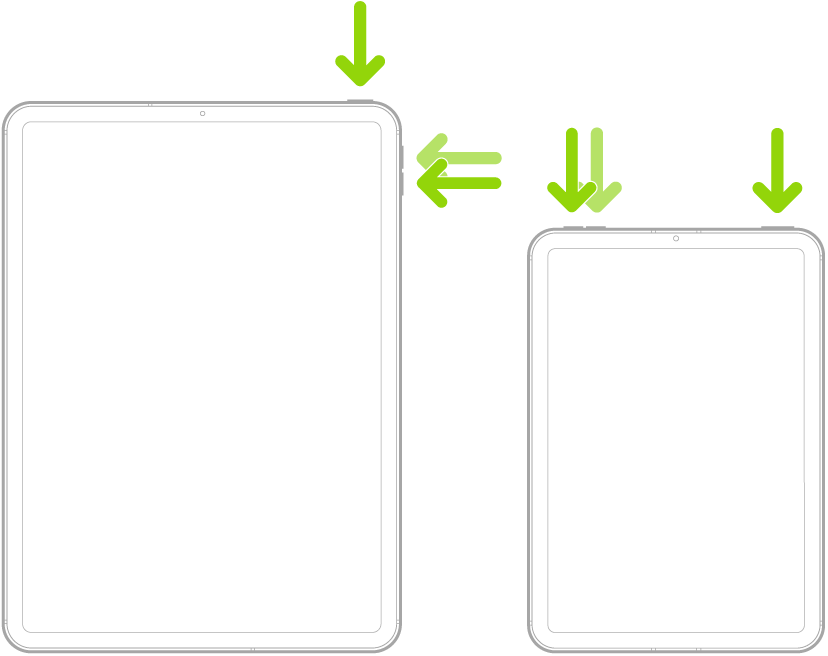
When performed correctly, the iPad will restart.
iPad Pro stuck on automatic updates permission screen
