
Phone stuck in zoom
My phone is stuck in zoom and I can’t get out
iPhone 11
My phone is stuck in zoom and I can’t get out
iPhone 11
Hello~ Any help here?
If your Lock Screen icons are magnified on your iPhone, iPad, or iPod touch - Apple Support*
*
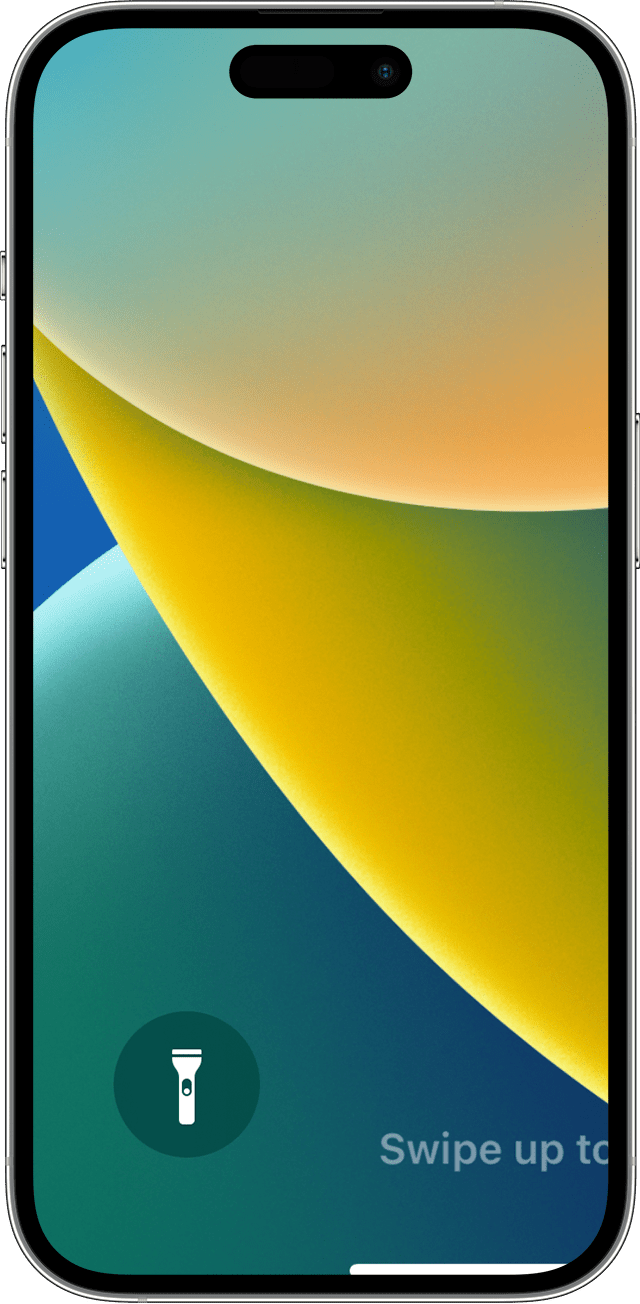
If you can't access Settings because your Lock Screen icons are magnified, double tap with three fingers on the display to zoom out.
~Katana-San~
Hello~ Any help here?
If your Lock Screen icons are magnified on your iPhone, iPad, or iPod touch - Apple Support*
*
If you can't access Settings because your Lock Screen icons are magnified, double tap with three fingers on the display to zoom out.
~Katana-San~
Use a three finger double, tap on your screen.
Try double-tap the screen with your 3 middle fingers. You may need to vary the speed and timing of the double-tap to nail it.
Double tap on your screen with three fingers and cancel the effect
Phone stuck in zoom


