Save Webcam images to HD

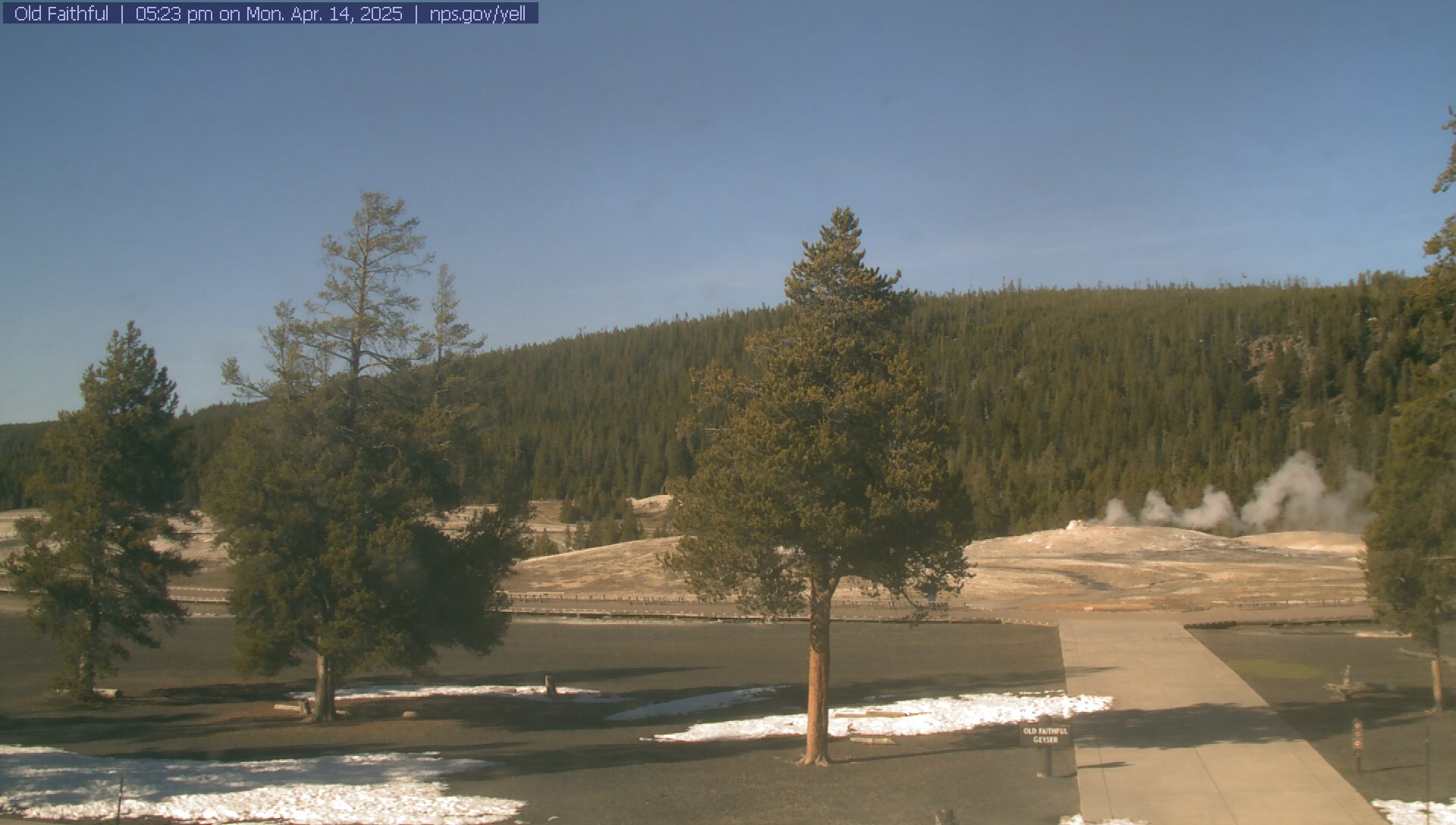
I am looking for a way to save a series of still images at 30 second intervals from a webcam on the internet to a folder on my desktop, then assemble them into a time lapse movie. I found an applescript to do this to a ramdisk, but I have no idea how to modify it or write a new script to save to a desktop folder. Once I have the images saved to a folder, I believe I can use Quicktime to assemble them into a time lapse movie.

Can someone help me with this request or point me to an OS X application that will do this?

Thanks in advance,
Bil

15" Powerbook G4; iMac i7, 15" Macbook Pro, iPad, iPhone...iBroke, Mac OS X (10.5.8), Windows Defector ~2001, Never looked back.


Posted on Sep 22, 2010 8:05 AM

Reply
9 replies

Sep 22, 2010 1:55 PM in response to William Ferguson

Hi Bill,

I think it makes most sense to break up your task into two separate scripts. One for getting the pics and one for setting them into a time lapse movie. That being said if you could post a link to the script you are trying to edit even if it does both of these that would be helpful.

The biggest issue is going to be how the webcam image is displayed on the internet. Flash video for instance will be much more difficult to handle than a simple refreshing image. Furthermore do you need it continuously monitored or what? In other words a bit more information, both background and details, is definitely necessary before anyone can help.

Best Regards,

Sep 22, 2010 2:31 PM in response to taylor.henderson

I'll have to see if I can find the script again. It's somewhere in this group discussion. Here's the link to the webcam I want to capture and time lapse.
http://www.nps.gov/yell/photosmultimedia/webcams.htm#
It refreshes about every 30 seconds. What I want to do is capture several hours worth of stills into a folder on my desktop and then create a time lapse video of the captures. I think Quicktime can handle the conversion to a .mov file.

Aha! Here's the script, posted by user paulpen. He uses a ramdisk.
set framenum to 10001 as integer
repeat 10 times (* divided by 2 gives you number of minutes you'll capture *)
set currentnum to framenum as string
try
set filo_namo to file ("RAMdisk:" & currentnum & ".jpg") as file specification
tell application "URL Access Scripting" to download ¬
"http://www.topnews.in/files/isla-fisher.jpg" to filo_namo
end try
set framenum to framenum + 1
delay 28 (* results in a capture cycle of about 30 sec *)
end repeat

Sep 22, 2010 4:49 PM in response to William Ferguson

Okay something like this will get you a pic saved to your (shortName's) desktop in the folder myFolder every 30 seconds. Just save and run it as a stay open application.


on idle()
do shell script "curl http://www.nps.gov/webcams-yell/oldfaithvc.jpg?3746535 > /Users/ShortName/Desktop/myFolder/"$(date).jpg""
return 30 --30 second delay
end idle


edit: each file in the script will be saved with terminals default complete date and time.

As for saving it as a video I don't have as much experience scripting this and think it will be a bit more of hassle depending on exactly what you want. Do you need it to automatically run every time period with error checking or can you manually run a script which chooses a folder and then creates a video from the picture files in it?

Message was edited by: taylor.henderson

Sep 23, 2010 7:07 AM in response to taylor.henderson

Do I run this script in terminal on the mac? I'm not sure how to save this as a "stay open" app. I don't think error checking is necessary at this time. I will manually start the process. After starting the process, what I'm looking for is an automated process that will save a webcam image every 30 seconds until I cancel the program. THen, I'll assemble the saved images into a time lapse. That I won't have a problem with. I appreciate your help on this.

Bill

Sep 23, 2010 12:26 PM in response to William Ferguson

Copy and paste the code into Script Editor. Then under save choose "File Format: Application bundle" and "Options: Stay Open"

You will also have to change "ShortName" in the command to your actual short name and put a folder on the Desktop named "myFolder" or rename it in the script and on the desktop.

It is true that this script is basically just a terminal command and you could accomplish this through a shell script if you like but this is the applescript forum and this will work.

Sep 23, 2010 12:51 PM in response to William Ferguson

Or, if you want to use Automator instead . . .

Get Specified URLs > http://www.nps.gov/webcams-yell/oldfaithvc.jpg
Download URLs > Where: Pictures/temp (You'll need to create this folder.)
Pause > 30 seconds
Loop > Loop automatically, stop after _ minutes (length of time to download images)
New QuickTime Slideshow > Save As: Yellowstone, Where: Desktop, Slide Duration: 1 second per image, Default Playback: Movie, Format: Self-contained

After you run the workflow, clear the contents of Pictures/temp. If you don't, images downloaded for previous time-lapse movies created with this workflow will be prepended to the next time-lapse movie.

This thread has been closed by the system or the community team. You may vote for any posts you find helpful, or search the Community for additional answers.

Save Webcam images to HD

Welcome to Apple Support Community
A forum where Apple customers help each other with their products. Get started with your Apple Account.