Thinking about Mac Mini

I want to get a mac mini, but i definetely need to know if and how can i connect it to my tv to use that as a screen instead of my monitor. I do have one of those fansy tv's that have like 50 little plugs in the back. thanks

Windows XP

Posted on Mar 16, 2006 3:01 PM

Reply
6 replies

Mar 16, 2006 3:44 PM in response to K. Moett

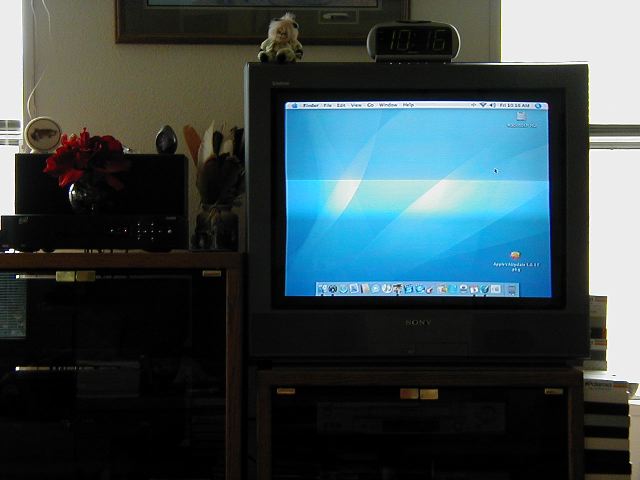
I have a 36 inch Sony TV... Nothing fancy and am using the DVI to Video adapter.

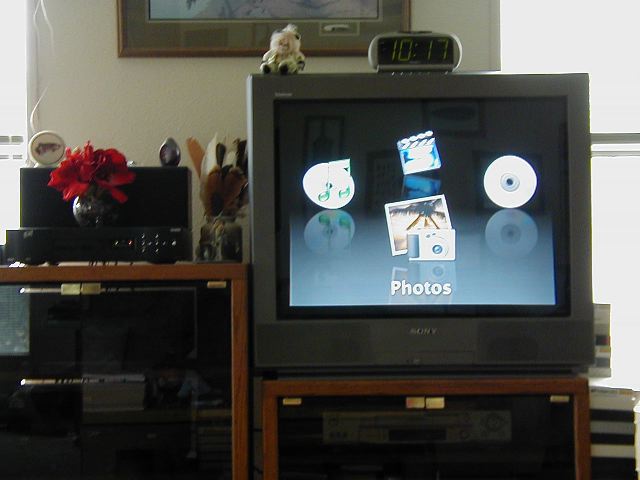
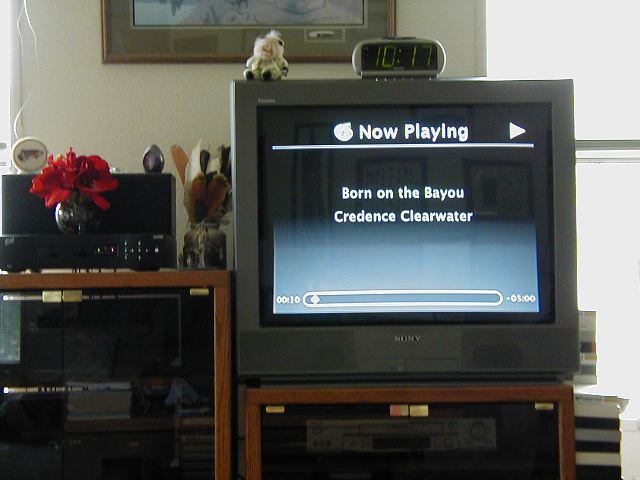
The screen looks great for Front Row and Photos etc., but not good enough text to browse the Internet and really read anything.

http://users.sisqtel.net/jkriz/MacMini/OSX.jpg
http://users.sisqtel.net/jkriz/MacMini/FrontRow.jpg
http://users.sisqtel.net/jkriz/MacMini/NowPlaying.jpg
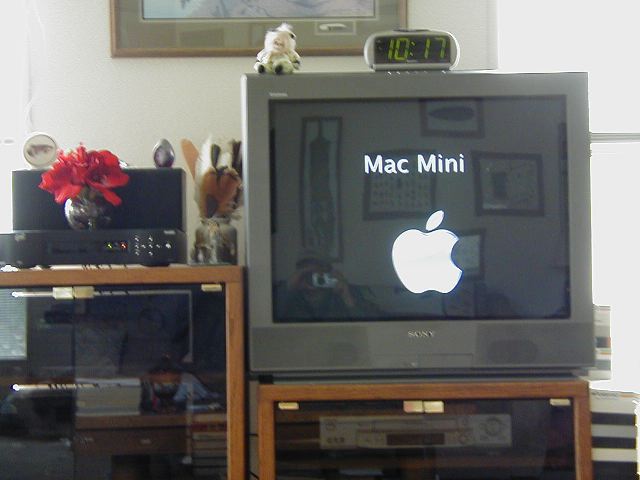
http://users.sisqtel.net/jkriz/MacMini/MacMini.jpg

There is a lot of glare in the photos but the TV screen actually looks much better in person than the photos show.

I don't plan on using the TV to surf the Internet or create documents so for my intended use of expanding the Home Entertainment Center, it works just fine.

Mar 17, 2006 4:09 AM in response to Joseph Kriz

Your TV display looks better than mine - I was hoping to use the mini to access the TV guide online but the quality of display in MacOS is dire. The system works perfectly for video and stored media in general, but not MacOS. Display quality on a different TV is rather better.

That said, for the benefit of the OP, the mini connects to almost any TV. Some TVs have VGA or even DVI inputs, in which case no adapters are needed, but others have Composite (yellow colored video and red and white audio) RCA connectors, or S-video, and for either of these, an adaptor is necessary such as the one linked to previously. In it's simplest form, audio can be nothing more complex than a stereo mini-jack to RCA cable to connect the mini's audio out to the TV's audio in, though you can also run audio to external stereo/home theatre systems the same way.

Mar 18, 2006 10:34 AM in response to carlos estrella

If you're going to connect it to an analog TV, forget it. The picture will be way too fuzzy to use as a computer monitor. However, if your TV is an LCD with a decent optimum resolution and response time (20 ms or less), you should have no problem. In general, most current LCD TVs are no different than LCD computer monitors save for the fact that one includes a TV tuner.

iMac G5, 1GB RAM, iSight, Lacie 160GB Firewire HD Mac OS X (10.4.5) Two Mac minis, 5G iPod (Black)

This thread has been closed by the system or the community team. You may vote for any posts you find helpful, or search the Community for additional answers.

Thinking about Mac Mini

Welcome to Apple Support Community
A forum where Apple customers help each other with their products. Get started with your Apple Account.